Simple & intuitive WordPress Theme


Edit Template Offline
2. Create new page and search for id 5051518
Edit Template Online
Create Awesome Websites


Free Nicepage Builder
Keywords
Service Pages and Client Proof Fit a Managed Business Content Structure
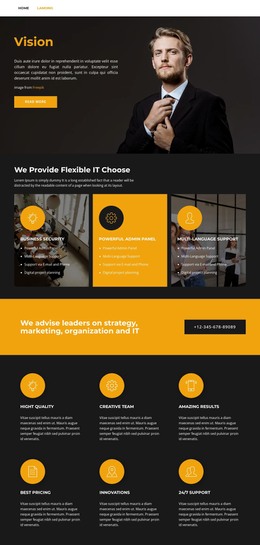
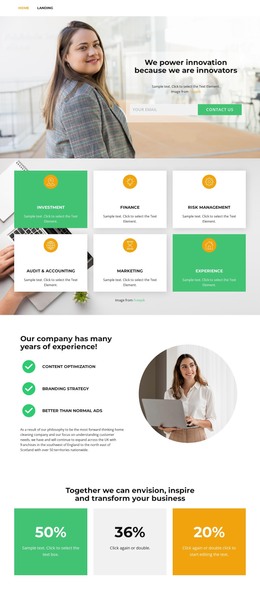
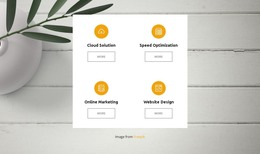
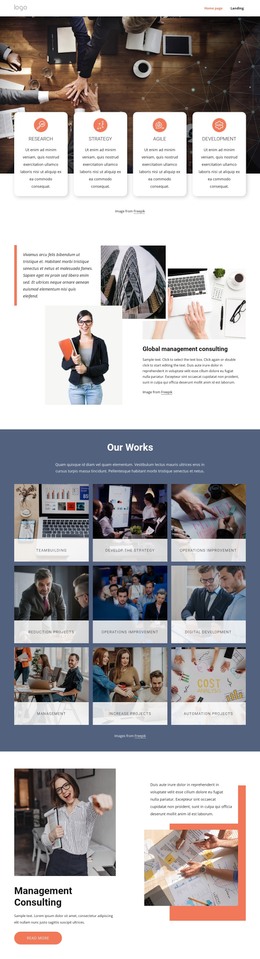
The three service cards give this design a natural starting point for page-oriented business content. Consulting, Strategy, and Mission are presented as related categories under one heading, so they can remain visually connected while their copy and imagery are adapted for the actual organization. The About Us section adds a separate company-information area, with mission-oriented text and a circular portrait that can support the site’s permanent identity content.
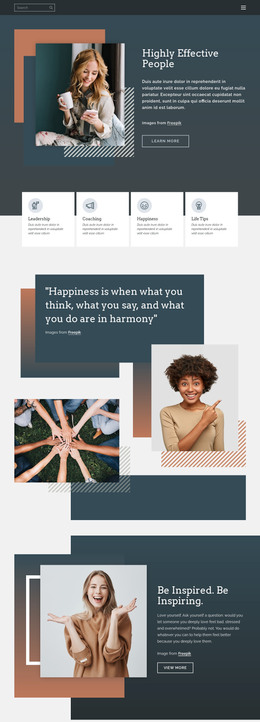
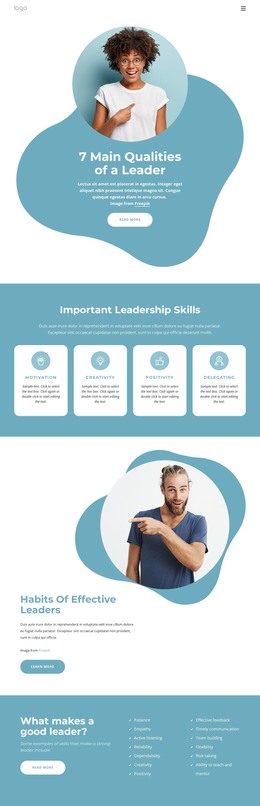
The client showcase and testimonials provide a different content relationship. Six equal logo tiles create a compact proof section, while two repeated testimonial profiles pair portraits with text, signatures, and names. Their presence shows that the design accommodates recurring content units, but the displayed names and statements should be treated as sample material until replaced or independently verified. The Ready To Try? callout can sit between informational and proof-oriented areas as a visible response prompt.
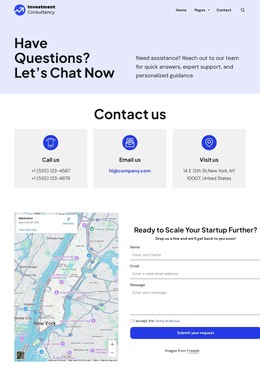
Navigation and contact content complete the WordPress-oriented interpretation. Home, Landing, About, Team, and Contact already define a path between major page areas, while the lower contact bands provide phone, location, mail, and linked prompts. A WordPress project could preserve this visual system around managed page content without claiming that posts, categories, or blog structures already exist in the template.
Customize with Nicepage
Open this ready-made template in the WordPress Website Builder and customize it visually in the Nicepage editor. Replace demo content, edit page sections, and adapt the design to your project without rebuilding the template from scratch.
Manage and Edit This Theme in WordPress
Customize and Install the WordPress Theme
Start with this ready-made theme instead of building the WordPress design from scratch. Customize its layout, content, typography, images, sections, and other design elements visually in Nicepage editor, then export and install the WordPress Theme, Plugin, and Pages on your WordPress site. The Nicepage WordPress Plugin lets you continue working with the site after installation.
Edit the Theme Directly in WordPress
After installation, you can edit the WordPress Theme directly in WordPress with the Nicepage WordPress Plugin. Use Site Style to customize site Colors, Fonts, Header, Footer, Blog, and Post Page Templates while working within your WordPress website.
Edit WordPress Pages Visually
Use the Nicepage WordPress Plugin to edit page content directly from the WordPress admin area. Open a WordPress Page with Nicepage and visually change its text, images, sections, and other page elements while continuing to manage the Page through WordPress.
WordPress Content and Theme Integration
Use the customized theme with WordPress Pages, Posts, Blog and Post Templates, menus, widgets, and other CMS-managed content. Shared theme elements such as Colors, Fonts, Header, Footer, Blog, and Post Page Templates can be managed as part of the overall site design, while WordPress provides the CMS environment for managing site content.
This workflow combines a ready-made WordPress Theme with visual customization, direct theme editing in WordPress, and continued content management through the Nicepage WordPress Plugin.