Effective plan WordPress Theme



Edit Template Offline
2. Create new page and search for id 3462407
Edit Template Online
Create Awesome Websites


Free Nicepage Builder
Keywords
Service categories and recurring cards suit WordPress-managed content
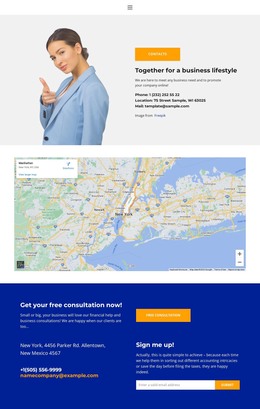
The design distinguishes permanent business information from repeated content areas in a way that can translate naturally to a WordPress-oriented project. The hero and mission band provide stable page content: an opening message, supporting copy, a Learn more action, and a concise statement about business success. The about section adds another durable content area through finance and banking consulting labels, imagery, and service-oriented presentation.
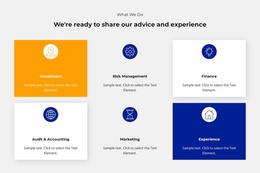
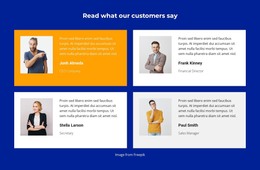
Repeated cards create a different content rhythm. The three capability cards group Visualize it, Create it, and Grow it, while the later Marketing, Flexibility, and Support cards provide a second set of short entries. Four profile-style cards offer a reusable pattern for people or project information, and four featured client tiles combine logos, descriptions, and Learn more actions. These groups can be interpreted as distinct content areas within a WordPress theme without claiming that posts, categories, or blog structures already exist in the template.
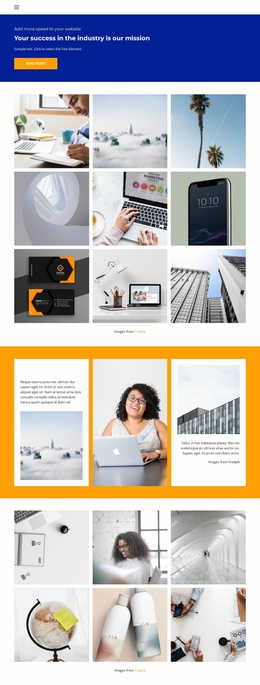
The six-image gallery gives visual work its own presentation area, supported by previous and next controls. Around it, the navigation links and closing contact section keep the site’s permanent destinations visible. Phone, location, and email labels provide concrete contact content, while the final Contacts action offers a clear endpoint for visitors. Together, these relationships let WordPress-managed page content and future updates remain within the same bold visual direction.
Customize with Nicepage
Open this ready-made template in the WordPress Website Builder and customize it visually in the Nicepage editor. Replace demo content, edit page sections, and adapt the design to your project without rebuilding the template from scratch.
Manage and Edit This Theme in WordPress
Customize and Install the WordPress Theme
Start with this ready-made theme instead of building the WordPress design from scratch. Customize its layout, content, typography, images, sections, and other design elements visually in Nicepage editor, then export and install the WordPress Theme, Plugin, and Pages on your WordPress site. The Nicepage WordPress Plugin lets you continue working with the site after installation.
Edit the Theme Directly in WordPress
After installation, you can edit the WordPress Theme directly in WordPress with the Nicepage WordPress Plugin. Use Site Style to customize site Colors, Fonts, Header, Footer, Blog, and Post Page Templates while working within your WordPress website.
Edit WordPress Pages Visually
Use the Nicepage WordPress Plugin to edit page content directly from the WordPress admin area. Open a WordPress Page with Nicepage and visually change its text, images, sections, and other page elements while continuing to manage the Page through WordPress.
WordPress Content and Theme Integration
Use the customized theme with WordPress Pages, Posts, Blog and Post Templates, menus, widgets, and other CMS-managed content. Shared theme elements such as Colors, Fonts, Header, Footer, Blog, and Post Page Templates can be managed as part of the overall site design, while WordPress provides the CMS environment for managing site content.
This workflow combines a ready-made WordPress Theme with visual customization, direct theme editing in WordPress, and continued content management through the Nicepage WordPress Plugin.