General questions Website Template


Edit Template Offline
2. Create new page and search for id 6477000
Edit Template Online
Create Awesome Websites


Free Nicepage Builder
Keywords
Accordion Content and Inquiry Sections Establish a Site Foundation
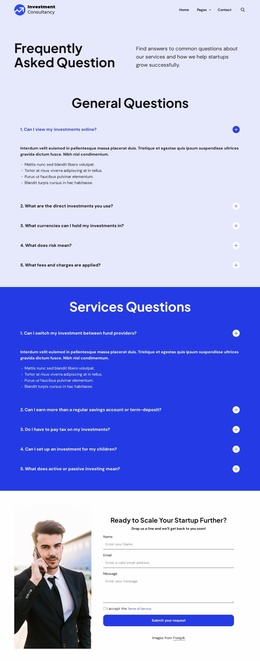
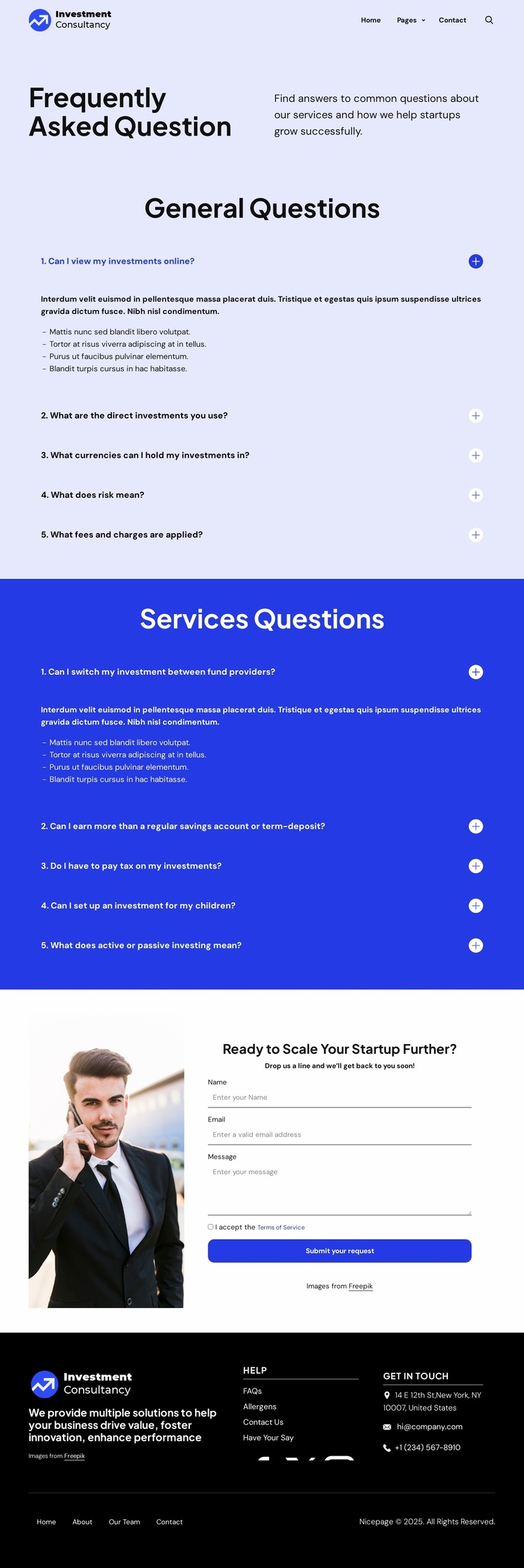
The design defines several important website content areas without claiming to include a complete multi-page project. Its header establishes shared navigation through a brand mark, Home, Pages, Contact Us, and a search control. The main body then gives the site a clear subject structure: a split FAQ introduction is followed by one light-background accordion for general questions and a second blue-background accordion for services questions.
The two groups each contain five questions. Together they address investment access, direct investments, currencies, risk, fees, provider changes, returns, taxation, children’s investments, and active or passive investing. This coverage creates a strong informational core that could support additional pages about the consultancy, its services, or its contact process as the broader project grows. The expandable presentation keeps these topics organized while leaving room for complete answers to replace the current placeholder paragraphs and bullets.
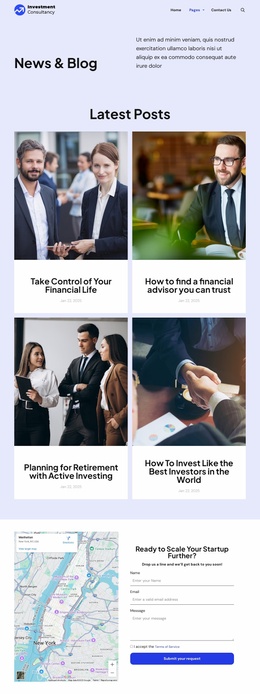
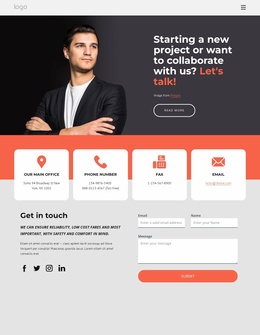
The startup-focused inquiry block provides a second major content category. Its “Ready to Scale Your Startup Further?” prompt combines a businessperson image with name, email, message, terms acceptance, and a submission action. The footer adds another reusable site region through company summary text, help links, Facebook, Twitter, Instagram, contact details, and lower navigation. These relationships make the template a practical starting information architecture for a larger investment website, while the existing page remains one verified FAQ design rather than an implied collection of finished pages.
Customize with Nicepage
Open this ready-made template in the Website Template Builder and customize it visually in the Nicepage editor. Replace demo content, edit page sections, and adapt the design to your project without rebuilding the template from scratch.
Build a Complete Website From This Template
Customize the Website Visually
Use this ready-made website template as a starting point for your project and adapt its pages visually in Nicepage. Change content, images, typography, navigation, sections, and other design elements while keeping the website together as a single editable project.
Manage Website Pages in One Project
Use the Pages panel to open, add, duplicate, and manage the pages of your website. Work on individual pages while keeping navigation and the overall site structure accessible from the same project, making it easier to develop a complete website instead of managing separate page files.
Expand the Website With Matching Designs
When you need additional pages or sections, use Page Design Sets to find Page and Block Designs created in the same visual style. Design Sets group matching designs together, making it easier to expand the website with new content while maintaining a consistent look across its pages and sections.
Organize Larger Multi-Page Websites
As the website grows, use Page Folders to organize related pages and keep larger multi-page projects easier to navigate in the editor. This is especially useful for websites with separate service pages, company information, contacts, landing pages, and other content areas.
This workflow makes the template a practical foundation for building and expanding a complete website while managing its pages, content, and visual design within one Nicepage project.