Your first impression Template


Edit Template Offline
2. Create new page and search for id 6169223
Edit Template Online
Create Awesome Websites


Free Nicepage Builder
Keywords
Branding Categories and a Focused Inquiry Path Shape the Design Choice
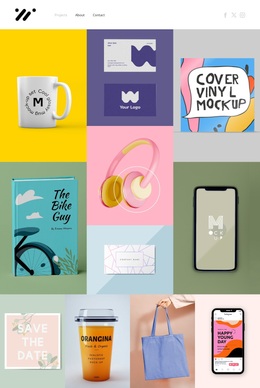
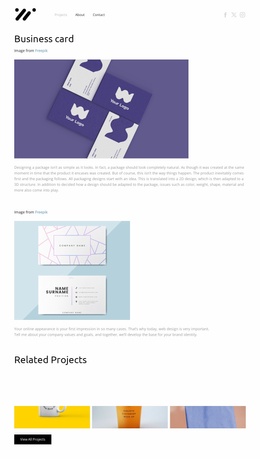
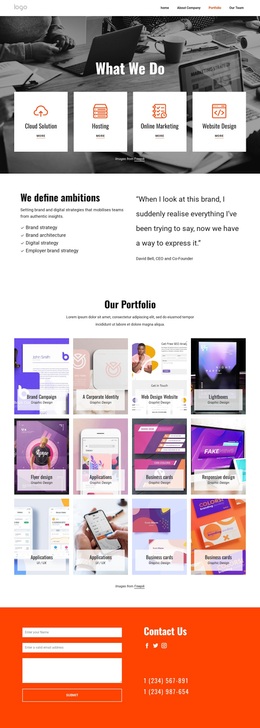
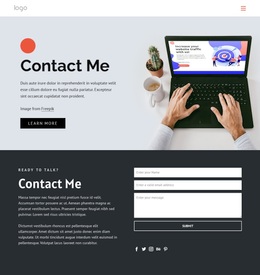
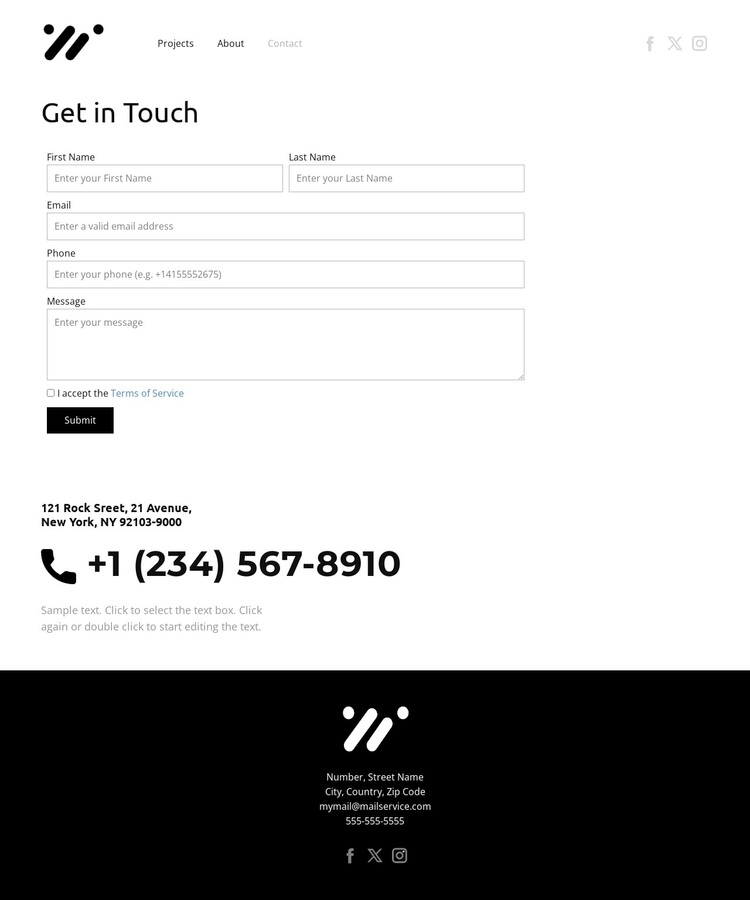
The combination of project categories and direct contact content makes this design a useful option for a portfolio that needs to connect creative work with an immediate inquiry route. Branding, UI/UX, and Business card navigation appear before the contact content, so the page can frame the type of design work visitors may be interested in without filling the layout with dense explanatory copy. Social links add a restrained secondary connection beside the compact brand mark.
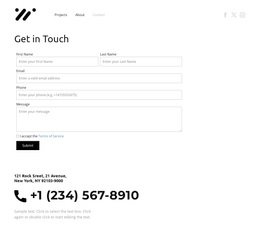
The strongest practical feature is the transition into the centered Get in Touch section. A clear heading, stacked form fields, terms agreement, and Submit action keep the visitor’s attention on one defined inquiry task. The phone contact block below broadens the available response path while remaining visually separate from the form. This balance suits projects where the page must feel like part of a design portfolio rather than a generic business contact screen.
The dark footer provides a deliberate final contrast and repeats the site identity, contact text, and social links. Along with the thin field borders, sparse sans-serif type, and generous whitespace, it gives the design a recognizable character without relying on elaborate decoration. Choosing this template means choosing a compact presentation where category context, restrained visual direction, and contact access are tightly related.
Customize with Nicepage
Open this ready-made template in the Template Builder and customize it visually in the Nicepage editor. Replace demo content, edit page sections, and adapt the design to your project without rebuilding the template from scratch.
Start With a Ready-Made Template
Choose a Design for a New Page
Use a ready-made template as a starting point instead of creating every page from a blank canvas. When adding a new page in Nicepage, browse available designs, compare different layouts, and choose an option that already fits the general purpose and visual direction of your project.
Browse Different Page Designs
Explore Page Designs using search, thematic categories, Design Sets, and full-page previews. The collection includes layouts for different subjects and page purposes, making it easier to compare alternatives before selecting a design to customize.
Customize the Selected Template
After choosing a design, create the page and continue editing it visually in Nicepage. Replace the demo content, adjust images, typography, colors, sections, and other elements, and adapt the ready-made layout to your own content instead of rebuilding the design from the beginning.
Explore More Design Directions
If the first option does not match your project closely enough, return to the design collection and compare other templates before committing to a layout. This makes the template library useful not only for faster page creation, but also for exploring different visual approaches and finding a suitable starting point for a new project.
This workflow gives you access to a broad collection of ready-made designs that can be selected, compared, and customized according to the needs of each new page or project.