Market Positioning Template



Edit Template Offline
2. Create new page and search for id 6324401
Edit Template Online
Create Awesome Websites


Free Nicepage Builder
Keywords
Six Services Connect Strategy, Identity, and Ongoing Brand Support
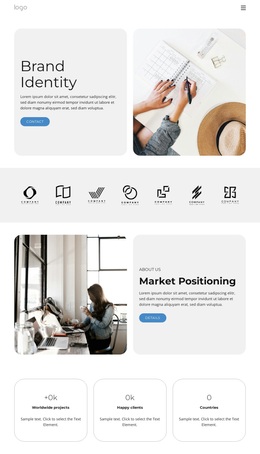
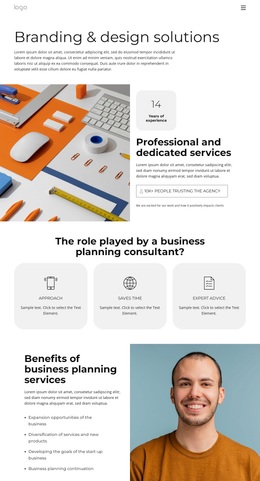
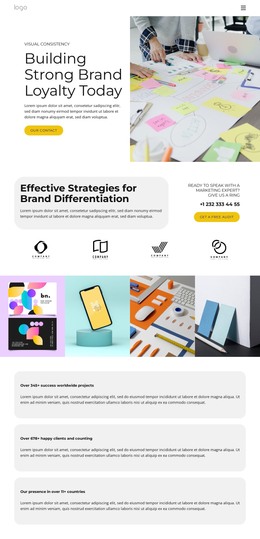
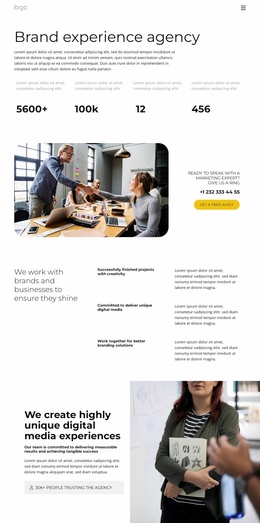
Logo Design, Market Research, Brand Strategy, Visual Identity, Content Creation, and Rebranding Services give this design a wider content range than a page focused on only one creative deliverable. The six-card arrangement makes the service scope immediately scannable, while the split sections place selected themes into a more editorial context. Brand Identity opens the presentation, Market Positioning follows with an office image, and Brand Strategy returns to the relationship between strategic thinking and visual work. The later Visual Consistency section reinforces that these services belong to one connected offer.
The design is also worth choosing when a branding agency needs to explain how its work is delivered rather than simply list capabilities. Three expandable process topics create room for research and strategy, wireframe and design, and maintenance and support. Three benefit cards add a concise summary of Cost Efficiency, Time Savings, and High Quality without replacing the more detailed service structure. A testimonial and four team portrait cards supply human context, while the phone, email, and mailing-list areas accommodate both direct inquiries and ongoing communication. The result is a content-rich option for organizations seeking a brand presentation with strategy, execution, process, people, and response points in one visual direction.
Customize with Nicepage
Open this ready-made template in the Template Builder and customize it visually in the Nicepage editor. Replace demo content, edit page sections, and adapt the design to your project without rebuilding the template from scratch.
Start With a Ready-Made Template
Choose a Design for a New Page
Use a ready-made template as a starting point instead of creating every page from a blank canvas. When adding a new page in Nicepage, browse available designs, compare different layouts, and choose an option that already fits the general purpose and visual direction of your project.
Browse Different Page Designs
Explore Page Designs using search, thematic categories, Design Sets, and full-page previews. The collection includes layouts for different subjects and page purposes, making it easier to compare alternatives before selecting a design to customize.
Customize the Selected Template
After choosing a design, create the page and continue editing it visually in Nicepage. Replace the demo content, adjust images, typography, colors, sections, and other elements, and adapt the ready-made layout to your own content instead of rebuilding the design from the beginning.
Explore More Design Directions
If the first option does not match your project closely enough, return to the design collection and compare other templates before committing to a layout. This makes the template library useful not only for faster page creation, but also for exploring different visual approaches and finding a suitable starting point for a new project.
This workflow gives you access to a broad collection of ready-made designs that can be selected, compared, and customized according to the needs of each new page or project.