Professional photo Template


A Compact Portrait Row With More Depth Than a Static Image Strip
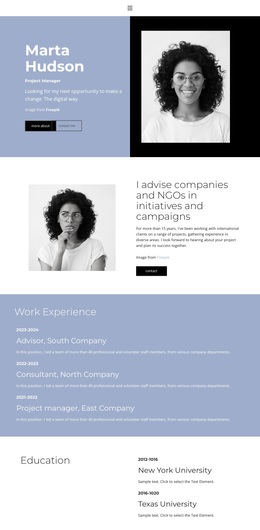
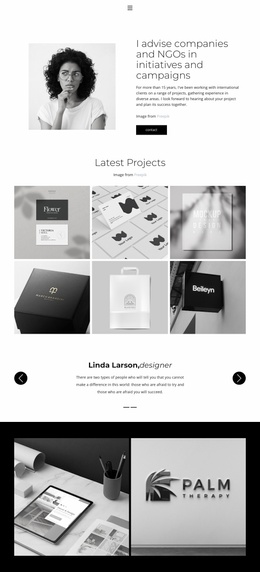
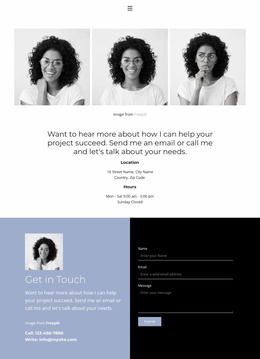
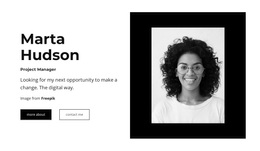
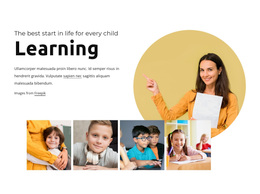
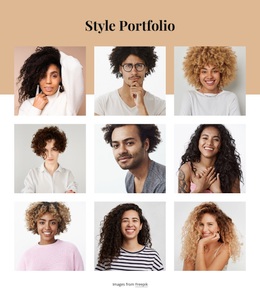
The strongest reason to choose this block is the combination of a compact three-image row and an image-focused viewing experience. Rather than presenting one isolated photograph, the section places three equal-sized portrait crops side by side, giving visitors an immediate sense of repetition, comparison, and visual continuity. The tight spacing keeps the group concise, so it can occupy a defined gallery position without requiring a large amount of supporting copy.
The lightbox interaction adds useful depth to that compact arrangement. Visitors can move from the overview of the row to a closer view of an individual image, while the section’s basic structure remains easy to understand. The centered attribution line is another distinguishing detail: it completes the visual unit with a discreet credit treatment directly beneath the photographs. This option suits a page that needs portrait imagery to carry most of the expression, with the white background and regular crop system providing a restrained setting. It is a more focused alternative to a text-heavy gallery or a larger image collection, especially when three related photographs are enough to establish the intended visual presence.
Customize with Nicepage
Open this ready-made template in the Template Builder and customize it visually in the Nicepage editor. Replace demo content, edit page sections, and adapt the design to your project without rebuilding the template from scratch.
Edit Template Offline
2. Create a new page or select existing
3. Click Add new block, search for id 6174831 and click enter
Edit Template Online
Create Awesome Websites


Free Nicepage Builder
Keywords
Start With a Ready-Made Block Design
Choose a Section Instead of Building From Scratch
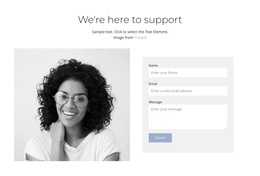
Use a ready-made block as a starting point when a page needs a particular content function or visual arrangement. Nicepage Block Designs provide section-level options for introductions, services, galleries, testimonials, contact forms, pricing, text layouts, and other common page needs.
Compare Different Layout Directions
Blocks with the same function can still differ in image emphasis, number of items, column structure, typography, spacing, card treatment, interaction, and overall visual weight. Compare those concrete characteristics before choosing the section that best matches the surrounding page.
Customize the Selected Block
After adding a block, replace demo content, adjust images and text, refine colors and typography, and adapt individual elements while preserving the section's useful structure. If another design fits the content better, return to the Block Designs collection and compare alternatives rather than forcing one section to solve a different function.
This workflow makes a Block ID a ready-made section choice: one reusable design option that can be selected and customized as part of a larger page.