The digital way Template


Edit Template Offline
2. Create new page and search for id 6174818
Edit Template Online
Create Awesome Websites


Free Nicepage Builder
Keywords
Portrait Introductions Meet Compact Evidence Sections
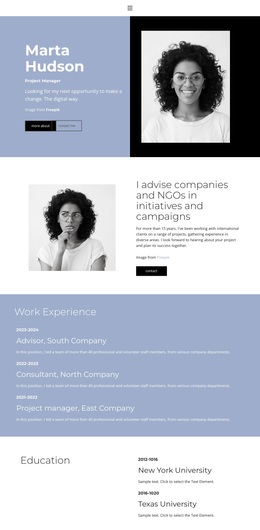
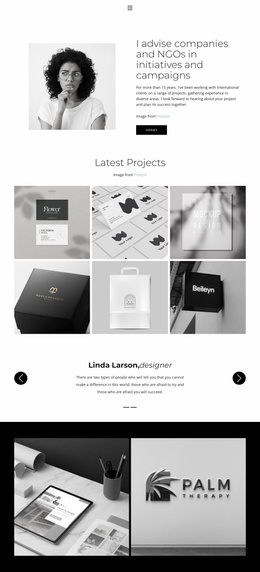
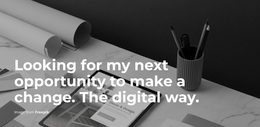
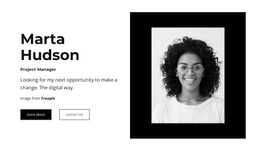
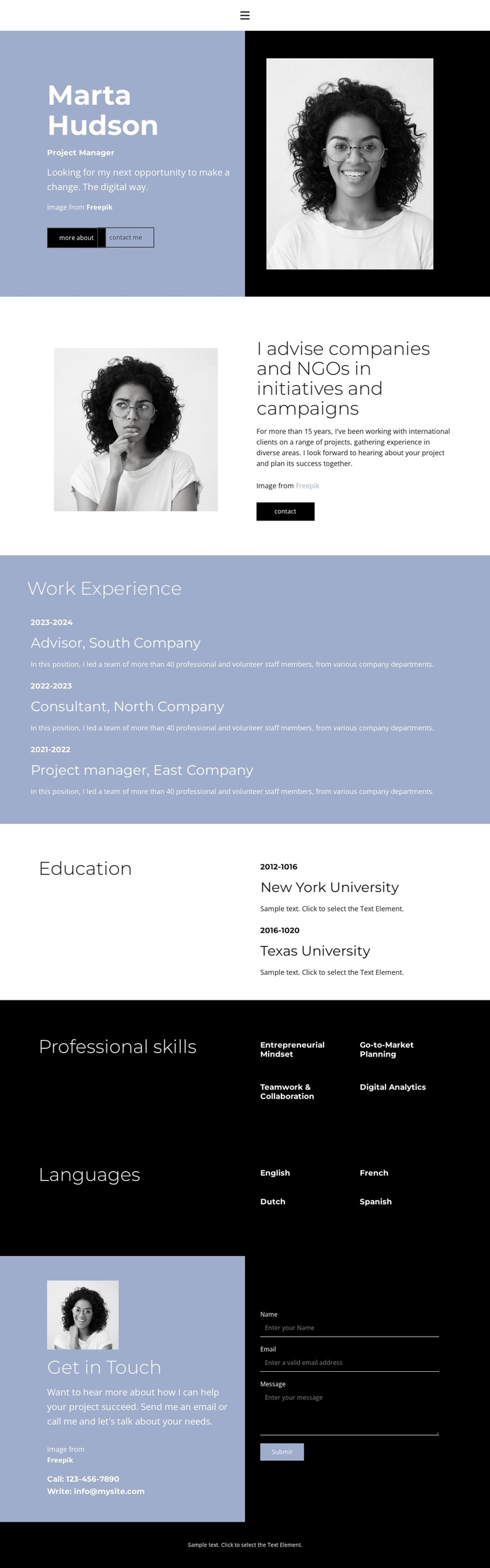
Two portrait-led opening panels give this design a clear identity before the information becomes more compact. The first combines a profile name, role label, introductory copy, portrait, and Download Resume action. The second places another portrait beside an advisory summary and a small action button. Together, they make the visual story personal without relying on long introductory text, which suits projects that need a professional profile to be understood quickly.
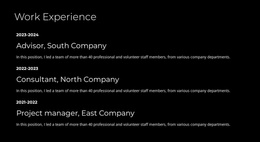
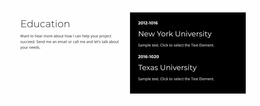
The strongest reason to choose this layout is its coverage of the information employers and recruiters commonly need to scan. Three work experience entries are stacked in chronological order, creating a dedicated record of roles and descriptions. Education follows in a lighter two-column section with two entries. The black skills section then reduces four capabilities—entrepreneurial mindset, go-to-market planning, teamwork and collaboration, and digital analytics—to a compact list, while the matching Languages section presents English, French, Dutch, and Spanish with the same concise visual logic.
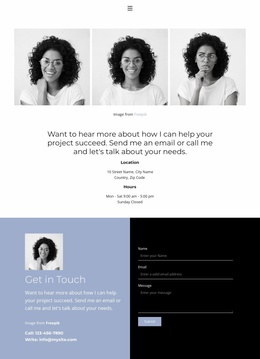
The design also includes a clear closing contact area rather than ending with qualifications alone. Contact details appear beside a message form with name, email, and message inputs, allowing the page to support professional opportunities as well as profile presentation. The restrained blue, white, and black palette, generous whitespace, and repeated split layouts make this a useful choice when a resume should feel editorial, direct, and easy to review.
Customize with Nicepage
Open this ready-made template in the Template Builder and customize it visually in the Nicepage editor. Replace demo content, edit page sections, and adapt the design to your project without rebuilding the template from scratch.
Start With a Ready-Made Template
Choose a Design for a New Page
Use a ready-made template as a starting point instead of creating every page from a blank canvas. When adding a new page in Nicepage, browse available designs, compare different layouts, and choose an option that already fits the general purpose and visual direction of your project.
Browse Different Page Designs
Explore Page Designs using search, thematic categories, Design Sets, and full-page previews. The collection includes layouts for different subjects and page purposes, making it easier to compare alternatives before selecting a design to customize.
Customize the Selected Template
After choosing a design, create the page and continue editing it visually in Nicepage. Replace the demo content, adjust images, typography, colors, sections, and other elements, and adapt the ready-made layout to your own content instead of rebuilding the design from the beginning.
Explore More Design Directions
If the first option does not match your project closely enough, return to the design collection and compare other templates before committing to a layout. This makes the template library useful not only for faster page creation, but also for exploring different visual approaches and finding a suitable starting point for a new project.
This workflow gives you access to a broad collection of ready-made designs that can be selected, compared, and customized according to the needs of each new page or project.