Family friendly church Template
Edit Template Offline
2. Create new page and search for id 378350
Edit Template Online
Create Awesome Websites


Free Nicepage Builder
Keywords
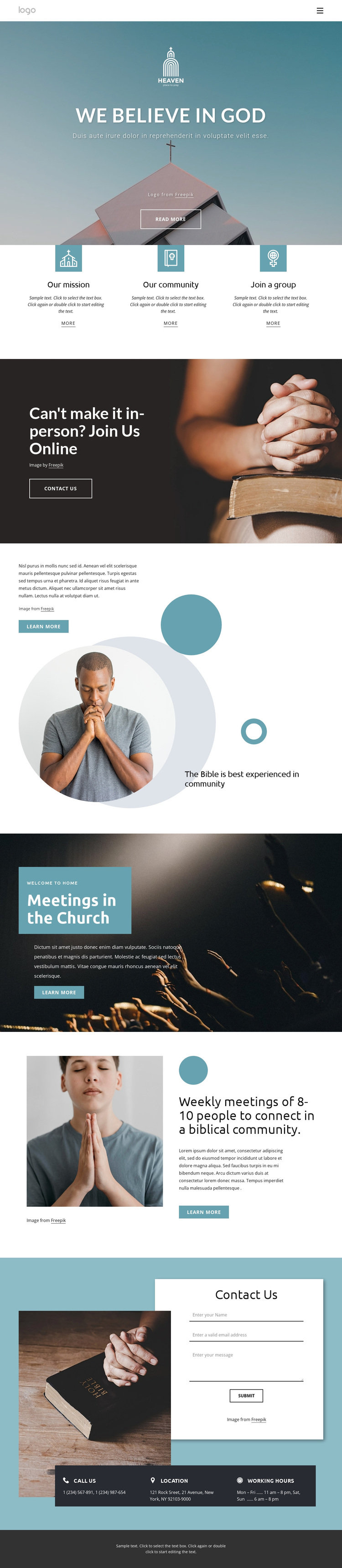
Three Community Pathways Give This Church Design Its Focus
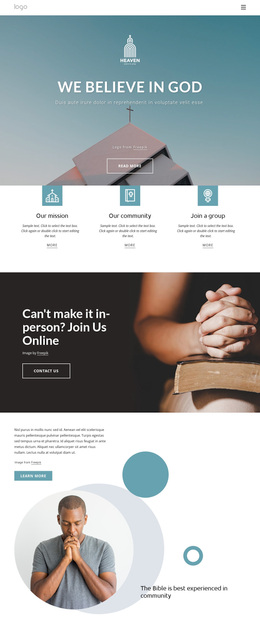
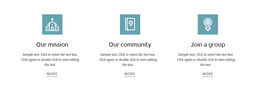
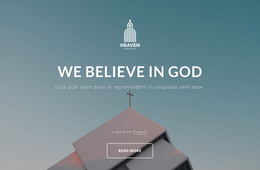
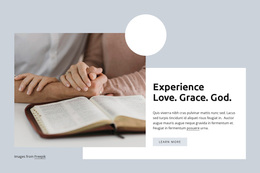
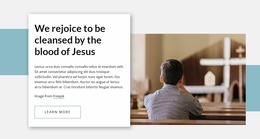
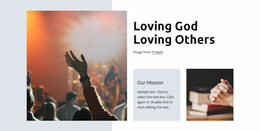
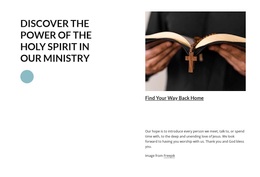
The three equal cards are the clearest reason to consider this design among other church page options. “Our mission,” “Our community,” and “Join a group” turn a broad church introduction into three recognizable pathways, so the page can address belief, belonging, and participation without placing all information in one dense text block. The opening “WE BELIEVE IN GOD” statement gives those pathways a clear faith-based context.
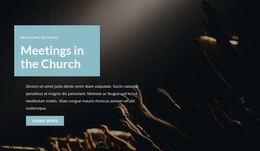
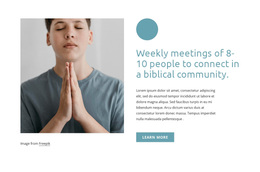
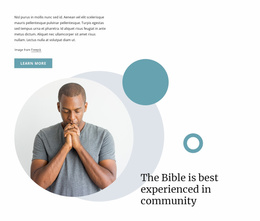
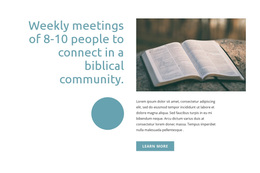
The design also covers both physical and remote involvement. A full-width section invites visitors to join online when they cannot attend in person, while later sections introduce church meetings and weekly gatherings of 8–10 people in a biblical community. This combination makes the layout suitable for a church that wants to explain its identity and show several ways people can connect. The alternating photographic sections and split layouts keep the subject visually present as the information develops.
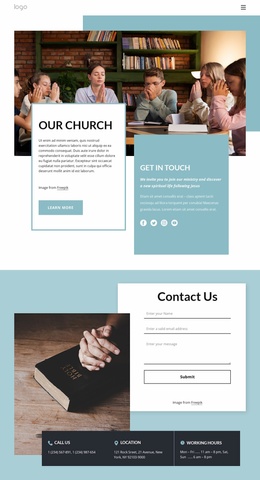
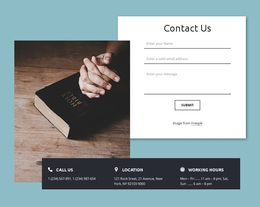
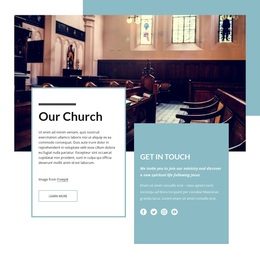
A practical contact area completes the choice. Instead of ending with only descriptive content, the page includes a form alongside phone, location, and working-hours information. That gives visitors a direct way to continue the conversation after reviewing the beliefs, mission, and meeting details. The design is therefore distinctive through coverage and sequence rather than through unsupported claims about a particular congregation.
Customize with Nicepage
Open this ready-made template in the Template Builder and customize it visually in the Nicepage editor. Replace demo content, edit page sections, and adapt the design to your project without rebuilding the template from scratch.
Start With a Ready-Made Template
Choose a Design for a New Page
Use a ready-made template as a starting point instead of creating every page from a blank canvas. When adding a new page in Nicepage, browse available designs, compare different layouts, and choose an option that already fits the general purpose and visual direction of your project.
Browse Different Page Designs
Explore Page Designs using search, thematic categories, Design Sets, and full-page previews. The collection includes layouts for different subjects and page purposes, making it easier to compare alternatives before selecting a design to customize.
Customize the Selected Template
After choosing a design, create the page and continue editing it visually in Nicepage. Replace the demo content, adjust images, typography, colors, sections, and other elements, and adapt the ready-made layout to your own content instead of rebuilding the design from the beginning.
Explore More Design Directions
If the first option does not match your project closely enough, return to the design collection and compare other templates before committing to a layout. This makes the template library useful not only for faster page creation, but also for exploring different visual approaches and finding a suitable starting point for a new project.
This workflow gives you access to a broad collection of ready-made designs that can be selected, compared, and customized according to the needs of each new page or project.

Design Set (27)
-

-
-
-
-
-
-
-
-
-
-
-
-
-
-
-
Free Website Builder SoftwareDownload
-
-
-
-
-
-
-