We shape a better world Template


A Centered Statement Leads Into Four Equal Architectural Views
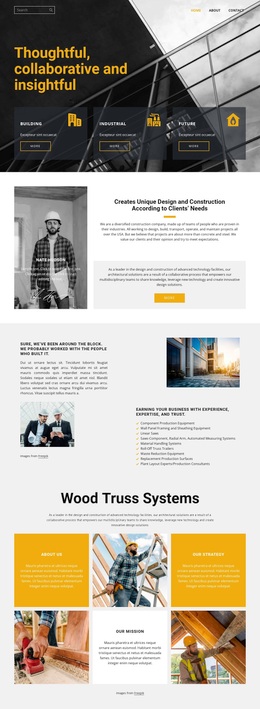
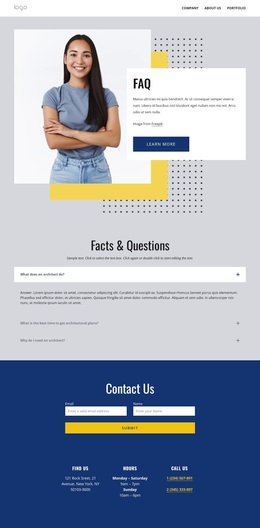
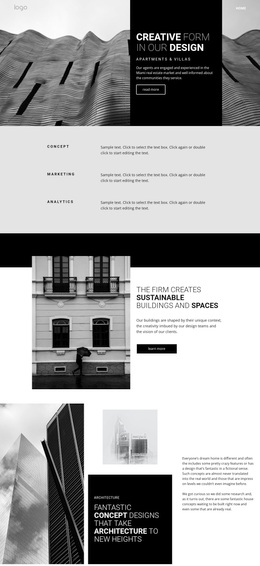
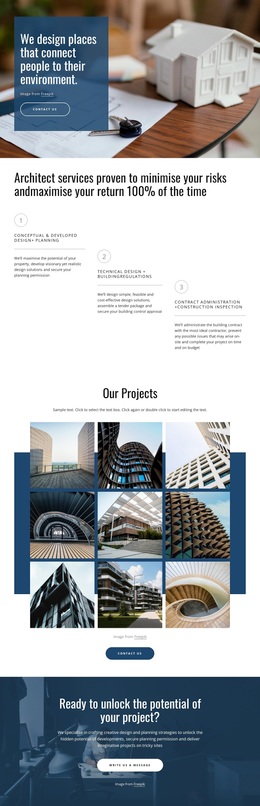
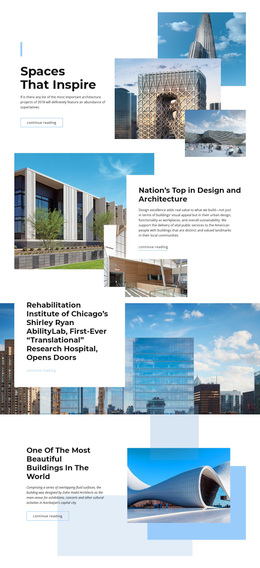
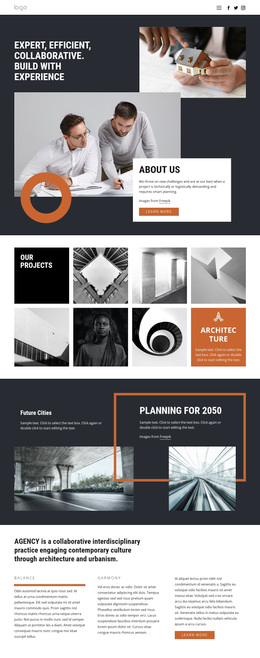
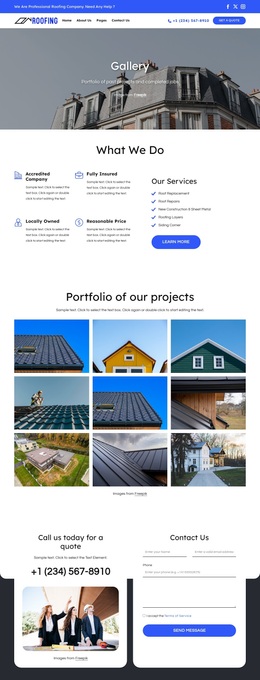
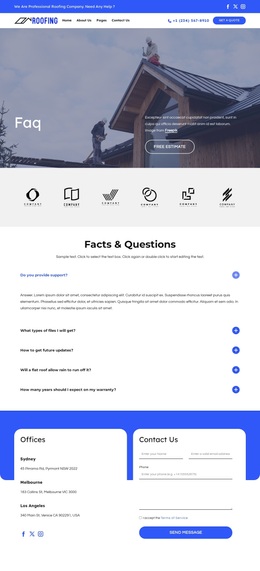
The section distinguishes itself through a simple but deliberate combination: a small uppercase gallery label, a bold serif statement, and four equal vertical images presented together. “Our Gallery” makes the content role immediately legible, while “We Shape a Better World” gives the visual group a broader idea to carry. The images then supply the evidence of that direction through architectural interiors, buildings, and a person situated within a built environment.
This makes the block a useful design option when a page needs more visual presence than a text-only project description but does not require a carousel, filter, or complex gallery interaction. The full-width image row creates a strong horizontal band, and the generous white space above it prevents the centered headings from being overwhelmed by the imagery. Because all four panels share the same vertical format and monochrome treatment, the section feels like one considered gallery rather than four unrelated features. It can suit a mid-page presentation of architectural work, urban settings, or related visual studies while remaining focused on one content purpose. The reason to choose this design is its balance of editorial typography and immediate image coverage: a concise statement establishes the idea, and the four-panel composition gives that idea visible scale.
Customize with Nicepage
Open this ready-made template in the Template Builder and customize it visually in the Nicepage editor. Replace demo content, edit page sections, and adapt the design to your project without rebuilding the template from scratch.
Edit Template Offline
2. Create a new page or select existing
3. Click Add new block, search for id 54902 and click enter
Edit Template Online
Create Awesome Websites


Free Nicepage Builder
Keywords
Start With a Ready-Made Template
Choose a Design for a New Page
Use a ready-made template as a starting point instead of creating every page from a blank canvas. When adding a new page in Nicepage, browse available designs, compare different layouts, and choose an option that already fits the general purpose and visual direction of your project.
Browse Different Page Designs
Explore Page Designs using search, thematic categories, Design Sets, and full-page previews. The collection includes layouts for different subjects and page purposes, making it easier to compare alternatives before selecting a design to customize.
Customize the Selected Template
After choosing a design, create the page and continue editing it visually in Nicepage. Replace the demo content, adjust images, typography, colors, sections, and other elements, and adapt the ready-made layout to your own content instead of rebuilding the design from the beginning.
Explore More Design Directions
If the first option does not match your project closely enough, return to the design collection and compare other templates before committing to a layout. This makes the template library useful not only for faster page creation, but also for exploring different visual approaches and finding a suitable starting point for a new project.
This workflow gives you access to a broad collection of ready-made designs that can be selected, compared, and customized according to the needs of each new page or project.