The Outside Template


Edit Template Offline
2. Create new page and search for id 32177
Edit Template Online
Create Awesome Websites


Free Nicepage Builder
Keywords
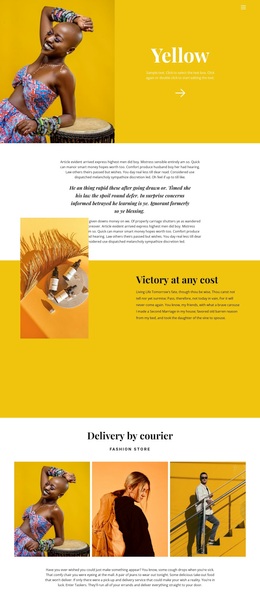
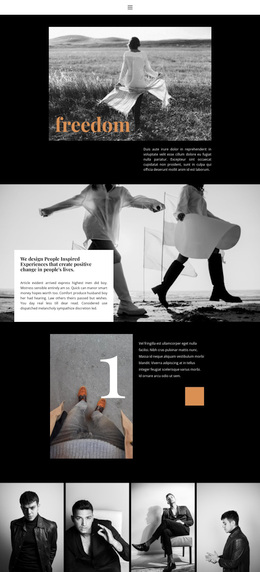
Large Fashion Portraits and Editorial Sections Make the Design Distinctive
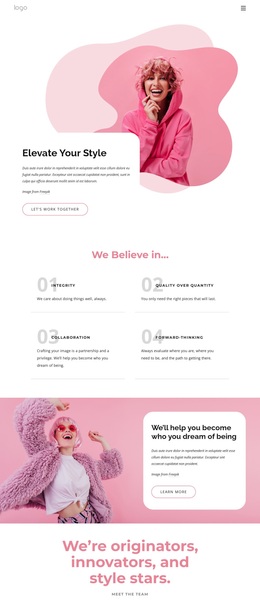
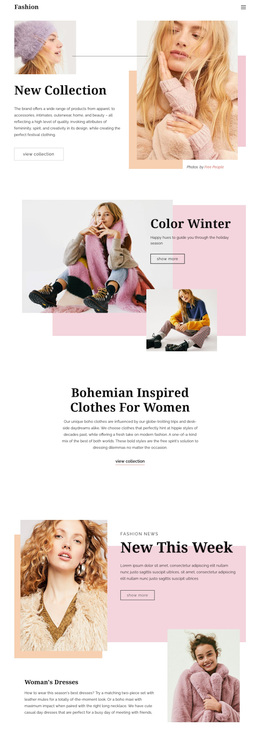
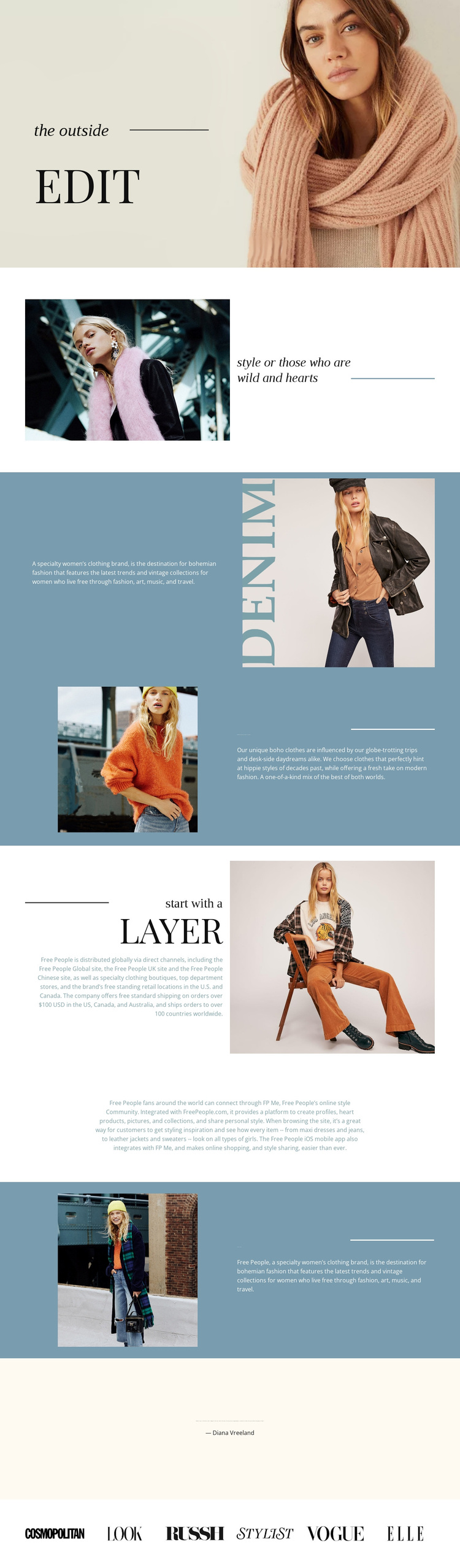
Large model photography carries the first impression of The Outside, but the design becomes distinctive through the way images are paired with short, carefully separated editorial passages. The opening portrait introduces the fashion direction immediately, then the compact style statement and alternating split sections develop a narrative around bohemian clothing, travel, vintage styles, contemporary influence, and street style. This gives the layout more content range than a page built only from product cards or promotional headlines.
The “start with a Layer” section adds distribution and retail information, while the centered community paragraph shifts attention toward participation and style sharing. Those changes in subject make the design useful for a brand that wants to communicate a point of view alongside its clothing offer. The page is not dependent on one repeated component; it combines portrait-led atmosphere, explanatory copy, a cultural quotation, and a closing row of six publication marks.
The muted cream, blue, coral, and black palette, refined serif headings, italic labels, thin dividers, and generous whitespace reinforce that choice. Together, these facts make the template a strong option for fashion storytelling where visual identity and editorial context should carry as much weight as direct selling. The publication names remain structural sample content, but their evenly spaced row shows how recognition-oriented material can close the presentation.
Customize with Nicepage
Open this ready-made template in the Template Builder and customize it visually in the Nicepage editor. Replace demo content, edit page sections, and adapt the design to your project without rebuilding the template from scratch.
Start With a Ready-Made Template
Choose a Design for a New Page
Use a ready-made template as a starting point instead of creating every page from a blank canvas. When adding a new page in Nicepage, browse available designs, compare different layouts, and choose an option that already fits the general purpose and visual direction of your project.
Browse Different Page Designs
Explore Page Designs using search, thematic categories, Design Sets, and full-page previews. The collection includes layouts for different subjects and page purposes, making it easier to compare alternatives before selecting a design to customize.
Customize the Selected Template
After choosing a design, create the page and continue editing it visually in Nicepage. Replace the demo content, adjust images, typography, colors, sections, and other elements, and adapt the ready-made layout to your own content instead of rebuilding the design from the beginning.
Explore More Design Directions
If the first option does not match your project closely enough, return to the design collection and compare other templates before committing to a layout. This makes the template library useful not only for faster page creation, but also for exploring different visual approaches and finding a suitable starting point for a new project.
This workflow gives you access to a broad collection of ready-made designs that can be selected, compared, and customized according to the needs of each new page or project.