Bright template Template



Edit Template Offline
2. Create new page and search for id 3048876
Edit Template Online
Create Awesome Websites


Free Nicepage Builder
Keywords
Six service cards connect visual proof, plans, and response points
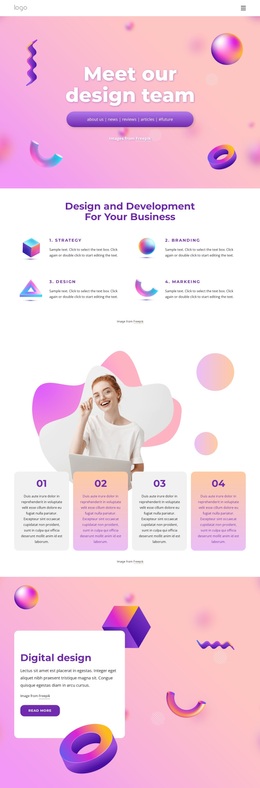
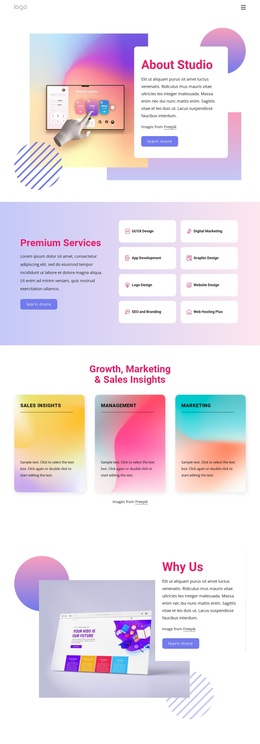
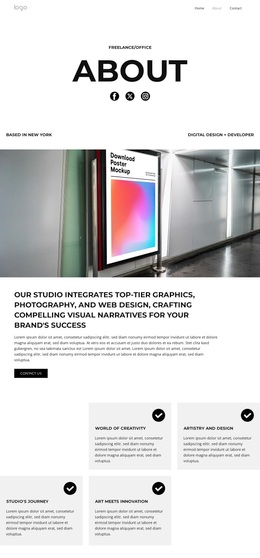
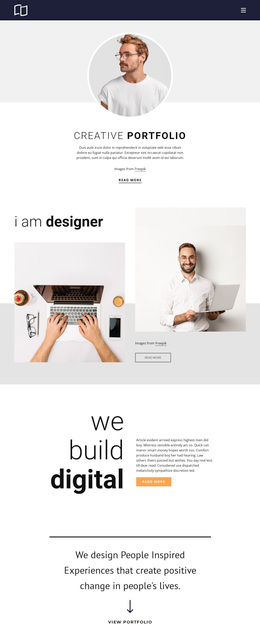
Bright stands out through the amount of content it brings together within one concentrated creative-services presentation. The six feature cards give the page a concise way to introduce capabilities, while the lime, black, white, and light gray palette keeps those cards connected to the larger promotional system. The opening hero adds an SEO and business-success angle, and the two black call-to-action bands create clear moments for collaboration or contact without interrupting the overall visual direction.
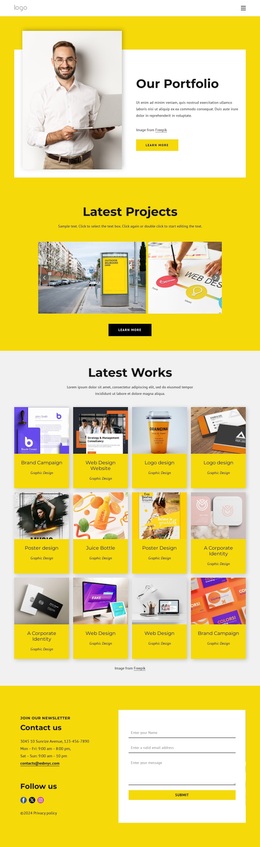
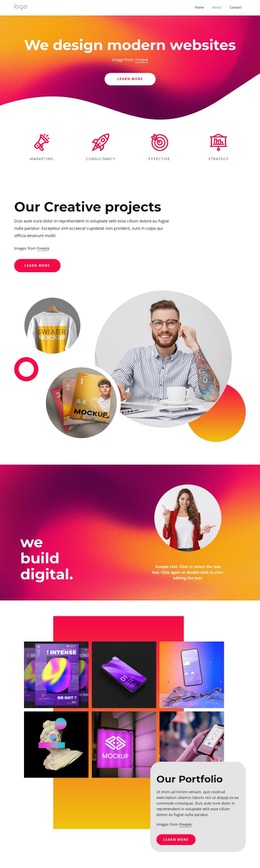
The design also covers several forms of decision-making evidence. Six portrait cards introduce a team or contributor story, the four-image gallery adds visual work examples, and the testimonial card supplies a personal recommendation format. Eight partner logo marks then broaden the sense of an established business context. These sections make the page more than a simple service list because visitors can move from capability statements to people, imagery, supporting proof, and brand associations.
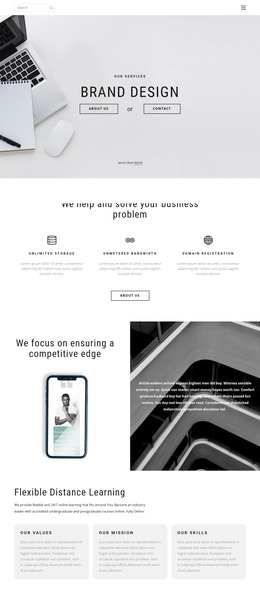
Three displayed plans, priced at $0, $29, and $59 per month, give the design a practical selection layer, while the repeated newsletter forms create direct subscription points. That combination makes Bright a useful option when a project needs creative positioning, service coverage, visual evidence, plan comparison, and several response opportunities in one coherent starting design.
Customize with Nicepage
Open this ready-made template in the Template Builder and customize it visually in the Nicepage editor. Replace demo content, edit page sections, and adapt the design to your project without rebuilding the template from scratch.
Start With a Ready-Made Template
Choose a Design for a New Page
Use a ready-made template as a starting point instead of creating every page from a blank canvas. When adding a new page in Nicepage, browse available designs, compare different layouts, and choose an option that already fits the general purpose and visual direction of your project.
Browse Different Page Designs
Explore Page Designs using search, thematic categories, Design Sets, and full-page previews. The collection includes layouts for different subjects and page purposes, making it easier to compare alternatives before selecting a design to customize.
Customize the Selected Template
After choosing a design, create the page and continue editing it visually in Nicepage. Replace the demo content, adjust images, typography, colors, sections, and other elements, and adapt the ready-made layout to your own content instead of rebuilding the design from the beginning.
Explore More Design Directions
If the first option does not match your project closely enough, return to the design collection and compare other templates before committing to a layout. This makes the template library useful not only for faster page creation, but also for exploring different visual approaches and finding a suitable starting point for a new project.
This workflow gives you access to a broad collection of ready-made designs that can be selected, compared, and customized according to the needs of each new page or project.