Creative Art Ideas Template



Edit Template Offline
2. Create new page and search for id 24349
Edit Template Online
Create Awesome Websites


Free Nicepage Builder
Keywords
Portraits, Neon Projects, and Color Blocks Define the Choice
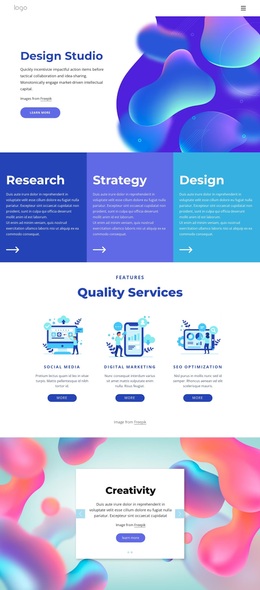
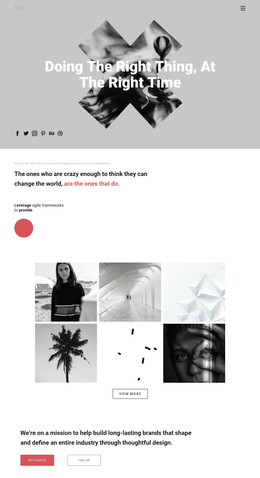
The large opening portrait, oversized Creative Arts heading, and layered blue, green, magenta, orange, and purple shapes make the design immediately recognizable. Instead of presenting creative work through a restrained grid or a text-heavy introduction, the page uses contrast and scale to establish an expressive visual direction from the first section. That makes it a distinctive option for projects where the presentation itself should feel closely connected to the artwork.
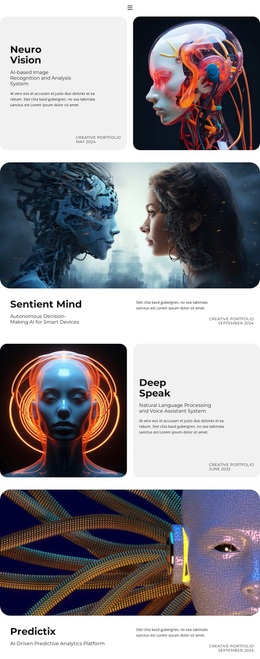
Its content coverage is another reason to choose this design. The portrait photography statement introduces a specific approach to expression, while Little Black Book and Neon Dreams Art show how featured projects can combine imagery, interpretation, and a Learn more action. Draw big pictures and Unique Environment broaden the page beyond a gallery by adding artistic process, subjects, personality, emotion, and the artist’s perspective. The later statement about art, symmetry, and collaboration adds a concise conceptual layer rather than another standard service block.
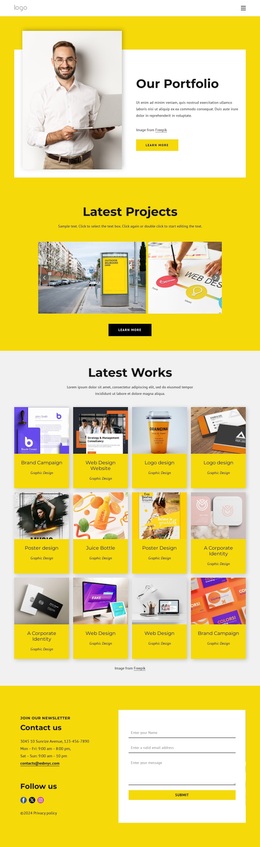
The closing Neon photography section reinforces the template’s strongest characteristic: photography carries much of the message. Multiple portraits, descriptive copy, small labels, geometric framing, and a dark footer create a complete visual direction without making unsupported claims about a particular studio or artist. This template suits a portfolio, art project presentation, or photography-led creative site that needs a memorable editorial atmosphere and clearly separated stories.
Customize with Nicepage
Open this ready-made template in the Template Builder and customize it visually in the Nicepage editor. Replace demo content, edit page sections, and adapt the design to your project without rebuilding the template from scratch.
Start With a Ready-Made Template
Choose a Design for a New Page
Use a ready-made template as a starting point instead of creating every page from a blank canvas. When adding a new page in Nicepage, browse available designs, compare different layouts, and choose an option that already fits the general purpose and visual direction of your project.
Browse Different Page Designs
Explore Page Designs using search, thematic categories, Design Sets, and full-page previews. The collection includes layouts for different subjects and page purposes, making it easier to compare alternatives before selecting a design to customize.
Customize the Selected Template
After choosing a design, create the page and continue editing it visually in Nicepage. Replace the demo content, adjust images, typography, colors, sections, and other elements, and adapt the ready-made layout to your own content instead of rebuilding the design from the beginning.
Explore More Design Directions
If the first option does not match your project closely enough, return to the design collection and compare other templates before committing to a layout. This makes the template library useful not only for faster page creation, but also for exploring different visual approaches and finding a suitable starting point for a new project.
This workflow gives you access to a broad collection of ready-made designs that can be selected, compared, and customized according to the needs of each new page or project.