Private Math Tutor Website Template


Edit Template Offline
2. Create new page and search for id 6627346
Edit Template Online
Create Awesome Websites


Free Nicepage Builder
Keywords
Subject Programs and Method Cards Establish a Site Foundation
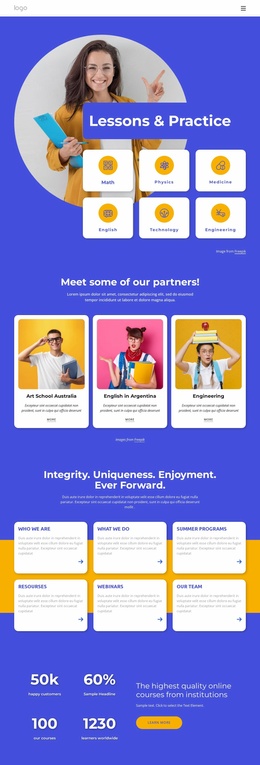
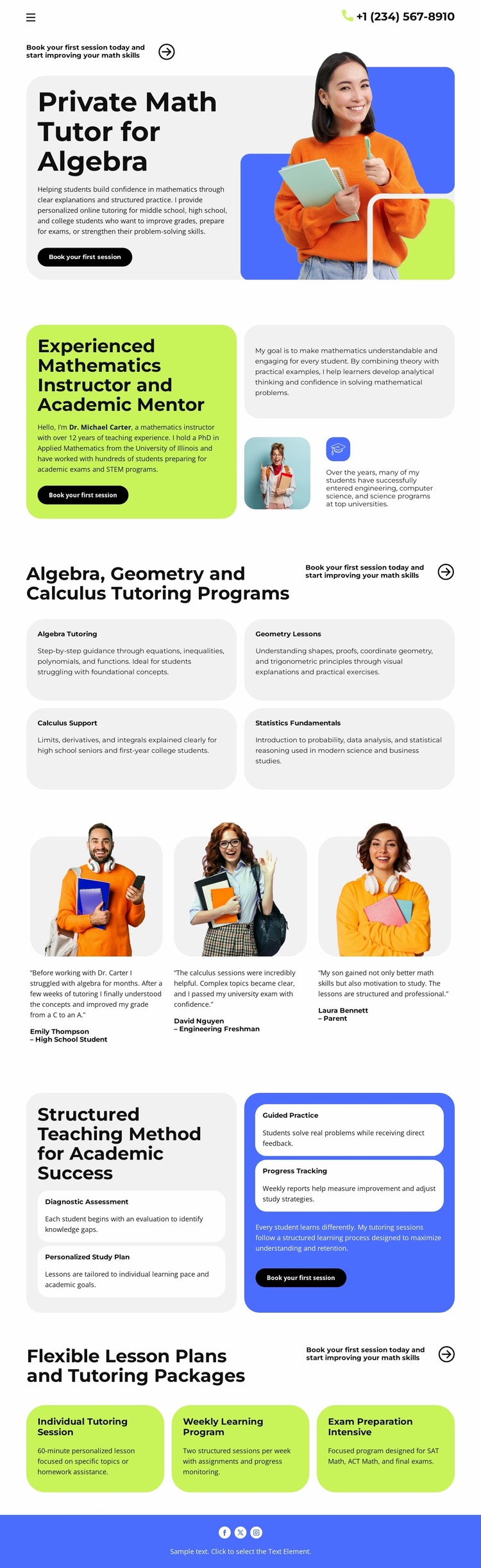
The design already identifies several major content areas that can anchor a broader tutoring website. The four subject cards—Algebra Tutoring, Geometry Lessons, Calculus Support, and Statistics Fundamentals—could serve as the starting information architecture for more detailed subject content, while the instructor section provides a separate area for mentor background and teaching context. The template therefore offers more than a generic education visual; it names the main categories a tutoring project needs to explain.
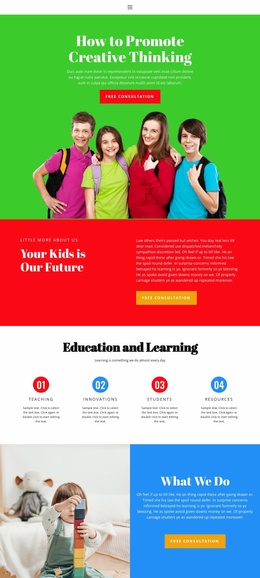
The four-step teaching method adds a reusable process framework. Diagnostic Assessment, Personalized Study Plan, Guided Practice, and Progress Tracking describe connected stages that could support an expanded explanation of the tutoring approach. The testimonial section contributes a distinct student-feedback area, and the package cards introduce Individual Tutoring, Weekly Learning, and Intensive Preparation as separate offer categories. Together, these regions can guide the organization of additional content without claiming that extra pages already exist.
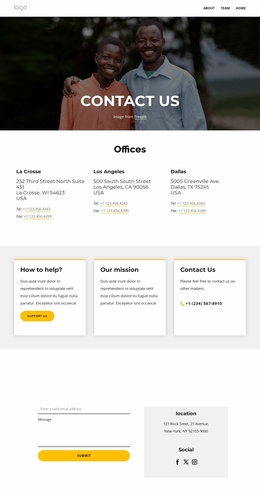
The header phone contact and repeated “Book your first session” buttons connect the sections to a practical inquiry path. Lime and blue accent blocks, rounded cards, bold black typography, and tutor or student photography provide a visual system that can remain recognizable as related pages are added. The design is therefore a useful website-project foundation because its services, process, proof, package, and contact areas already suggest how a larger tutoring structure could grow from the current single-page arrangement.
Customize with Nicepage
Open this ready-made template in the Website Template Builder and customize it visually in the Nicepage editor. Replace demo content, edit page sections, and adapt the design to your project without rebuilding the template from scratch.
Build a Complete Website From This Template
Customize the Website Visually
Use this ready-made website template as a starting point for your project and adapt its pages visually in Nicepage. Change content, images, typography, navigation, sections, and other design elements while keeping the website together as a single editable project.
Manage Website Pages in One Project
Use the Pages panel to open, add, duplicate, and manage the pages of your website. Work on individual pages while keeping navigation and the overall site structure accessible from the same project, making it easier to develop a complete website instead of managing separate page files.
Expand the Website With Matching Designs
When you need additional pages or sections, use Page Design Sets to find Page and Block Designs created in the same visual style. Design Sets group matching designs together, making it easier to expand the website with new content while maintaining a consistent look across its pages and sections.
Organize Larger Multi-Page Websites
As the website grows, use Page Folders to organize related pages and keep larger multi-page projects easier to navigate in the editor. This is especially useful for websites with separate service pages, company information, contacts, landing pages, and other content areas.
This workflow makes the template a practical foundation for building and expanding a complete website while managing its pages, content, and visual design within one Nicepage project.