Happy holiday postcard Website Template


A Reusable Travel Gallery With Its Own Content Pattern
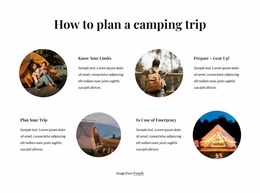
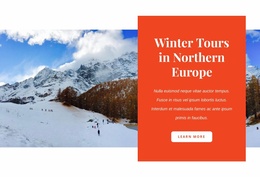
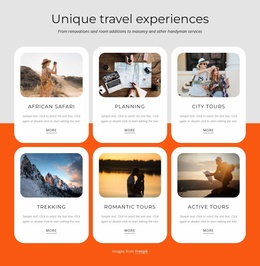
This section establishes one repeatable website content area: a holiday-themed gallery that combines scenic photography with a short message. The large left image supplies the principal visual anchor, while the wide upper-right photograph and smaller lower tiles create a recognizable asymmetrical pattern. The peach text tile, carrying “Happy Holiday Everyone,” prevents the composition from becoming an undifferentiated image grid and gives the section a clear editorial purpose. The lower-right credit to Freepik remains part of the tile-level content relationship.
Within a broader website project, the block could serve as a recurring visual category for travel inspiration, seasonal promotion, destination imagery, or outdoor storytelling. Other sections would still need to provide navigation, detailed information, forms, or additional page functions; this block contributes one self-contained gallery pattern rather than a complete site structure. Its white background and generous surrounding spacing can help it sit between denser sections, while the borderless rectangular photographs provide a consistent visual treatment to carry into related content areas. Because the interaction is static, the section offers a stable presentation that can be reused or adapted without depending on a carousel or other control. The website-template angle is therefore its role as a coordinated, repeatable gallery section within a larger collection of pages and blocks.
Customize with Nicepage
Open this ready-made template in the Website Template Builder and customize it visually in the Nicepage editor. Replace demo content, edit page sections, and adapt the design to your project without rebuilding the template from scratch.
Edit Template Offline
2. Create a new page or select existing
3. Click Add new block, search for id 6529524 and click enter
Edit Template Online
Create Awesome Websites


Free Nicepage Builder
Keywords
Build a Complete Website From This Template
Customize the Website Visually
Use this ready-made website template as a starting point for your project and adapt its pages visually in Nicepage. Change content, images, typography, navigation, sections, and other design elements while keeping the website together as a single editable project.
Manage Website Pages in One Project
Use the Pages panel to open, add, duplicate, and manage the pages of your website. Work on individual pages while keeping navigation and the overall site structure accessible from the same project, making it easier to develop a complete website instead of managing separate page files.
Expand the Website With Matching Designs
When you need additional pages or sections, use Page Design Sets to find Page and Block Designs created in the same visual style. Design Sets group matching designs together, making it easier to expand the website with new content while maintaining a consistent look across its pages and sections.
Organize Larger Multi-Page Websites
As the website grows, use Page Folders to organize related pages and keep larger multi-page projects easier to navigate in the editor. This is especially useful for websites with separate service pages, company information, contacts, landing pages, and other content areas.
This workflow makes the template a practical foundation for building and expanding a complete website while managing its pages, content, and visual design within one Nicepage project.