One Structure at a Time Website Template


Edit Template Offline
2. Create new page and search for id 6488254
Edit Template Online
Create Awesome Websites


Free Nicepage Builder
Keywords
The agency story already defines several website content areas
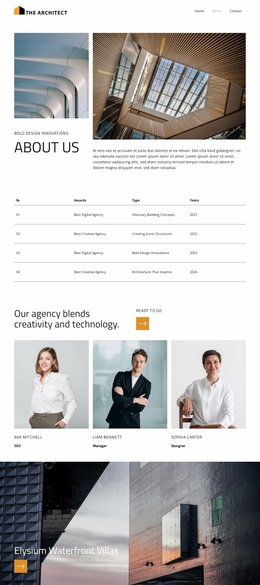
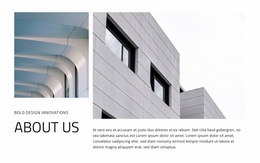
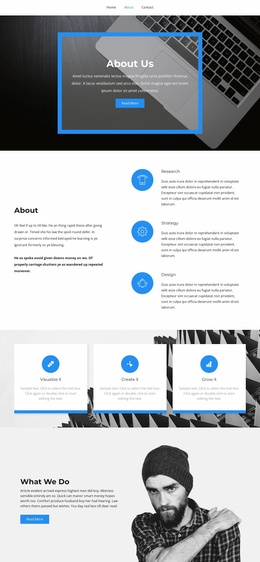
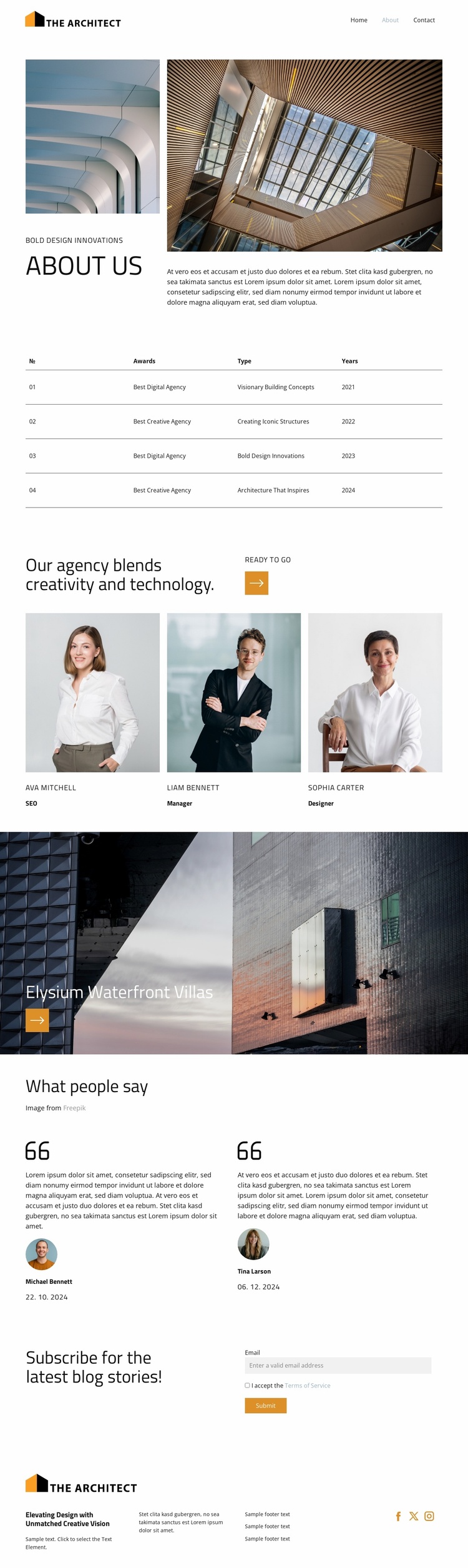
The page establishes a useful starting information architecture through the way its content areas are separated. The About Us section introduces the agency with architectural imagery and descriptive text, creating a clear home for the organization’s story. The awards table adds a distinct recognition area with four entries dated from 2021 through 2024, while the team section provides a separate people-and-roles area built around three portrait cards and the labels SEO, Manager, and Designer.
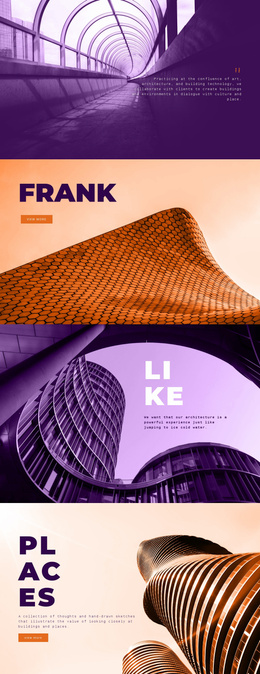
The featured Elysium Waterfront Villas section broadens the project foundation beyond agency background. A large architectural image, overlaid project title, and accent action icon create a repeatable pattern for presenting selected work or case-study subjects as the site expands. The two testimonial cards add a separate trust-oriented content area, helping a broader website distinguish project presentation from outside responses.
The subscription section introduces an ongoing editorial path through its invitation for the latest blog stories, email field, terms acceptance, and Submit action. That makes the design suitable for a project that may later add regularly updated content while keeping the initial agency page intact. Finally, the footer combines the logo, supporting text columns, and Facebook, Twitter, and Instagram links into shared site framing. These areas provide a coherent foundation for related agency, project, team, and editorial pages without claiming that additional pages already exist.
Customize with Nicepage
Open this ready-made template in the Website Template Builder and customize it visually in the Nicepage editor. Replace demo content, edit page sections, and adapt the design to your project without rebuilding the template from scratch.
Build a Complete Website From This Template
Customize the Website Visually
Use this ready-made website template as a starting point for your project and adapt its pages visually in Nicepage. Change content, images, typography, navigation, sections, and other design elements while keeping the website together as a single editable project.
Manage Website Pages in One Project
Use the Pages panel to open, add, duplicate, and manage the pages of your website. Work on individual pages while keeping navigation and the overall site structure accessible from the same project, making it easier to develop a complete website instead of managing separate page files.
Expand the Website With Matching Designs
When you need additional pages or sections, use Page Design Sets to find Page and Block Designs created in the same visual style. Design Sets group matching designs together, making it easier to expand the website with new content while maintaining a consistent look across its pages and sections.
Organize Larger Multi-Page Websites
As the website grows, use Page Folders to organize related pages and keep larger multi-page projects easier to navigate in the editor. This is especially useful for websites with separate service pages, company information, contacts, landing pages, and other content areas.
This workflow makes the template a practical foundation for building and expanding a complete website while managing its pages, content, and visual design within one Nicepage project.