Welcome to interior studio Website Template


Edit Template Offline
2. Create new page and search for id 16209
Edit Template Online
Create Awesome Websites


Free Nicepage Builder
Keywords
Services, solutions, and client context create a strong site foundation
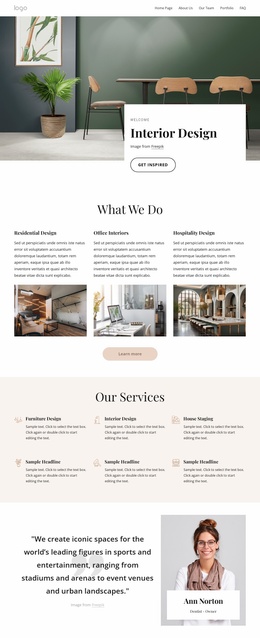
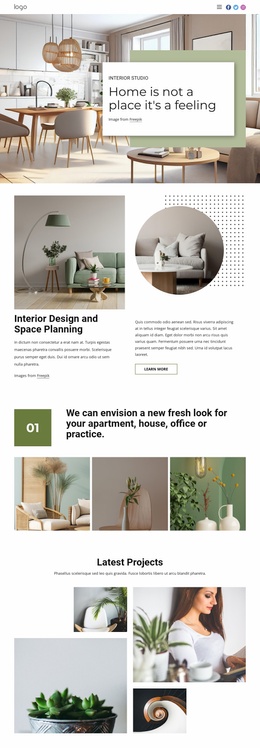
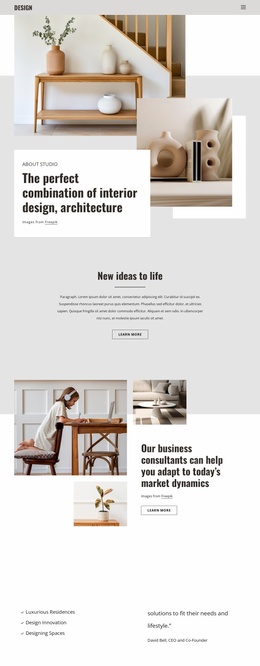
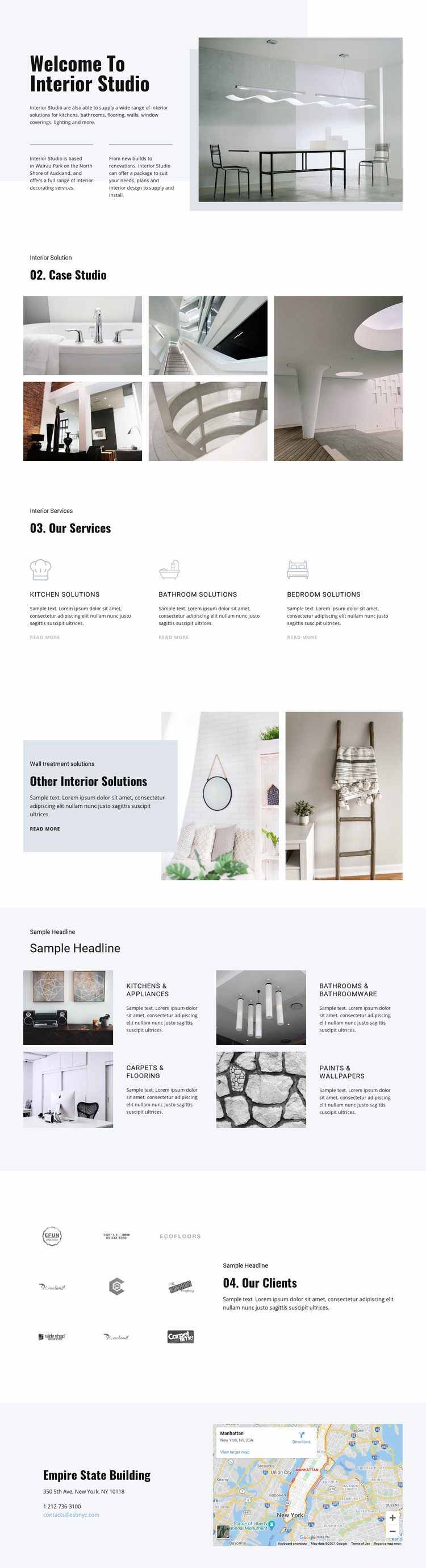
The design begins with a useful set of core website content areas rather than a single isolated promotional message. The opening studio introduction establishes the interior-decorating subject and places the project in an Auckland context, while the five-image Case Studio gallery provides a natural area for presenting completed or representative work. The three-item services section then divides the main offer into kitchen, bathroom, and bedroom solutions, giving the project a clear starting information structure.
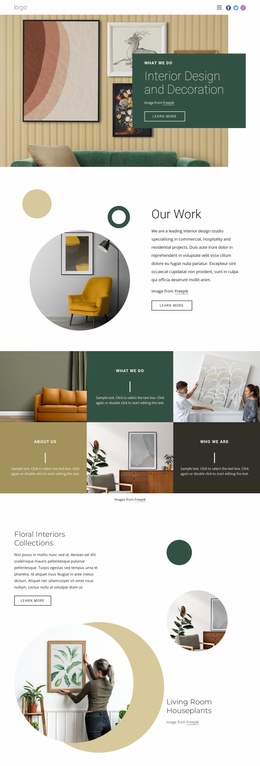
Additional content areas make the foundation broader. The overlapping wall-treatment panel introduces a secondary solution group, and the four repeated rows extend the subject into kitchens and appliances, bathrooms and bathroomware, carpets and flooring, and paints and wallpapers. These categories could guide future page planning or related sections without claiming that separate pages already exist. The client-logo matrix supplies a relationship-oriented area, while the closing contact block combines location details, contact channels, and a map for practical follow-up.
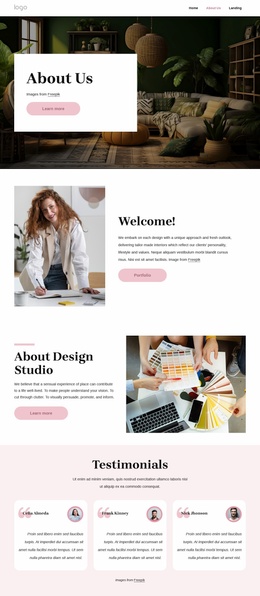
The value of this design as a website foundation comes from the way these areas already divide the studio’s subject into recognizable themes: identity, visual examples, primary services, supporting solutions, clients, and contact. A broader project could build on that information architecture while preserving the pale, editorial visual direction and the recurring image-and-text relationships. The existing page therefore offers a defined starting structure for expansion rather than requiring the project’s main content categories to be invented from scratch.
Customize with Nicepage
Open this ready-made template in the Website Template Builder and customize it visually in the Nicepage editor. Replace demo content, edit page sections, and adapt the design to your project without rebuilding the template from scratch.
Build a Complete Website From This Template
Customize the Website Visually
Use this ready-made website template as a starting point for your project and adapt its pages visually in Nicepage. Change content, images, typography, navigation, sections, and other design elements while keeping the website together as a single editable project.
Manage Website Pages in One Project
Use the Pages panel to open, add, duplicate, and manage the pages of your website. Work on individual pages while keeping navigation and the overall site structure accessible from the same project, making it easier to develop a complete website instead of managing separate page files.
Expand the Website With Matching Designs
When you need additional pages or sections, use Page Design Sets to find Page and Block Designs created in the same visual style. Design Sets group matching designs together, making it easier to expand the website with new content while maintaining a consistent look across its pages and sections.
Organize Larger Multi-Page Websites
As the website grows, use Page Folders to organize related pages and keep larger multi-page projects easier to navigate in the editor. This is especially useful for websites with separate service pages, company information, contacts, landing pages, and other content areas.
This workflow makes the template a practical foundation for building and expanding a complete website while managing its pages, content, and visual design within one Nicepage project.