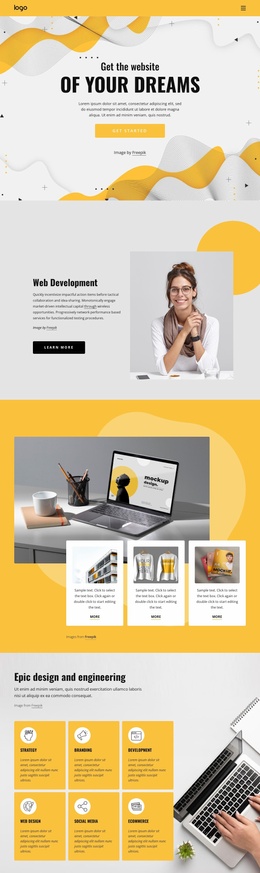
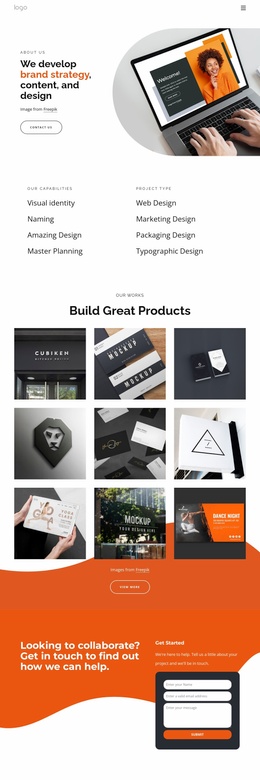
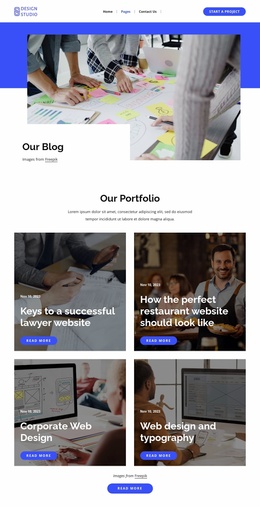
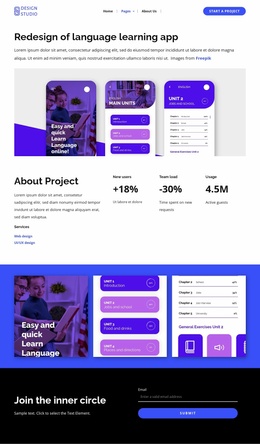
Stylish things for home Website Template


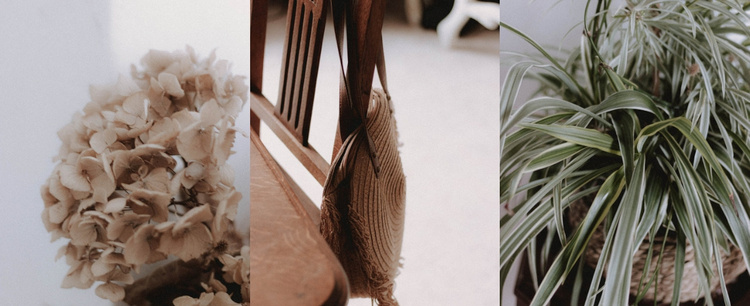
A Three-Image Gallery for a Reusable Visual Section
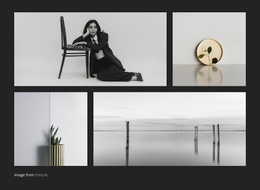
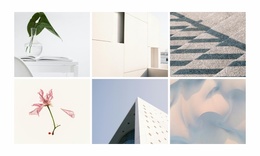
The gallery establishes one clear content area through three adjacent, full-height image columns. Its subjects—flowers, a woven chair, and a leafy plant—share a close-up, decorative character without becoming identical. The soft neutral palette helps the images sit together as one visual statement, while the equal vertical arrangement provides a repeatable layout pattern that can be placed alongside other sections with different content purposes.
Within a broader website project, this block can serve as a visual gallery section for presenting related imagery without adding a large amount of text. It may complement pages or sections that need an atmospheric showcase, product detail context, interior references, or artwork presentation, while other blocks handle headings, explanations, navigation, or calls to action. The block itself remains focused on displaying the three images and does not carry those wider site functions.
Hover overlays give each column a subtle interaction layer: dark shading and a fade treatment signal that an image can be explored. The lightbox then supports closer viewing after the initial three-column scan. This combination makes the section reusable not because it contains many content types, but because its visual purpose is clearly bounded. Its repeated image structure can retain the same gallery role while the surrounding website project supplies the broader page and content framework.
Customize with Nicepage
Open this ready-made template in the Website Template Builder and customize it visually in the Nicepage editor. Replace demo content, edit page sections, and adapt the design to your project without rebuilding the template from scratch.
Edit Template Offline
2. Create a new page or select existing
3. Click Add new block, search for id 125336 and click enter
Edit Template Online
Create Awesome Websites


Free Nicepage Builder
Keywords
Build a Complete Website From This Template
Customize the Website Visually
Use this ready-made website template as a starting point for your project and adapt its pages visually in Nicepage. Change content, images, typography, navigation, sections, and other design elements while keeping the website together as a single editable project.
Manage Website Pages in One Project
Use the Pages panel to open, add, duplicate, and manage the pages of your website. Work on individual pages while keeping navigation and the overall site structure accessible from the same project, making it easier to develop a complete website instead of managing separate page files.
Expand the Website With Matching Designs
When you need additional pages or sections, use Page Design Sets to find Page and Block Designs created in the same visual style. Design Sets group matching designs together, making it easier to expand the website with new content while maintaining a consistent look across its pages and sections.
Organize Larger Multi-Page Websites
As the website grows, use Page Folders to organize related pages and keep larger multi-page projects easier to navigate in the editor. This is especially useful for websites with separate service pages, company information, contacts, landing pages, and other content areas.
This workflow makes the template a practical foundation for building and expanding a complete website while managing its pages, content, and visual design within one Nicepage project.