Sale start soon Website Template


A Centered Countdown Section for a Broader Website Project
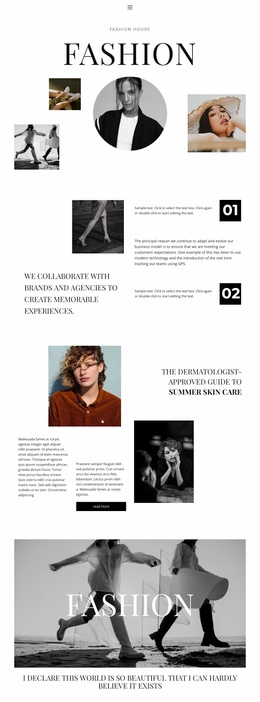
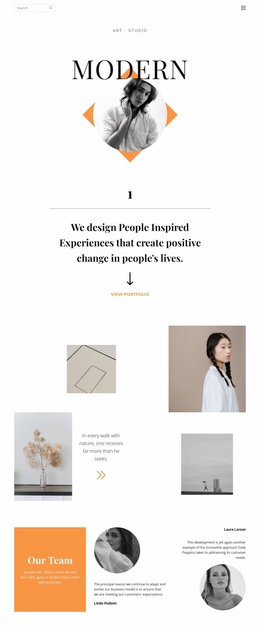
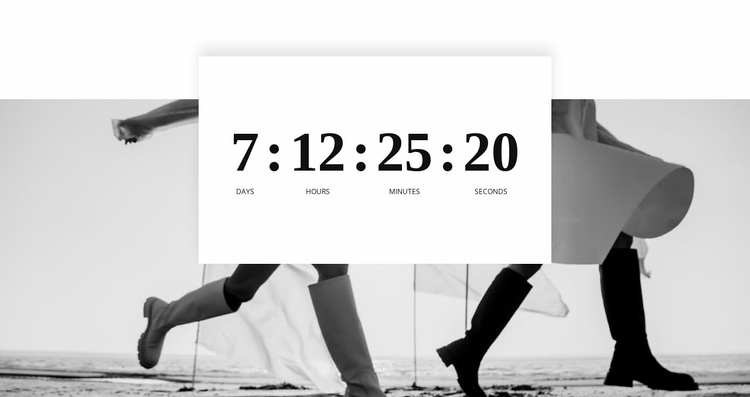
The monochrome fashion photograph establishes the section's broad visual field, while the centered white card turns the countdown into a contained content area. Its four units—days, hours, minutes, and seconds—communicate a time-based message through large serif numerals and smaller uppercase-style labels. The repeated typographic treatment gives each unit a common structure, while the card's subtle shadow separates the information from the image behind it. Because the section has no heading or secondary content group, its purpose remains concentrated on the timer and its visual setting.
Within a broader website template project, this block can act as a reusable promotional section for an event, launch, or other time-limited message. The surrounding project can provide introductions, supporting details, product information, or response controls, while this section supplies a visually distinctive timing cue. Its full-width image and centered card also create a recognizable pattern that can sit between more text-heavy or functional sections without requiring the block to carry the site's entire structure.
The value at project level is the clear division of roles: atmospheric imagery draws attention, and the white panel presents the changing information in a consistent format. Related sections can coordinate with its spacing, contrast, or editorial imagery while retaining their own content purposes.
Customize with Nicepage
Open this ready-made template in the Website Template Builder and customize it visually in the Nicepage editor. Replace demo content, edit page sections, and adapt the design to your project without rebuilding the template from scratch.
Edit Template Offline
2. Create a new page or select existing
3. Click Add new block, search for id 1154019 and click enter
Edit Template Online
Create Awesome Websites


Free Nicepage Builder
Keywords
Build a Complete Website From This Template
Customize the Website Visually
Use this ready-made website template as a starting point for your project and adapt its pages visually in Nicepage. Change content, images, typography, navigation, sections, and other design elements while keeping the website together as a single editable project.
Manage Website Pages in One Project
Use the Pages panel to open, add, duplicate, and manage the pages of your website. Work on individual pages while keeping navigation and the overall site structure accessible from the same project, making it easier to develop a complete website instead of managing separate page files.
Expand the Website With Matching Designs
When you need additional pages or sections, use Page Design Sets to find Page and Block Designs created in the same visual style. Design Sets group matching designs together, making it easier to expand the website with new content while maintaining a consistent look across its pages and sections.
Organize Larger Multi-Page Websites
As the website grows, use Page Folders to organize related pages and keep larger multi-page projects easier to navigate in the editor. This is especially useful for websites with separate service pages, company information, contacts, landing pages, and other content areas.
This workflow makes the template a practical foundation for building and expanding a complete website while managing its pages, content, and visual design within one Nicepage project.