Design your dream space Web Page Design


The Centered Introduction Opens Into an Asymmetric Page Rhythm
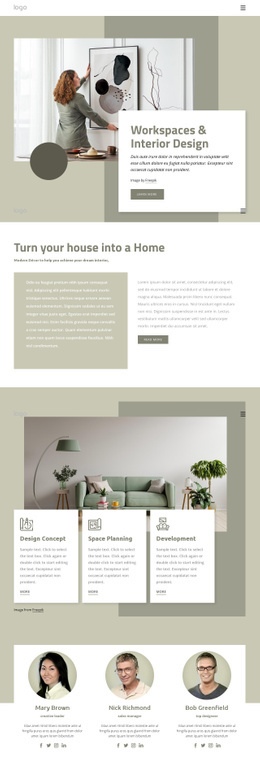
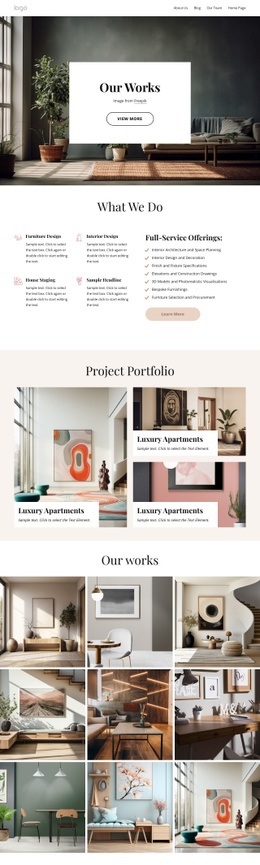
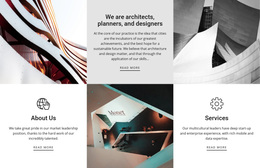
The composition begins with a centered heading and paragraph, giving visitors a stable entry point before the layout expands horizontally and vertically through the collage. “Design Your Dream Space” introduces the interior theme, while the paragraph about carefully selected products and a global artisan community supplies context without competing with the photographs below. The main region then alternates six large interior images with four colored panels, creating a repeated contrast between visual atmosphere and concise explanation.
That contrast gives the block a useful page-composition role. “How Can I Get Service?” and “About Us” help vary the informational density near the earlier part of the collage, while “Luxury Line” and “Exclusive Furniture Design” provide more specific focal points later in the sequence. The white field keeps the large images from feeling crowded, and the black typography gives the panels a consistent reading anchor despite their different colors. The decorative arrow adds a directional accent inside the furniture area. Within one webpage, this section can act as a substantial transition between broader content regions: it is visually stronger than a simple text band, but its internal hierarchy remains easy to follow because the centered introduction and alternating rows clearly separate overview, imagery, and labeled detail.
Customize with Nicepage
Open this ready-made template in the Web Page Design Builder and customize it visually in the Nicepage editor. Replace demo content, edit page sections, and adapt the design to your project without rebuilding the template from scratch.
Edit Template Offline
2. Create a new page or select existing
3. Click Add new block, search for id 842775 and click enter
Edit Template Online
Create Awesome Websites


Free Nicepage Builder
Keywords
Design a Web Page With This Block as One Section
Place the Block in the Page Composition
Use Block Designs to combine individual sections into a complete page. The analyzed block contributes one part of that composition, while other sections can handle the introduction, services, proof, portfolio, pricing, contact, or other page-level needs.
Refine the Elements Inside the Block
Use Web Page Elements such as Text, Image, Hyperlink, Grid, Gallery, and other elements to refine the section's content. Adjust the existing elements without assuming that one block must carry the entire page structure.
Balance the Section With Neighboring Content
After the block is placed, refine its spacing, image scale, text density, alignment, and background treatment so the transition into and out of the section feels intentional. Reorder Blocks at the page level when necessary while keeping the internal composition of each section coherent.
This workflow treats the block as one compositional unit in a web page: internally designed, visually distinct, and coordinated with the sections around it.