Trust begins with transparency Web Page Design


Edit Template Offline
2. Create new page and search for id 6542693
Edit Template Online
Create Awesome Websites


Free Nicepage Builder
Keywords
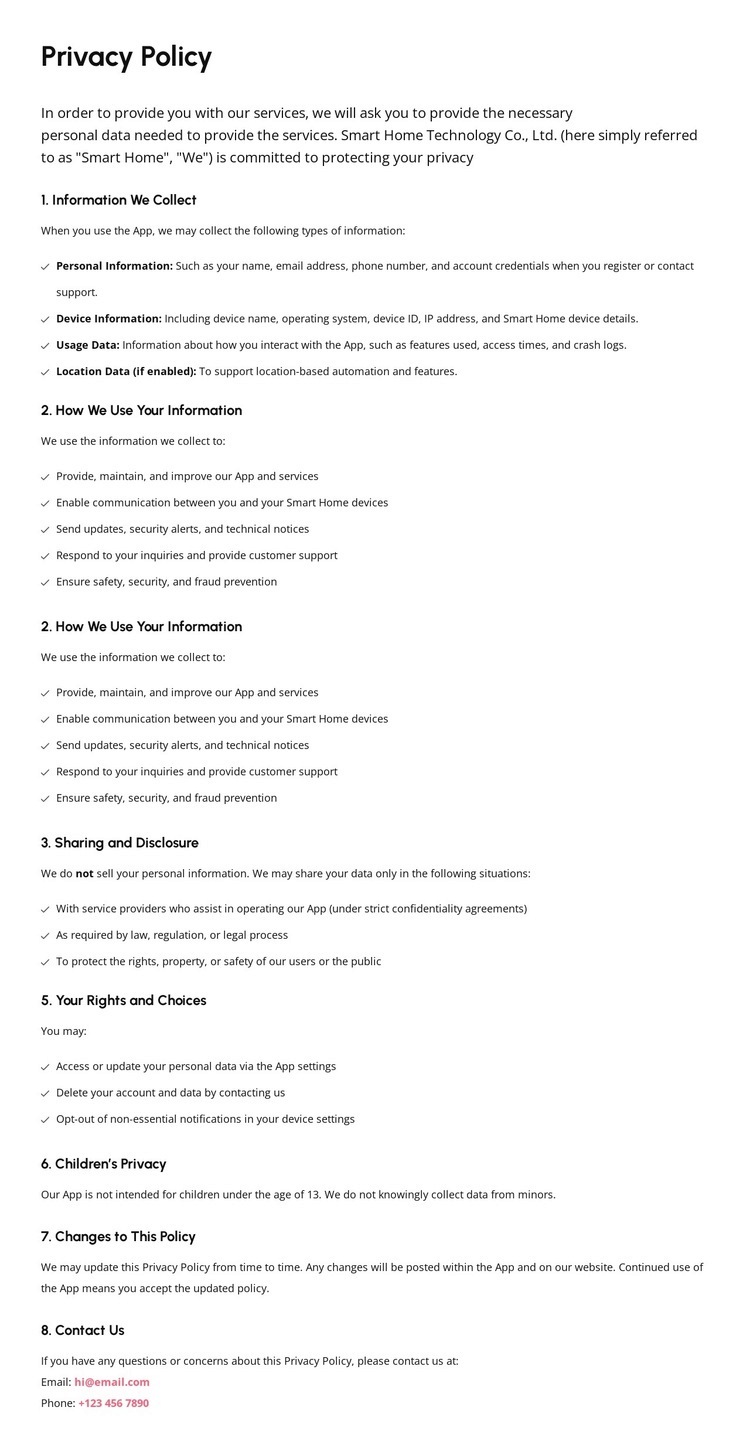
A Pink Introduction Framing Dense Policy Text
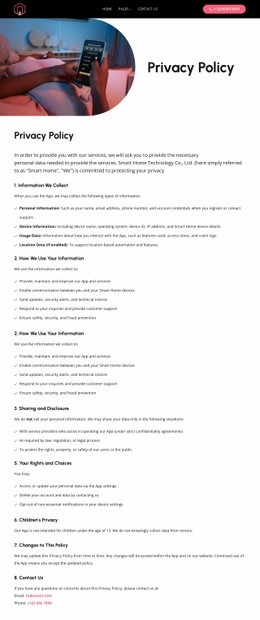
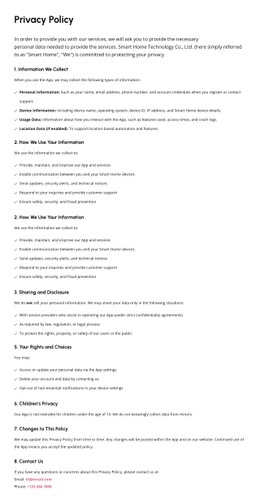
The composition depends on a controlled change in visual density. The dark header is compact and horizontal, placing the logo, primary navigation, pages menu, and phone contact action in one concentrated band. Immediately below, the soft pink banner opens the page vertically and gives the Privacy Policy title enough contrast to function as a strong orientation point. The shift from dark navigation to pink introduction helps separate site access from document content.
The central policy area then returns to a restrained, text-focused arrangement. Its left alignment and generous spacing allow the first section to introduce personal, device, usage, and location data before the numbered headings move through information use, sharing and disclosure, rights and choices, children’s privacy, policy changes, and contact inquiries. Bullets create local emphasis without interrupting the overall single-column flow. At the end, the dark multi-column footer changes the composition again, grouping office details, phone and email contacts, quick links, solutions, support, and copyright content. These transitions create a readable page rhythm: compact access, highlighted title, sustained document reading, and grouped contact closure. The design works as a web page because each visual change corresponds to a change in informational role.
Customize with Nicepage
Open this ready-made template in the Web Page Design Builder and customize it visually in the Nicepage editor. Replace demo content, edit page sections, and adapt the design to your project without rebuilding the template from scratch.
Design a Web Page Section by Section
Choose a Design for Each Section
Build the page from individual content sections instead of starting with a fixed full-page layout. Use Block Designs to browse ready-made sections for different purposes, including introductions, services, galleries, testimonials, contact forms, pricing, and other common parts of a web page. Search or filter the available designs to find a layout that fits the content you want to add.
Combine Blocks and Page Elements
Add selected Blocks to the page and arrange them in the order that supports the page's purpose. A hero section can introduce the main message, followed by services, benefits, portfolio content, testimonials, calls to action, or contact information.
Inside each section, use Web Page Elements such as Text, Image, Hyperlink, Grid, Gallery, and other elements to build and present the page content. Individual elements can be added and adjusted within the Blocks, giving you more control over the composition of each section without having to create the complete layout from scratch.
Refine the Page Layout and Flow
After assembling the main sections, adjust their content, spacing, backgrounds, images, typography, and element placement in the Nicepage editor. Reorder Blocks when necessary and refine the transition from one section to the next so the information hierarchy and visual flow remain clear throughout the page.
This workflow makes the template useful as a web page design that can be composed from ready-made sections, customized with individual page elements, rearranged, and adapted to the content and purpose of an individual page.