Building success together Web Page Design


Edit Template Offline
2. Create new page and search for id 6476973
Edit Template Online
Create Awesome Websites


Free Nicepage Builder
Keywords
Centered Introductions Give Way to Card and Image Rhythms
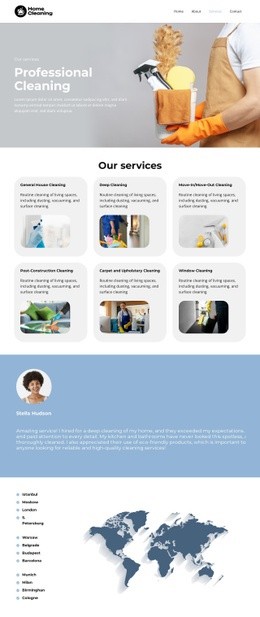
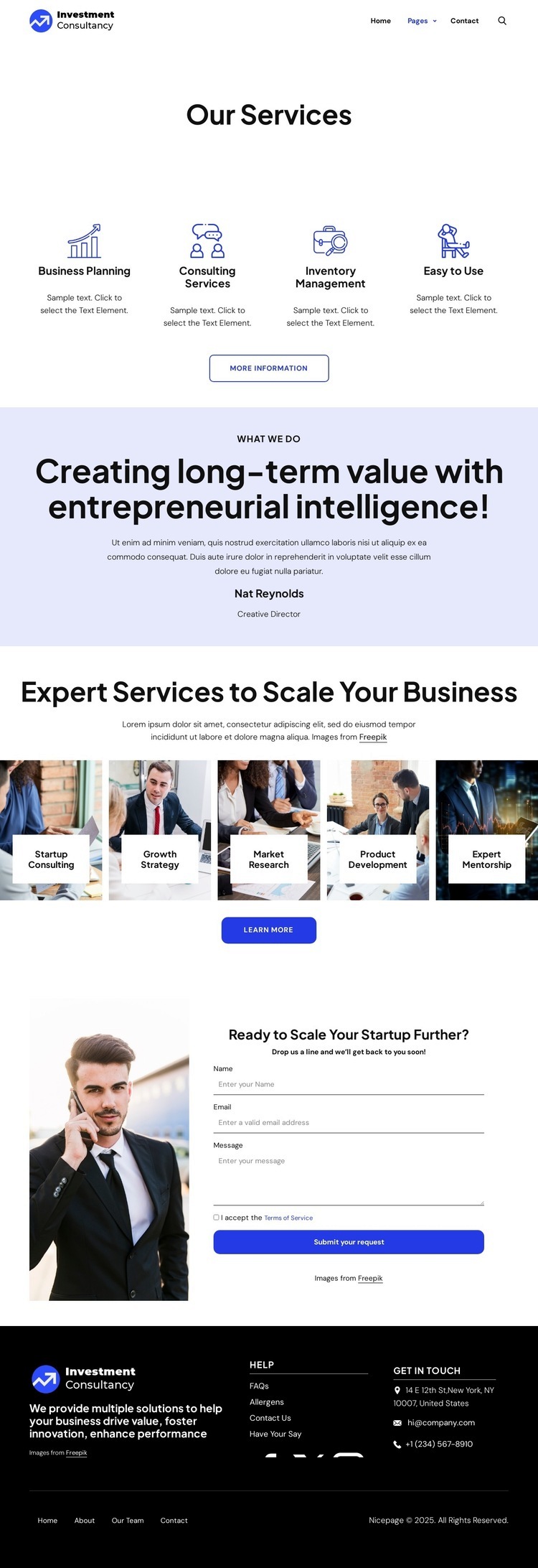
The page composition relies on controlled changes in density and emphasis. The centered Our Services heading sits in a spacious white introduction, giving the page a quiet entry before the four-card service group adds a more regular horizontal rhythm. Each card combines an icon, label, short description, and action, so the repeated structure creates alignment across the first major content area while keeping the information compact.
The pale lavender statement section interrupts that repetition with a centered text stack. The phrase Creating long-term value with entrepreneurial intelligence! is supported by a small label and a named Creative Director attribution, producing a more editorial moment before the page becomes visually denser again. The following service area places five image-backed tiles beneath Expert Services to Scale Your Business. Their shared image treatment and overlaid labels create a gallery-like band that differs from the earlier icon cards without breaking the overall centered alignment.
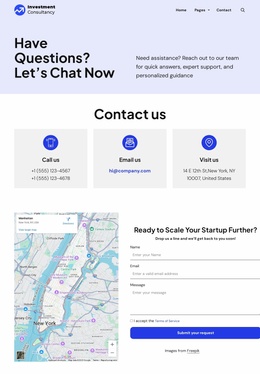
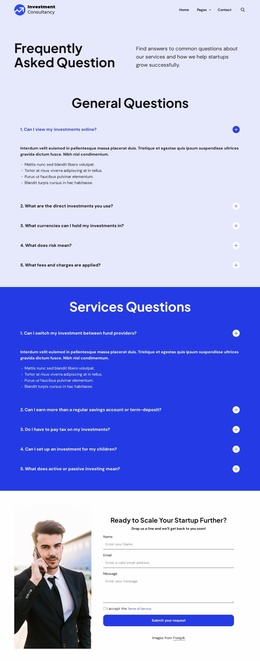
Near the bottom, the composition narrows into a practical two-part contact area. The portrait establishes a visual anchor on one side, while the heading Ready to Scale Your Startup Further?, visible form fields, and Submit your request action organize the other side around interaction. The dark footer then creates a strong tonal transition and distributes help links, social links, contact channels, and secondary navigation across columns. This sequence gives the single page a readable rhythm from open introduction to repeated information, visual proof, response area, and closure.
Customize with Nicepage
Open this ready-made template in the Web Page Design Builder and customize it visually in the Nicepage editor. Replace demo content, edit page sections, and adapt the design to your project without rebuilding the template from scratch.
Design a Web Page Section by Section
Choose a Design for Each Section
Build the page from individual content sections instead of starting with a fixed full-page layout. Use Block Designs to browse ready-made sections for different purposes, including introductions, services, galleries, testimonials, contact forms, pricing, and other common parts of a web page. Search or filter the available designs to find a layout that fits the content you want to add.
Combine Blocks and Page Elements
Add selected Blocks to the page and arrange them in the order that supports the page's purpose. A hero section can introduce the main message, followed by services, benefits, portfolio content, testimonials, calls to action, or contact information.
Inside each section, use Web Page Elements such as Text, Image, Hyperlink, Grid, Gallery, and other elements to build and present the page content. Individual elements can be added and adjusted within the Blocks, giving you more control over the composition of each section without having to create the complete layout from scratch.
Refine the Page Layout and Flow
After assembling the main sections, adjust their content, spacing, backgrounds, images, typography, and element placement in the Nicepage editor. Reorder Blocks when necessary and refine the transition from one section to the next so the information hierarchy and visual flow remain clear throughout the page.
This workflow makes the template useful as a web page design that can be composed from ready-made sections, customized with individual page elements, rearranged, and adapted to the content and purpose of an individual page.