The planning firm with 53 offices and 7000+ professionals One Page Template


Edit Template Offline
2. Create new page and search for id 5102110
Edit Template Online
Create Awesome Websites


Free Nicepage Builder
Keywords
The Hero-to-Contact Sequence Gives Each Major Team Section a Destination
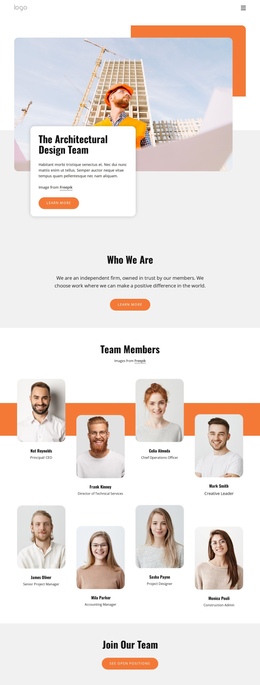
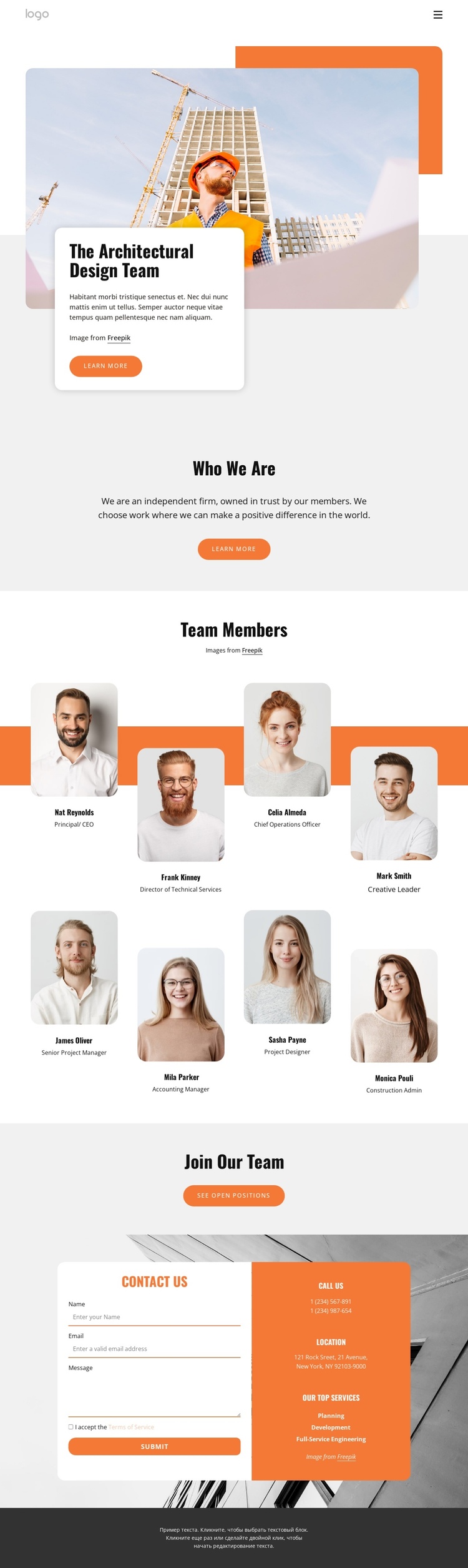
The page has a strong continuous order: an image-led introduction, a short Who We Are statement, the Team Members directory, a recruitment prompt, and a final contact region. That sequence lets visitors move from general identity to people, then to either employment information or direct communication. Each major block has a distinct informational role without requiring the visitor to leave the page to understand the firm’s basic presentation.
The eight portrait profiles are especially suited to a long single-page journey because they form one recognizable directory rather than eight unrelated content pages. Two rows of four profiles create a measurable visual pause between the introductory text and the lower calls to action. The names and identities shown are sample material, but the repeated profile structure can remain a meaningful navigation destination after the content is replaced.
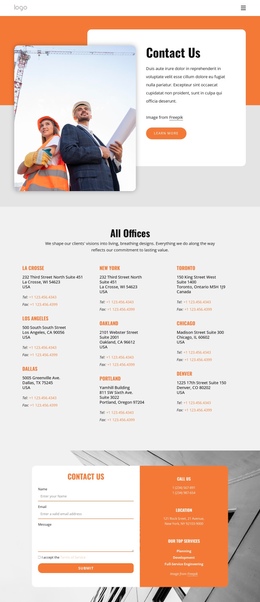
The Join Our Team block provides a separate recruitment destination through its See Open Positions button, while the contact area closes the sequence with a form requiring name, email, message, and terms acceptance. Beside it, planning, development, and full-service engineering labels give the final section a service-oriented context. Phone and location information are also present as content categories, although the displayed values are placeholders. The combination supports a continuous one-page experience with several clear destinations rather than a single conversion claim.
Customize with Nicepage
Open this ready-made template in the One Page Template Builder and customize it visually in the Nicepage editor. Replace demo content, edit page sections, and adapt the design to your project without rebuilding the template from scratch.
Build a Navigable One-Page Website
Connect the Menu to Page Sections
Organize the website as a sequence of sections on a single page and use the Menu For One-Page Site to connect menu items with individual page Blocks. Visitors can jump directly to sections such as About, Services, Testimonials, or Contact without opening separate pages.
Keep the Website on One URL
A one-page template can combine several parts of a small website within one continuous page. Arrange the Header, introduction, services, portfolio, company information, reviews, contact details, and other relevant sections in the order that fits the project while keeping them accessible through the same page navigation.
Make Long Pages Easier to Navigate
For longer one-page websites, keep navigation labels short and connected to meaningful sections so visitors can move through the page without relying only on scrolling. You can also use the Back To Top element to provide a quick way back to the beginning after longer sections.
This workflow makes the template suitable for compact websites that need several distinct content sections while keeping the complete visitor experience on one URL.

Design Set (31)
-

-
-
-
-
-
-
-
-
-
-
-
-
-
-
-
-
-
-
-
-
-
-
-
-
Build Website with no CodingDownload
-