Virtual assistant for your business One Page Template


Edit Template Offline
2. Create new page and search for id 6453262
Edit Template Online
Create Awesome Websites


Free Nicepage Builder
Keywords
The Page Moves Through Services, Steps, and Contact Destinations
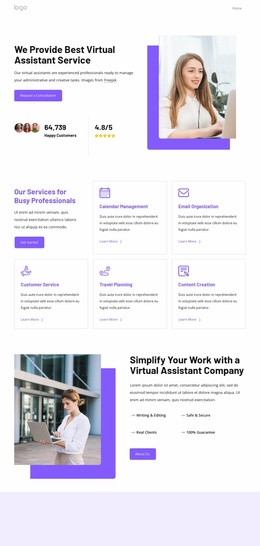
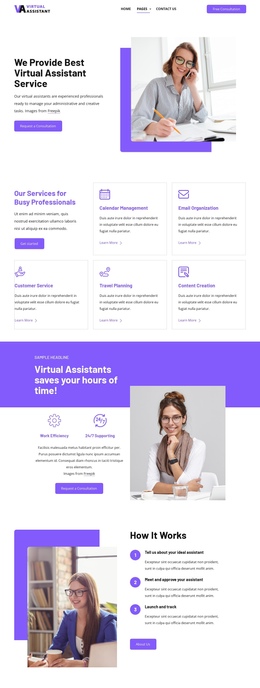
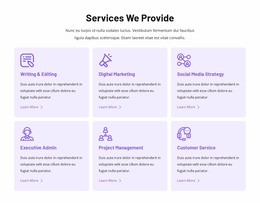
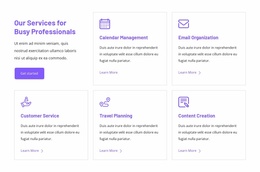
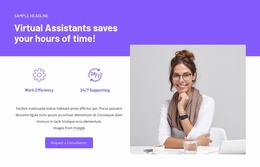
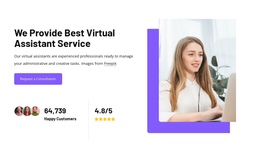
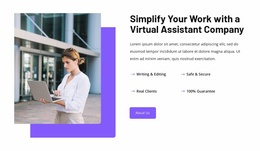
The section order creates a natural one-page journey without needing to separate the service story across multiple URLs. Visitors first encounter the virtual assistant offer, a large portrait image, and a Request a Consultation action in the split hero. The next grid becomes the main service destination, with five named cards that allow the page to distinguish Calendar Management, Email Organization, Customer Service, Travel Planning, and Content Creation. This gives the long layout several meaningful information stops rather than one uninterrupted block of promotional text.
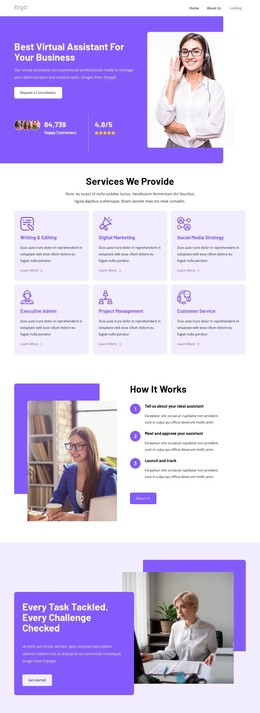
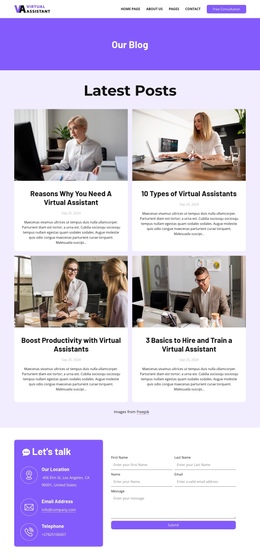
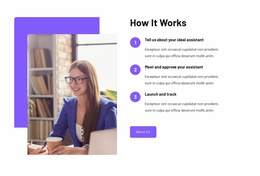
The purple benefit band changes the emphasis from what is offered to why the service matters, using Work Efficiency and 24/7 Supporting labels alongside another consultation prompt. The following How It Works section provides a process destination with three numbered stages: describing the ideal assistant, meeting and approving the assistant, and launching and tracking the arrangement. The final dark contact area then functions as the closing destination, combining client navigation, Quick Links, email and telephone channels, and a Get started action. Each section has a distinct role in the continuous document, so the page can be explored in sequence while still allowing navigation and contact content to remain visible as separate destinations.
Customize with Nicepage
Open this ready-made template in the One Page Template Builder and customize it visually in the Nicepage editor. Replace demo content, edit page sections, and adapt the design to your project without rebuilding the template from scratch.
Build a Navigable One-Page Website
Connect the Menu to Page Sections
Organize the website as a sequence of sections on a single page and use the Menu For One-Page Site to connect menu items with individual page Blocks. Visitors can jump directly to sections such as About, Services, Testimonials, or Contact without opening separate pages.
Keep the Website on One URL
A one-page template can combine several parts of a small website within one continuous page. Arrange the Header, introduction, services, portfolio, company information, reviews, contact details, and other relevant sections in the order that fits the project while keeping them accessible through the same page navigation.
Make Long Pages Easier to Navigate
For longer one-page websites, keep navigation labels short and connected to meaningful sections so visitors can move through the page without relying only on scrolling. You can also use the Back To Top element to provide a quick way back to the beginning after longer sections.
This workflow makes the template suitable for compact websites that need several distinct content sections while keeping the complete visitor experience on one URL.