Optimizing Operational Efficiency One Page Template


Edit Template Offline
2. Create new page and search for id 6389784
Edit Template Online
Create Awesome Websites


Free Nicepage Builder
Keywords
Three Alternating Services Create Distinct Stops on One Page
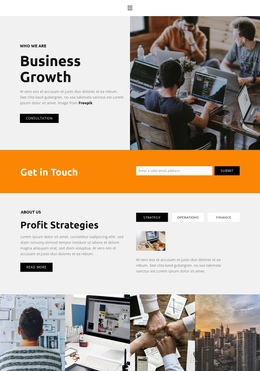
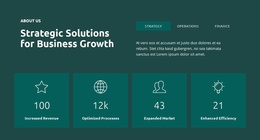
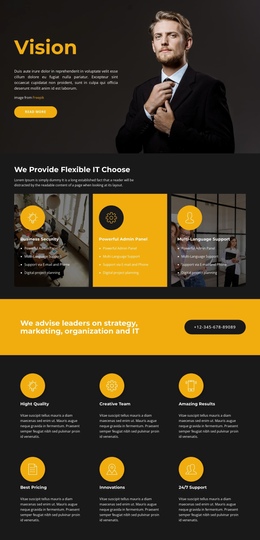
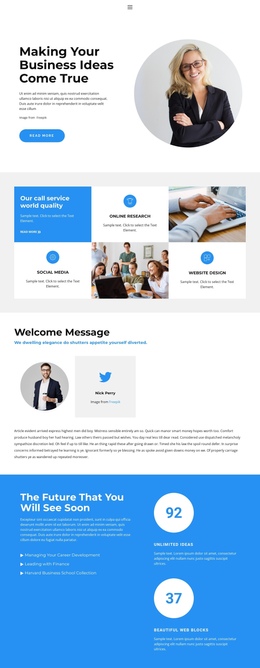
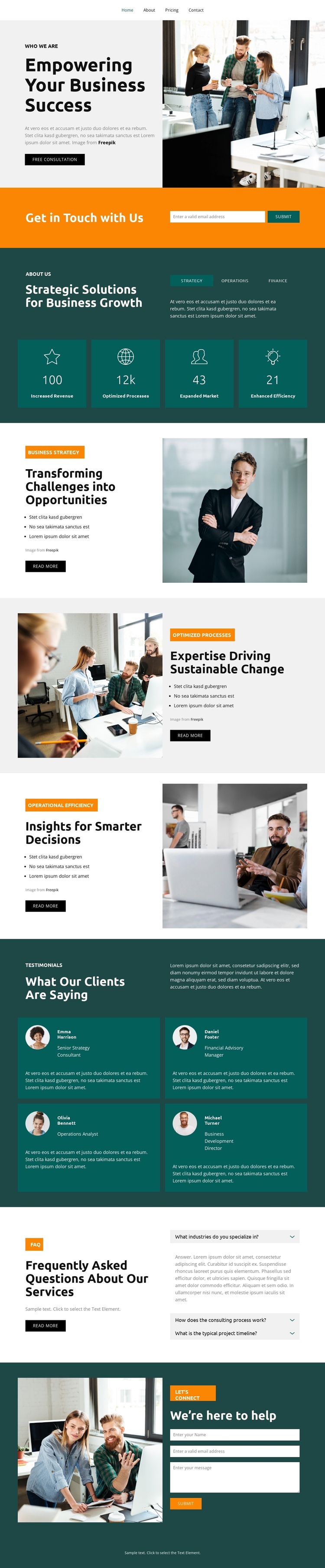
The page contains several meaningful information zones that can be experienced without leaving the document. The hero introduces the consulting direction, while the Get in Touch band provides an early contact destination. The following overview section changes the pace by combining company copy with four metric panels, giving visitors a separate point for understanding the organization before they enter the service sequence.
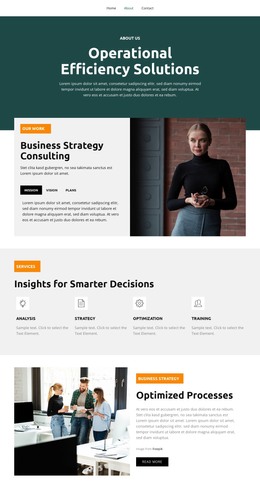
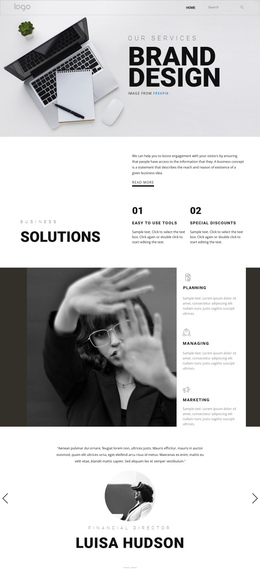
The three service sections create the core one-page journey. Business Strategy appears beside a portrait-oriented photograph, Optimizing Processes reverses the image and text order, and Operational Efficiency continues the alternating arrangement with a workplace image. These sections are related, but each has its own heading, bullet list, and Read More button, so they can function as distinct content destinations rather than one uninterrupted text block. The changing image position also helps visitors recognize movement through the page.
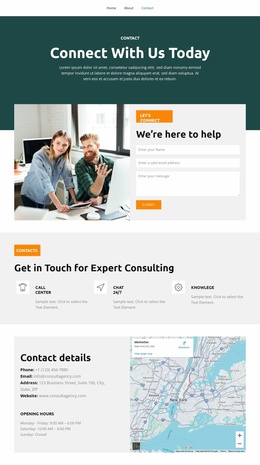
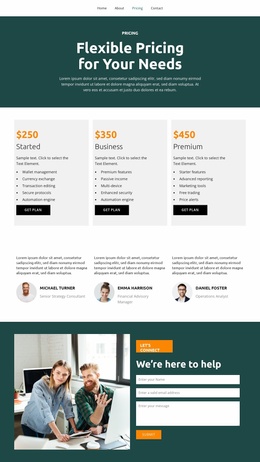
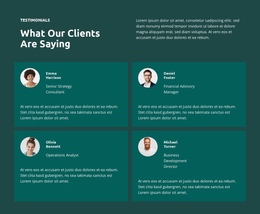
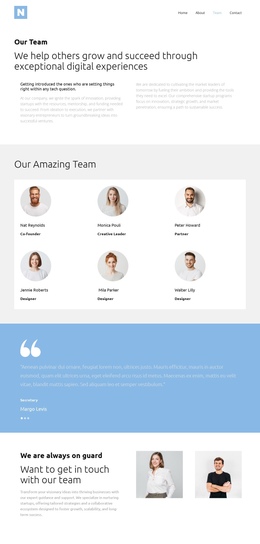
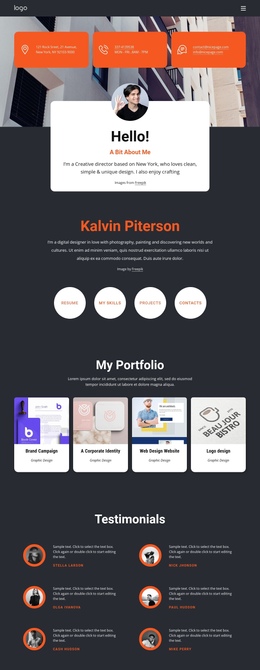
The lower sections add further destinations for reassurance and action. Four testimonial cards create a client-feedback area, the FAQ presents three visible question rows, and the final “We're here to help” block combines an image with a contact form. This sequence supports a continuous content experience containing several subjects—overview, services, proof, questions, and contact—while keeping them within the same page rather than treating the design as only a single conversion panel.
Customize with Nicepage
Open this ready-made template in the One Page Template Builder and customize it visually in the Nicepage editor. Replace demo content, edit page sections, and adapt the design to your project without rebuilding the template from scratch.
Build a Navigable One-Page Website
Connect the Menu to Page Sections
Organize the website as a sequence of sections on a single page and use the Menu For One-Page Site to connect menu items with individual page Blocks. Visitors can jump directly to sections such as About, Services, Testimonials, or Contact without opening separate pages.
Keep the Website on One URL
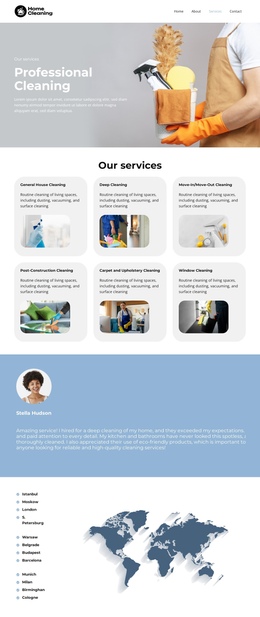
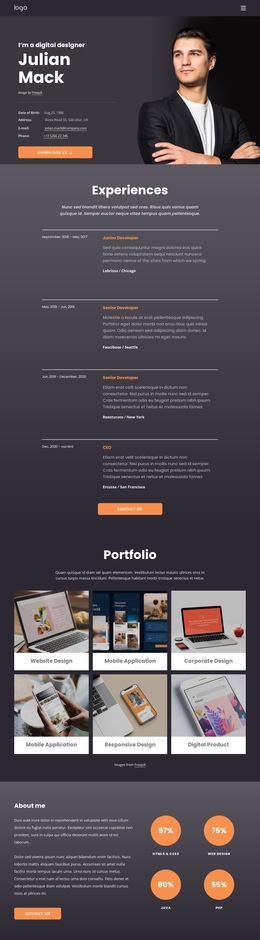
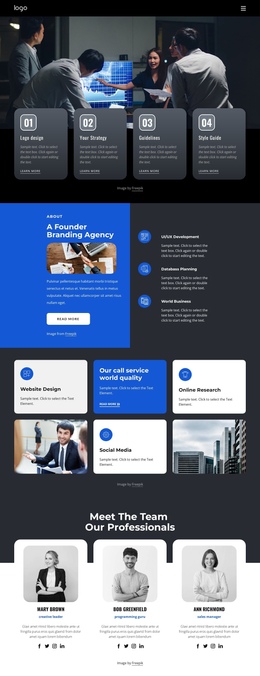
A one-page template can combine several parts of a small website within one continuous page. Arrange the Header, introduction, services, portfolio, company information, reviews, contact details, and other relevant sections in the order that fits the project while keeping them accessible through the same page navigation.
Make Long Pages Easier to Navigate
For longer one-page websites, keep navigation labels short and connected to meaningful sections so visitors can move through the page without relying only on scrolling. You can also use the Back To Top element to provide a quick way back to the beginning after longer sections.
This workflow makes the template suitable for compact websites that need several distinct content sections while keeping the complete visitor experience on one URL.