Winning rules of fashion One Page Template


Edit Template Offline
2. Create new page and search for id 36786
Edit Template Online
Create Awesome Websites


Free Nicepage Builder
Keywords
From Dress Codes to Spring Outfits, the Page Creates One Content Journey
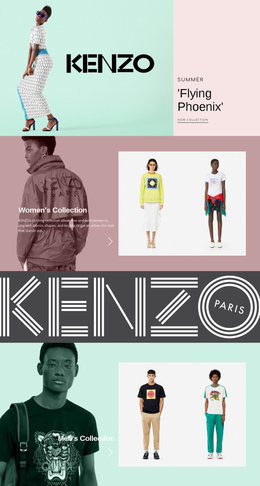
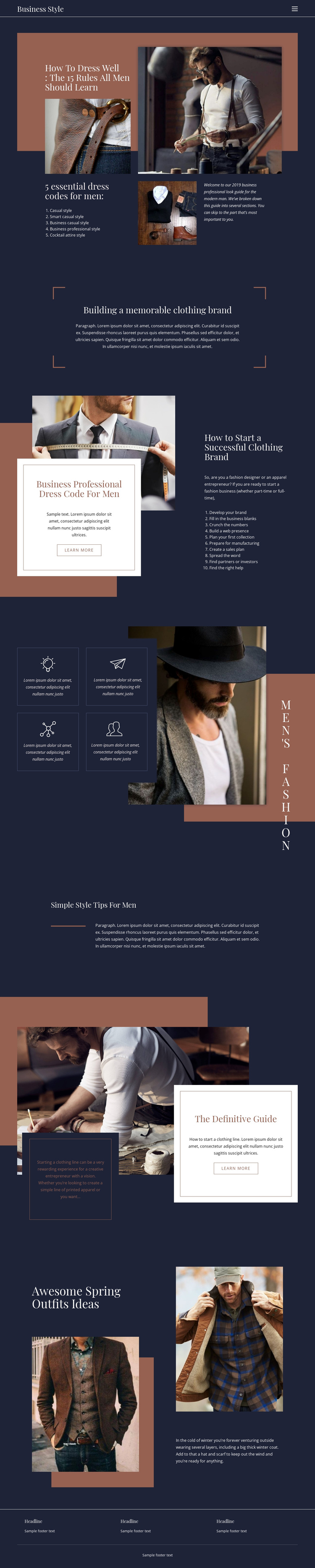
The design already reads as a continuous editorial journey. A compact header and horizontal navigation introduce the Business Style identity, then the opening split section presents the main dressing guide through a large title, multiple photographs, and five dress-code destinations. Readers can move from Casual and Smart Casual toward Business Casual, Business Professional, and Cocktail Attire while remaining inside the same visual narrative.
The middle of the page changes scale without breaking that journey. A centered statement about building a memorable clothing brand acts as a transition into the ten-step startup guidance. That list creates a substantial information destination with its own internal sequence, covering brand development, business planning, collection preparation, manufacturing, sales, promotion, and partnerships. The four small feature panels beside a larger photograph then condense the men's fashion subject into a repeated, easily recognized section.
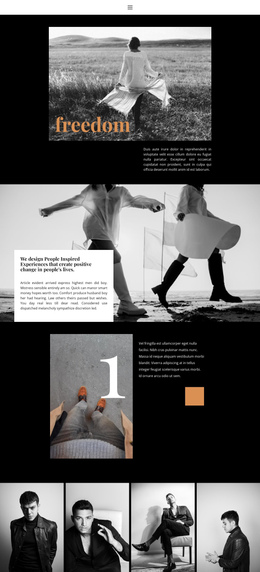
The final sections continue the progression rather than ending after the main article. Simple style tips provide a lighter editorial pause, the bordered “Definitive Guide” card introduces another clothing-line topic, and seasonal outfit imagery closes the page with practical inspiration and layering advice. Three footer information columns and a closing line complete the document. These distinct regions can work as meaningful navigation destinations on one long page, supporting several content interests without requiring every topic to become a separate URL.
Customize with Nicepage
Open this ready-made template in the One Page Template Builder and customize it visually in the Nicepage editor. Replace demo content, edit page sections, and adapt the design to your project without rebuilding the template from scratch.
Build a Navigable One-Page Website
Connect the Menu to Page Sections
Organize the website as a sequence of sections on a single page and use the Menu For One-Page Site to connect menu items with individual page Blocks. Visitors can jump directly to sections such as About, Services, Testimonials, or Contact without opening separate pages.
Keep the Website on One URL
A one-page template can combine several parts of a small website within one continuous page. Arrange the Header, introduction, services, portfolio, company information, reviews, contact details, and other relevant sections in the order that fits the project while keeping them accessible through the same page navigation.
Make Long Pages Easier to Navigate
For longer one-page websites, keep navigation labels short and connected to meaningful sections so visitors can move through the page without relying only on scrolling. You can also use the Back To Top element to provide a quick way back to the beginning after longer sections.
This workflow makes the template suitable for compact websites that need several distinct content sections while keeping the complete visitor experience on one URL.