Barbershop contacts and hours One Page Template


Edit Template Offline
2. Create new page and search for id 5252501
Edit Template Online
Create Awesome Websites


Free Nicepage Builder
Keywords
Contact, Pricing, Hours, and Booking Create Distinct Page Stops
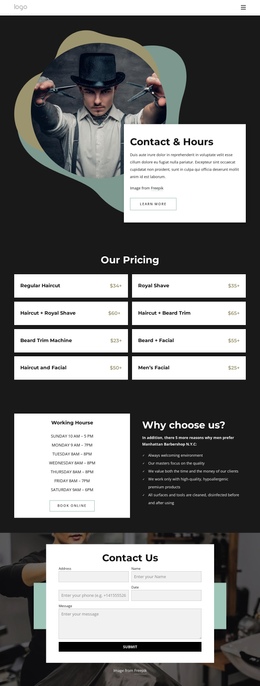
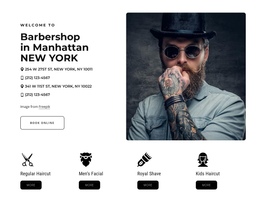
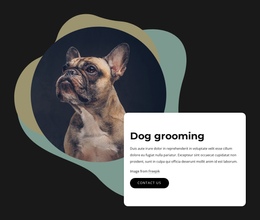
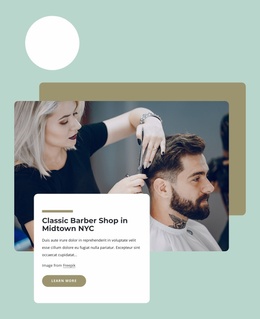
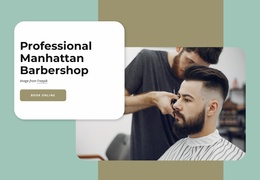
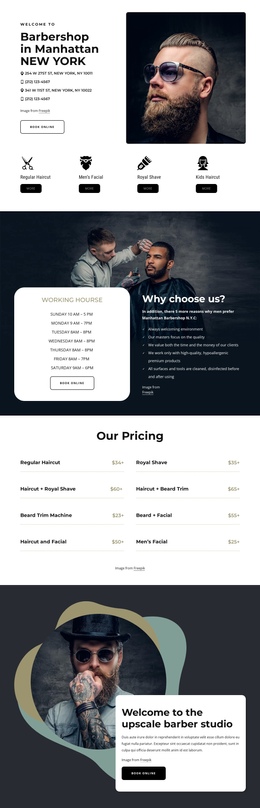
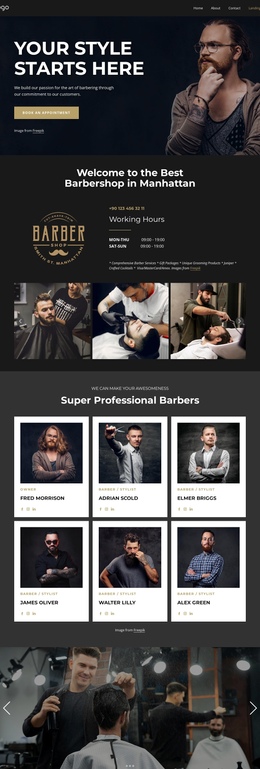
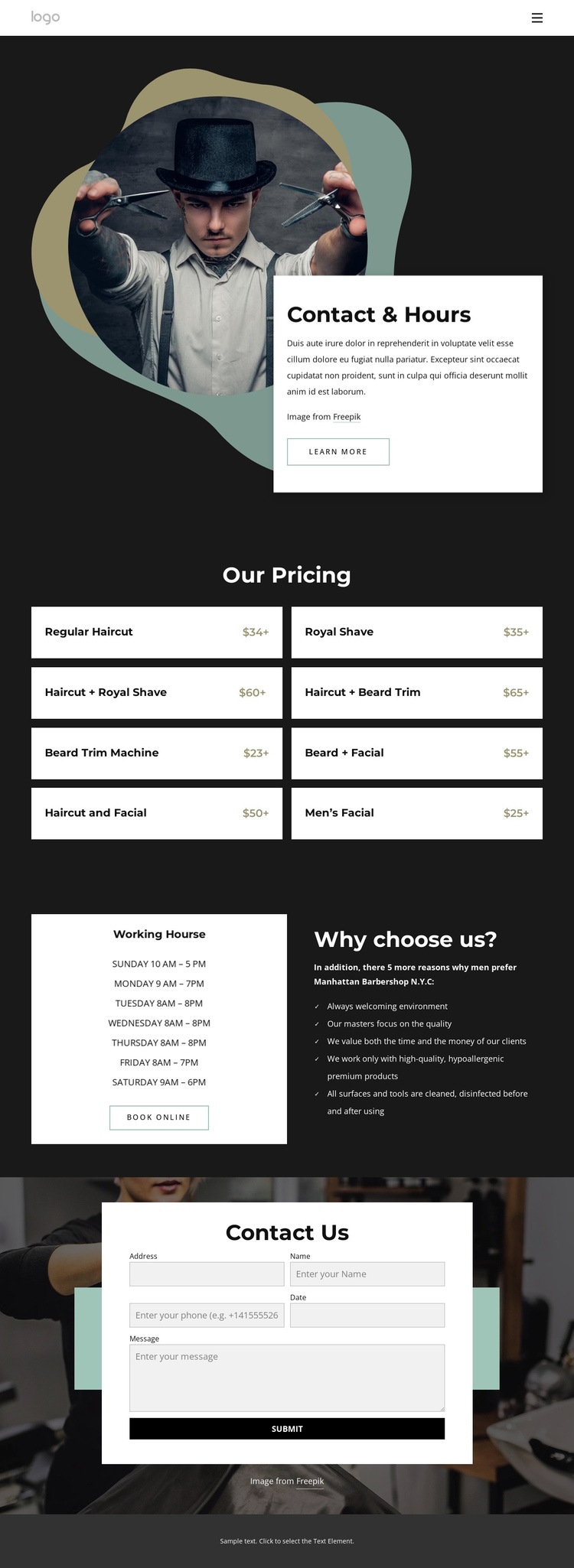
The page has a natural sequence for a one-page visitor journey. Contact & Hours introduces the barbershop through a large image, a white information card, and a direct service context. The following Our Pricing section becomes a separate information destination because its eight grooming packages are grouped into repeated cards rather than blended into the introduction. Visitors can pause there to compare haircuts, shaves, beard trims, and facials before continuing.
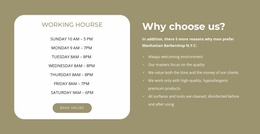
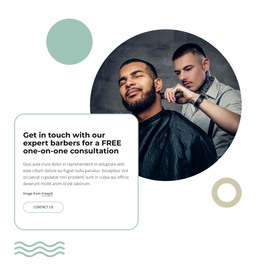
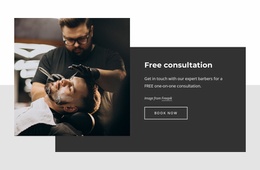
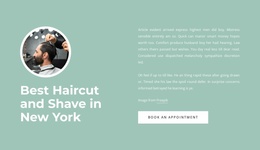
The third section adds another meaningful stop: operating hours are presented in their own white panel, while a darker neighboring panel explains reasons to choose the service. This separation gives the weekly schedule and supporting rationale different roles within the same document. The Book Online action belongs to that planning stage, but it does not eliminate the need for the other content destinations. The final Contact Us section then provides a closing place for form-based communication, followed by a simple footer.
Because the content is already divided into recognizable blocks, a one-page menu can point visitors toward the introduction, pricing, hours, and contact areas if navigation is added during customization. The mobile version preserves the sequence by stacking the split content and pricing cards, allowing the same continuous experience to remain understandable at narrower widths.
Customize with Nicepage
Open this ready-made template in the One Page Template Builder and customize it visually in the Nicepage editor. Replace demo content, edit page sections, and adapt the design to your project without rebuilding the template from scratch.
Build a Navigable One-Page Website
Connect the Menu to Page Sections
Organize the website as a sequence of sections on a single page and use the Menu For One-Page Site to connect menu items with individual page Blocks. Visitors can jump directly to sections such as About, Services, Testimonials, or Contact without opening separate pages.
Keep the Website on One URL
A one-page template can combine several parts of a small website within one continuous page. Arrange the Header, introduction, services, portfolio, company information, reviews, contact details, and other relevant sections in the order that fits the project while keeping them accessible through the same page navigation.
Make Long Pages Easier to Navigate
For longer one-page websites, keep navigation labels short and connected to meaningful sections so visitors can move through the page without relying only on scrolling. You can also use the Back To Top element to provide a quick way back to the beginning after longer sections.
This workflow makes the template suitable for compact websites that need several distinct content sections while keeping the complete visitor experience on one URL.