Camping rules One Page Template


The amenities lists create a distinct destination in the page flow
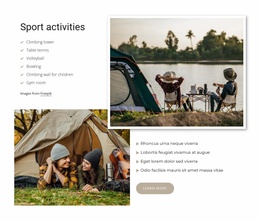
The two headings give this section a recognizable information identity within a continuous one-page experience. The first list answers what campsite guests can use, with 11 amenities ranging from an eco-product store and children’s climbing wall to an 8 m climbing tower, sports facilities, equipment hire, laundry use, and internet access. The second list changes emphasis from everyday facilities to three additional options: climbing instructor hire, kayaking permits, and fishing permits. That division lets visitors scan practical provisions separately from activities and permissions.
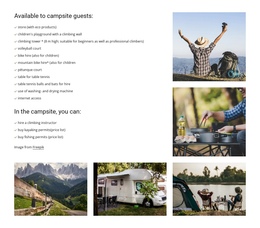
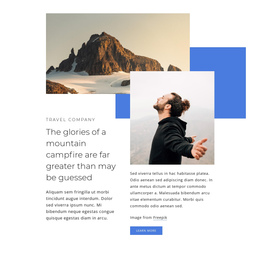
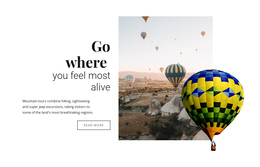
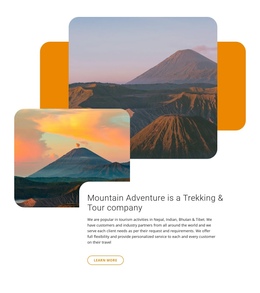
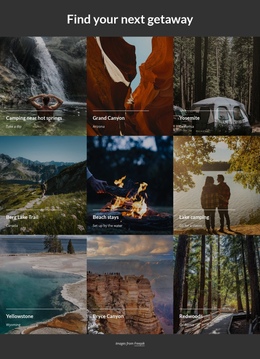
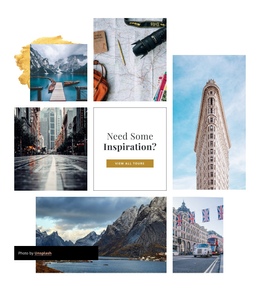
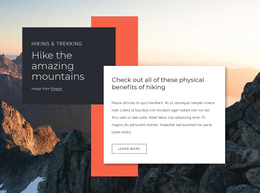
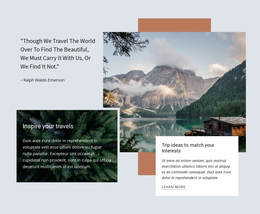
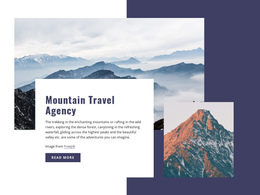
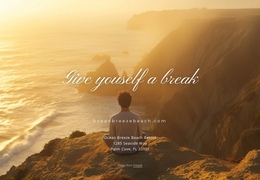
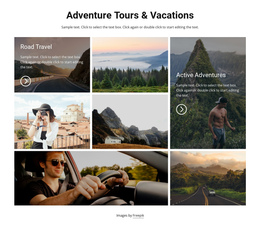
The five-photo collage strengthens the section as a visual destination rather than leaving it as a dense text area. A large upper-right pair and a lower row of three images create a stable visual marker, while the mix of recreation, cooking, mountain, caravan, and lakeside camping imagery supports the outdoor setting. On a one-page site, this block could follow an introduction or campsite overview and precede booking, location, or contact content. It provides one meaningful stop in the page journey; a separate page-level menu or anchor arrangement would be supplied by the surrounding project rather than by this section alone. The block’s clear heading structure also makes it suitable for a menu label that points visitors toward amenities when such navigation is added at page level.
Customize with Nicepage
Open this ready-made template in the One Page Template Builder and customize it visually in the Nicepage editor. Replace demo content, edit page sections, and adapt the design to your project without rebuilding the template from scratch.
Edit Template Offline
2. Create a new page or select existing
3. Click Add new block, search for id 2695602 and click enter
Edit Template Online
Create Awesome Websites


Free Nicepage Builder
Keywords
Build a Navigable One-Page Website
Connect the Menu to Page Sections
Organize the website as a sequence of sections on a single page and use the Menu For One-Page Site to connect menu items with individual page Blocks. Visitors can jump directly to sections such as About, Services, Testimonials, or Contact without opening separate pages.
Keep the Website on One URL
A one-page template can combine several parts of a small website within one continuous page. Arrange the Header, introduction, services, portfolio, company information, reviews, contact details, and other relevant sections in the order that fits the project while keeping them accessible through the same page navigation.
Make Long Pages Easier to Navigate
For longer one-page websites, keep navigation labels short and connected to meaningful sections so visitors can move through the page without relying only on scrolling. You can also use the Back To Top element to provide a quick way back to the beginning after longer sections.
This workflow makes the template suitable for compact websites that need several distinct content sections while keeping the complete visitor experience on one URL.