Text and 3 circled images One Page Template


Project Experience Forms a Distinct Content Destination
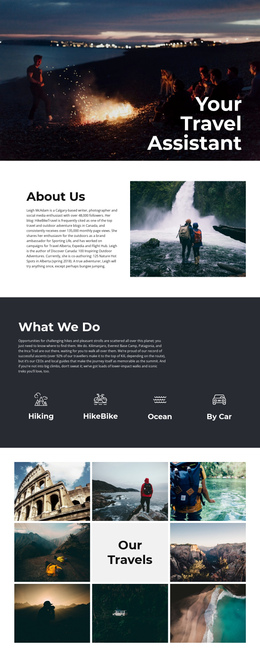
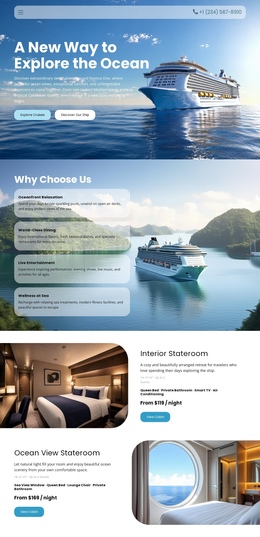
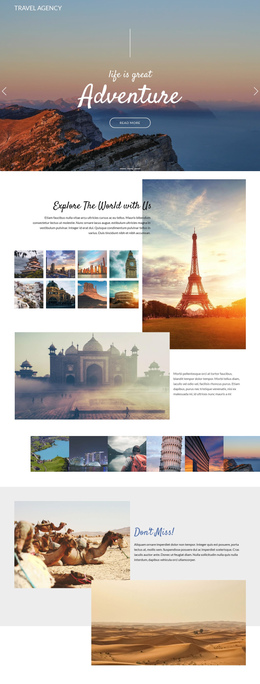
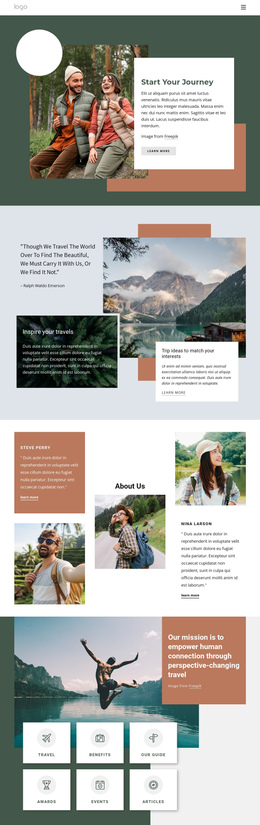
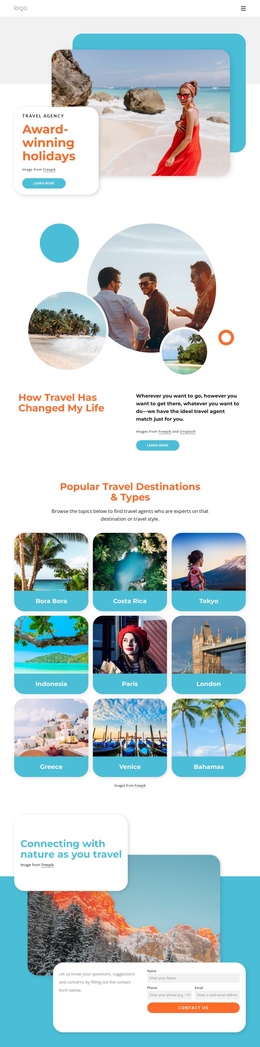
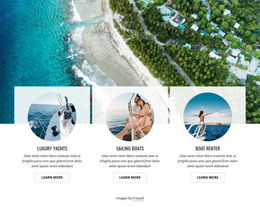
The three circular images give this section an identifiable visual opening, while the Project Experience label names the content destination. Visitors then move down to the centered descriptive text, an attribution line, and the Learn more button in a clear vertical order. That sequence lets the block stand apart from neighboring sections without requiring it to become a separate page or contain the whole one-page experience.
For a one-page template context, the section can contribute information about a project or visual experience between other destinations such as an introduction, portfolio, proof area, or contact section. Its role is based on recognizable content and boundaries: the image row supplies a repeated visual motif, the centered copy explains the topic, and the button offers continuation. Any section-based navigation would belong to the containing page; the block itself simply provides a meaningful destination that can be labeled and placed within the page flow.
The dark blue background and white typography help distinguish this destination from adjacent content, while the orange rounded button gives the lower edge a clear endpoint. Because the block is static and centered, it can connect the surrounding page journey without depending on a special interaction. It contributes one focused experience section to a longer continuous presentation.
Customize with Nicepage
Open this ready-made template in the One Page Template Builder and customize it visually in the Nicepage editor. Replace demo content, edit page sections, and adapt the design to your project without rebuilding the template from scratch.
Edit Template Offline
2. Create a new page or select existing
3. Click Add new block, search for id 2853506 and click enter
Edit Template Online
Create Awesome Websites


Free Nicepage Builder
Keywords
Use This Block as a Section in a One-Page Website
Give the Block a Distinct Content Role
A one-page website combines several meaningful content sections within one continuous document. A block can serve as one of those destinations—for example About, Services, Gallery, Testimonials, Pricing, Team, or Contact—while other blocks provide the rest of the page journey.
Connect Navigation to Meaningful Sections
When the final page uses section-based navigation, Menu For One-Page Site can connect menu items to individual page Blocks. The analyzed block does not prove that anchor navigation already exists; it simply provides one possible destination when its content is substantial enough to stand as a recognizable section.
Keep Longer Pages Easy to Explore
For long one-page sites, Back To Top can help visitors return to the beginning after moving through several sections. Navigation behavior is managed at the page level, while each block retains its own content function.
This workflow positions the block as one part of a continuous one-page experience rather than treating a single section as the entire one-page site.