First Human On Mars One Page Template


Edit Template Offline
2. Create new page and search for id 14292
Edit Template Online
Create Awesome Websites


Free Nicepage Builder
Keywords
Six Editorial Sections Create a Continuous Mars Content Journey
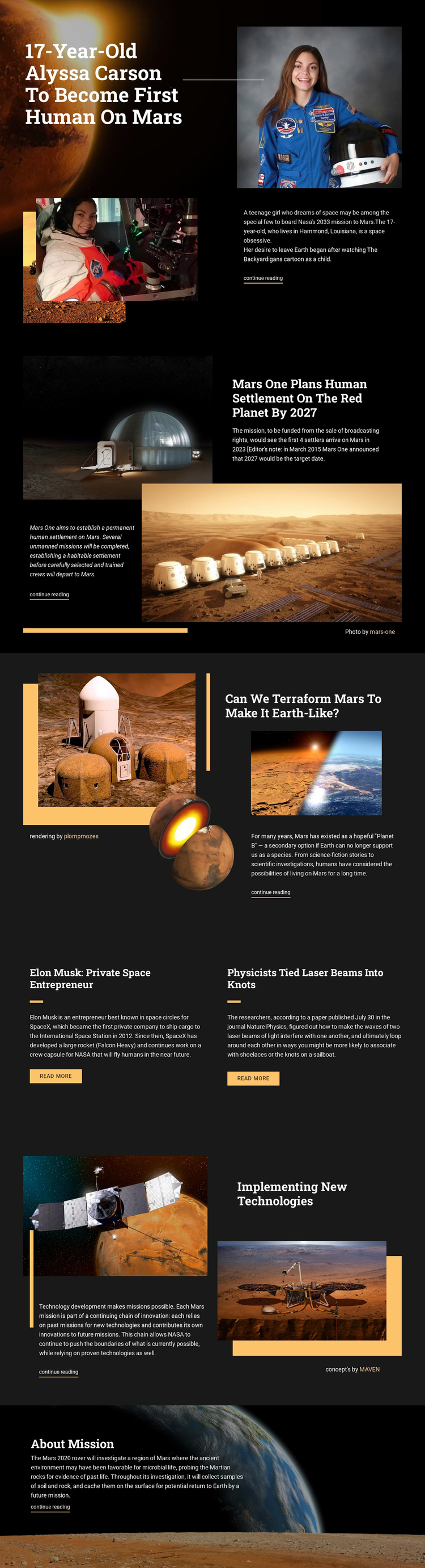
The page’s section order supports a one-page information architecture because each major topic occupies a distinct destination in the same continuous document. The opening Alyssa Carson feature provides the entry point, followed by the Mars One settlement story and the terraforming discussion. These sections move from a person and mission proposal toward a broader scientific question, while their different image compositions prevent the sequence from feeling repetitive.
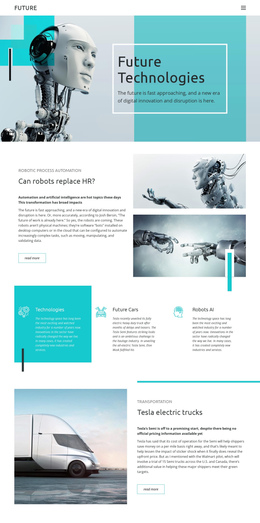
The two-item grid creates a compact middle destination for related stories about Elon Musk and laser-beam research. Its parallel panels allow visitors to compare two editorial subjects without leaving the page flow. The later technology section returns to a larger split composition, and the About Mission block closes the sequence with Mars 2020 content over an atmospheric background. Each change in layout marks a new content zone while the shared palette keeps the journey connected.
The repeated continue-reading and read-more links can serve the individual article destinations within this structure, but the central value is the progression through several topics on one page. Visitors can move from human exploration to settlement, terraforming, research, technology, and rover missions as related stages of the same subject. The design does not prove that anchor navigation already exists, so its one-page suitability comes from the verified section sequence rather than an invented menu behavior.
Customize with Nicepage
Open this ready-made template in the One Page Template Builder and customize it visually in the Nicepage editor. Replace demo content, edit page sections, and adapt the design to your project without rebuilding the template from scratch.
Build a Navigable One-Page Website
Connect the Menu to Page Sections
Organize the website as a sequence of sections on a single page and use the Menu For One-Page Site to connect menu items with individual page Blocks. Visitors can jump directly to sections such as About, Services, Testimonials, or Contact without opening separate pages.
Keep the Website on One URL
A one-page template can combine several parts of a small website within one continuous page. Arrange the Header, introduction, services, portfolio, company information, reviews, contact details, and other relevant sections in the order that fits the project while keeping them accessible through the same page navigation.
Make Long Pages Easier to Navigate
For longer one-page websites, keep navigation labels short and connected to meaningful sections so visitors can move through the page without relying only on scrolling. You can also use the Back To Top element to provide a quick way back to the beginning after longer sections.
This workflow makes the template suitable for compact websites that need several distinct content sections while keeping the complete visitor experience on one URL.