Online Finance Courses Joomla Template



Edit Template Offline
2. Create new page and search for id 74339
Edit Template Online
Create Awesome Websites


Free Nicepage Builder
Keywords
Course Categories and Career Regions Suit Structured CMS Content
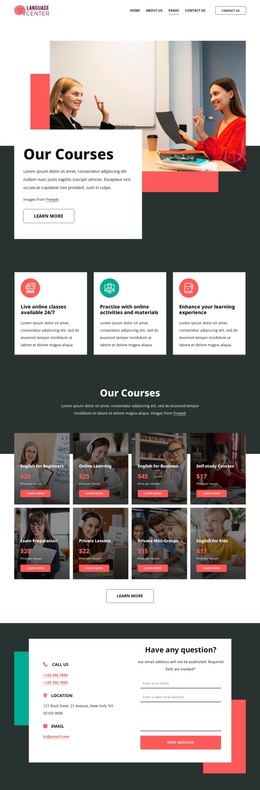
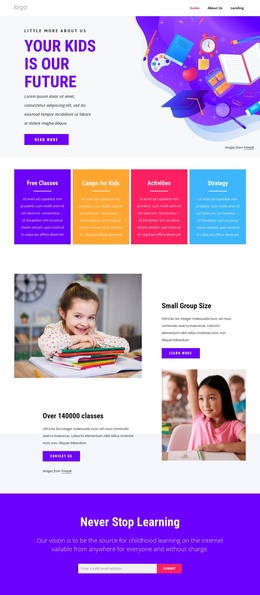
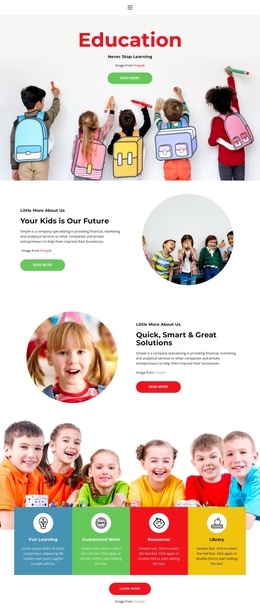
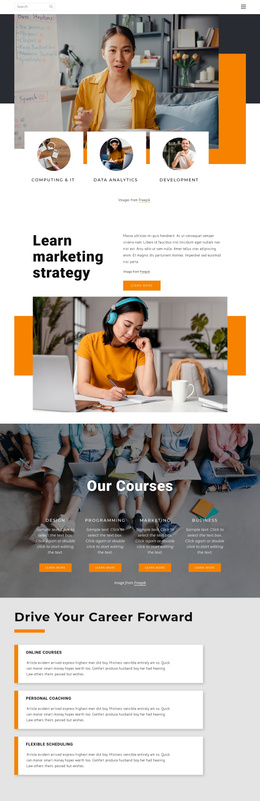
The page divides its educational message into recurring content regions that can be interpreted naturally in a Joomla-managed site. The four course categories—Design, Programming, Marketing, and Business—form one structured group, while online courses, personal coaching, and flexible scheduling form another. Keeping those groups distinct helps the site present courses and broader learner support as related but different types of information.
The opening learning-area section adds a higher-level route into the subject matter through Computing & IT, Data Analytics, and Development. Later, the hands-on course block supplies a more focused content region around 2D and 3D interactive games, with Data Science, UX Design, programming, and testing acting as supporting topics. This arrangement provides several meaningful areas for organized educational content without claiming that any particular CMS article or category already exists.
Navigation, social links, location information, and the closing contact form complete the shared site regions. In a Joomla project, those areas can provide a coordinated framework for menus, structured informational content, and direct contact while retaining the visual distinction between course groups and institutional material. The template is therefore better understood as a set of connected content regions: broad learning areas at the start, repeatable course information in the middle, supporting organization and career content, and a practical contact destination at the end.
Customize with Nicepage
Open this ready-made template in the Joomla Page Builder and customize it visually in the Nicepage editor. Replace demo content, edit page sections, and adapt the design to your project without rebuilding the template from scratch.
Work With This Template in Joomla
Customize and Install the Joomla Template
Start with this ready-made template instead of building the Joomla design from scratch. Customize its layout, content, typography, images, sections, and other design elements visually in the Nicepage application, then export and install the Joomla Template, Nicepage Extension, and supported content on your Joomla website.
Edit the Template Directly in Joomla
After installation, you can edit the Joomla Template directly in Joomla with the Nicepage Joomla Extension. Customize the Header, Footer, Colors, Fonts, typography, and Page Templates from the Joomla workflow while keeping the site design connected with your CMS content.
Edit Joomla Articles Visually
Use the Nicepage Joomla Extension to open and edit Joomla Articles visually from the Joomla Administrator. Change text, images, sections, layouts, and other page content in the Nicepage editor while continuing to manage the Articles through Joomla.
Joomla Content and Template Integration
Use the customized template together with Joomla Articles, module Positions, menus, forms, Blog Pages, and other supported CMS elements. With the Nicepage Extension used as the Site Style Source, shared design settings can be applied across Joomla Articles while Joomla continues to provide the CMS environment for managing site content.
This workflow combines a ready-made Joomla Template with visual customization, direct template editing in Joomla, and continued content management through the Nicepage Joomla Extension.