Online Quran Reading Joomla Template


Edit Template Offline
2. Create new page and search for id 6659309
Edit Template Online
Create Awesome Websites


Free Nicepage Builder
Keywords
Surah Paths and Recitation Content Form Structured Joomla Site Regions
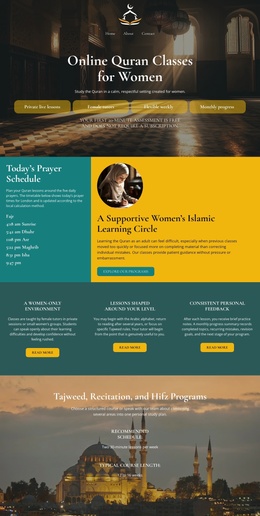
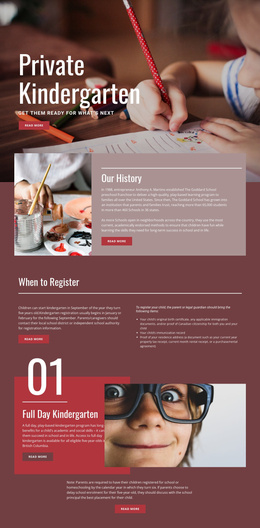
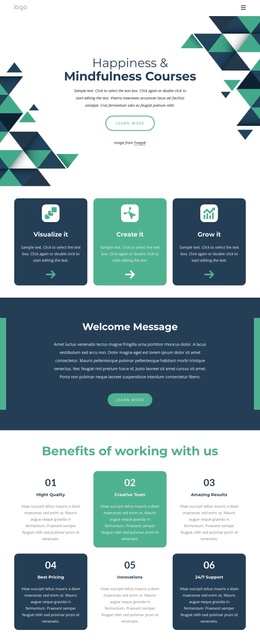
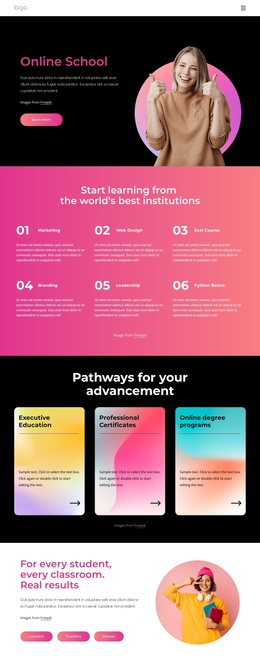
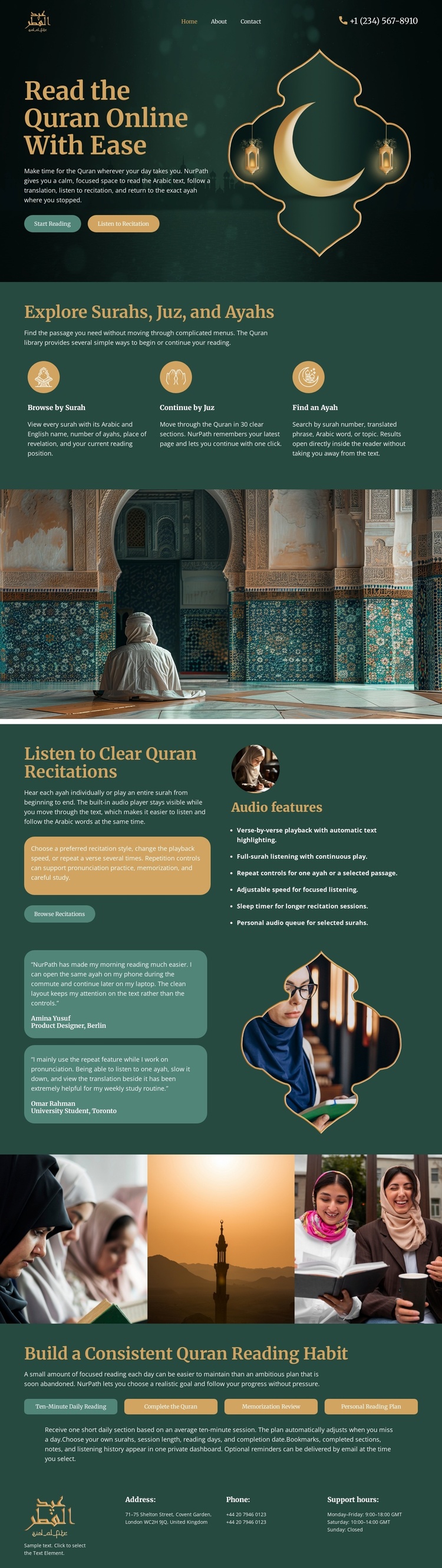
The page divides Quran learning into several recurring information areas that can be understood clearly within a CMS-managed site. The three feature items separate Browse by Surah, Continue by Juz, and Find an Ayah into related but identifiable content regions. This arrangement suits structured educational content because each path has its own role while remaining part of the same visual system.
The recitation section adds a different content region for listening-focused information. Its explanatory copy and quote-like cards sit beside an audio feature list and illustration, creating a clear place for recitation-related material within the page. The wide mosque photograph and the four-image devotional strip provide shared visual regions that can support the surrounding information without being confused with the exploration paths. The reading-habit block then supplies a separate area for study guidance and a Reading Plan action.
Navigation appears at the top, while the footer groups Address, Phone, and Support hours information at the end. Together, these regions establish a useful content hierarchy for a Joomla project: introductory navigation, Quran exploration, devotional context, recitation information, supporting imagery, habit guidance, and contact content. The design can therefore be interpreted as coordinated CMS content areas rather than merely as a static decorative page. It does not assume that Joomla Articles, categories, or module positions already exist; those would depend on the final implementation.
Customize with Nicepage
Open this ready-made template in the Joomla Page Builder and customize it visually in the Nicepage editor. Replace demo content, edit page sections, and adapt the design to your project without rebuilding the template from scratch.
Work With This Template in Joomla
Customize and Install the Joomla Template
Start with this ready-made template instead of building the Joomla design from scratch. Customize its layout, content, typography, images, sections, and other design elements visually in the Nicepage application, then export and install the Joomla Template, Nicepage Extension, and supported content on your Joomla website.
Edit the Template Directly in Joomla
After installation, you can edit the Joomla Template directly in Joomla with the Nicepage Joomla Extension. Customize the Header, Footer, Colors, Fonts, typography, and Page Templates from the Joomla workflow while keeping the site design connected with your CMS content.
Edit Joomla Articles Visually
Use the Nicepage Joomla Extension to open and edit Joomla Articles visually from the Joomla Administrator. Change text, images, sections, layouts, and other page content in the Nicepage editor while continuing to manage the Articles through Joomla.
Joomla Content and Template Integration
Use the customized template together with Joomla Articles, module Positions, menus, forms, Blog Pages, and other supported CMS elements. With the Nicepage Extension used as the Site Style Source, shared design settings can be applied across Joomla Articles while Joomla continues to provide the CMS environment for managing site content.
This workflow combines a ready-made Joomla Template with visual customization, direct template editing in Joomla, and continued content management through the Nicepage Joomla Extension.