Game Automation Services Joomla Template


Edit Template Offline
2. Create new page and search for id 6684748
Edit Template Online
Create Awesome Websites


Free Nicepage Builder
Keywords
Service Groups and Process Content Create Manageable CMS Regions
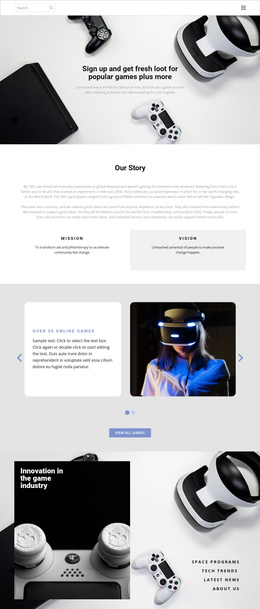
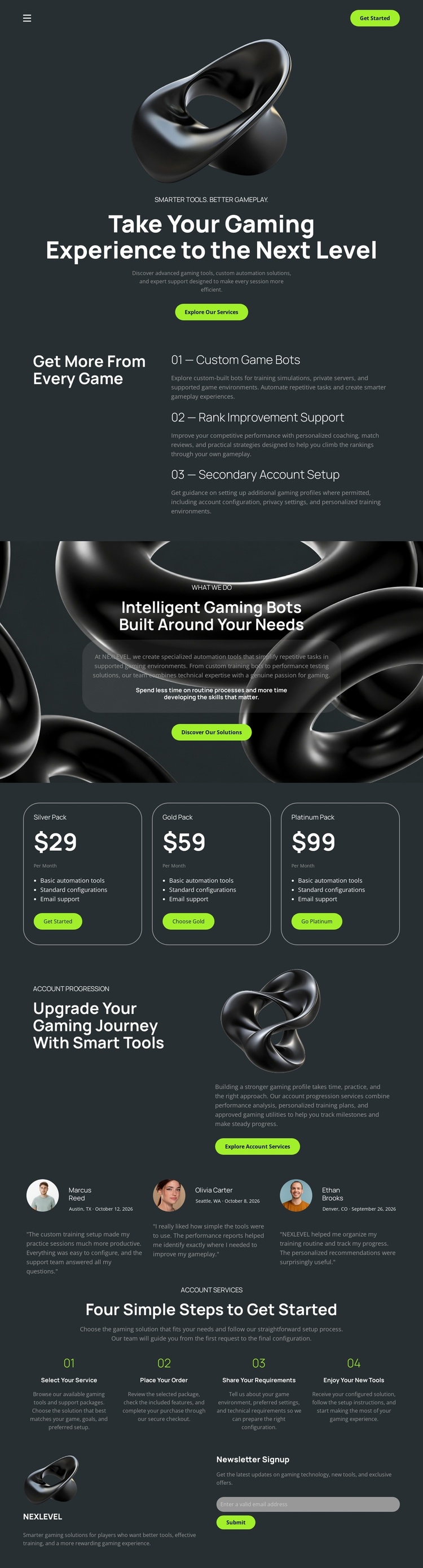
The three service areas divide the main gaming offer into clear informational regions. Custom game bots, rank improvement support, and secondary account setup can be treated as separate content subjects while retaining the same dark-and-lime presentation. The package cards add another structured region, grouping Silver, Gold, and Platinum choices into a repeated comparison pattern rather than scattering package information through the page.
The account-services promotion and testimonial columns introduce additional content roles. One explains a related area of the offer, while the other provides supporting statements that can be maintained separately from the service descriptions. Near the end, the four-step sequence gives the page an ordered process region, and the newsletter signup supplies a compact contact or subscription area. Together, these sections resemble the kinds of reusable site regions that benefit from organized CMS content and consistent navigation.
For a Joomla project, the design therefore works less as a generic CMS skin and more as a structured arrangement of gaming information: service content, package content, supporting proof, process guidance, and subscription content. The shared Header and Footer context can keep navigation and brand presentation coordinated as the site develops, while the existing section boundaries make future editorial changes easier to map onto the page without changing its central visual character.
Customize with Nicepage
Open this ready-made template in the Joomla Page Builder and customize it visually in the Nicepage editor. Replace demo content, edit page sections, and adapt the design to your project without rebuilding the template from scratch.
Work With This Template in Joomla
Customize and Install the Joomla Template
Start with this ready-made template instead of building the Joomla design from scratch. Customize its layout, content, typography, images, sections, and other design elements visually in the Nicepage application, then export and install the Joomla Template, Nicepage Extension, and supported content on your Joomla website.
Edit the Template Directly in Joomla
After installation, you can edit the Joomla Template directly in Joomla with the Nicepage Joomla Extension. Customize the Header, Footer, Colors, Fonts, typography, and Page Templates from the Joomla workflow while keeping the site design connected with your CMS content.
Edit Joomla Articles Visually
Use the Nicepage Joomla Extension to open and edit Joomla Articles visually from the Joomla Administrator. Change text, images, sections, layouts, and other page content in the Nicepage editor while continuing to manage the Articles through Joomla.
Joomla Content and Template Integration
Use the customized template together with Joomla Articles, module Positions, menus, forms, Blog Pages, and other supported CMS elements. With the Nicepage Extension used as the Site Style Source, shared design settings can be applied across Joomla Articles while Joomla continues to provide the CMS environment for managing site content.
This workflow combines a ready-made Joomla Template with visual customization, direct template editing in Joomla, and continued content management through the Nicepage Joomla Extension.