lectronic Music Festival Ticket Joomla Template


Edit Template Offline
2. Create new page and search for id 6630601
Edit Template Online
Create Awesome Websites


Free Nicepage Builder
Keywords
Artist, Pass, and Schedule Regions Suit Structured Event Content
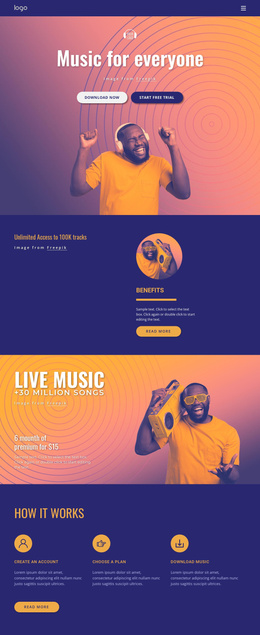
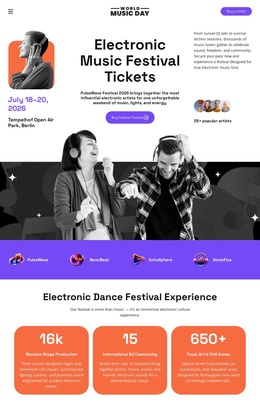
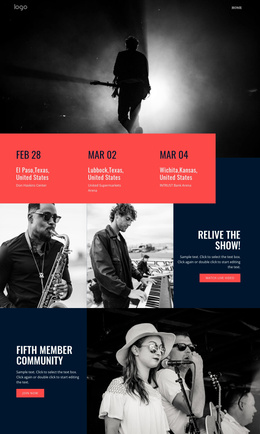
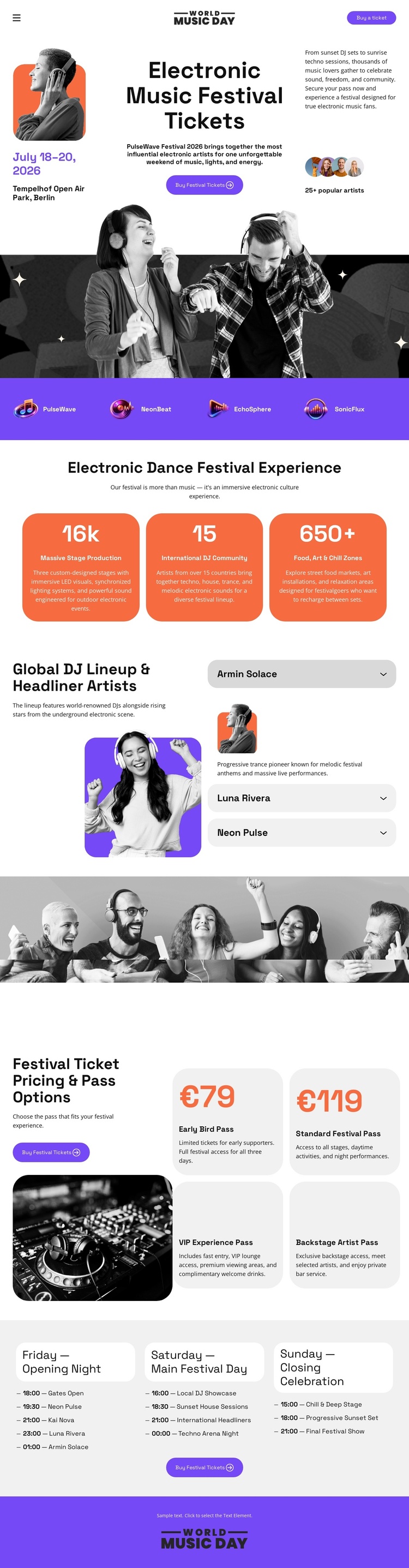
The lineup, pricing, and schedule sections divide the design into recurring information regions that are useful for a CMS-managed festival site. The artist area combines a featured performer image with three stacked entries, creating a structured place for lineup information. The four pass cards form a separate commercial content group, while the three daily schedule columns organize programming by Friday, Saturday, and Sunday.
That separation matters for an event project because artist information, admission options, and daily programming do not serve the same editorial purpose. They can remain visually coordinated through the shared black, white, orange, and purple treatment while being maintained as distinct areas of the site. The hero and closing panel then provide consistent entry and response points around those managed sections.
The purple brand strip adds another reusable region by placing four marks together above the festival highlights. In a Joomla implementation, this arrangement can therefore support structured event content without confusing the lineup with the ticket catalogue or timetable. The design’s value lies in its clear division of information: identity first, festival scale next, performers and passes in the middle, and day-based scheduling before the final ticket prompt.
Customize with Nicepage
Open this ready-made template in the Joomla Page Builder and customize it visually in the Nicepage editor. Replace demo content, edit page sections, and adapt the design to your project without rebuilding the template from scratch.
Work With This Template in Joomla
Customize and Install the Joomla Template
Start with this ready-made template instead of building the Joomla design from scratch. Customize its layout, content, typography, images, sections, and other design elements visually in the Nicepage application, then export and install the Joomla Template, Nicepage Extension, and supported content on your Joomla website.
Edit the Template Directly in Joomla
After installation, you can edit the Joomla Template directly in Joomla with the Nicepage Joomla Extension. Customize the Header, Footer, Colors, Fonts, typography, and Page Templates from the Joomla workflow while keeping the site design connected with your CMS content.
Edit Joomla Articles Visually
Use the Nicepage Joomla Extension to open and edit Joomla Articles visually from the Joomla Administrator. Change text, images, sections, layouts, and other page content in the Nicepage editor while continuing to manage the Articles through Joomla.
Joomla Content and Template Integration
Use the customized template together with Joomla Articles, module Positions, menus, forms, Blog Pages, and other supported CMS elements. With the Nicepage Extension used as the Site Style Source, shared design settings can be applied across Joomla Articles while Joomla continues to provide the CMS environment for managing site content.
This workflow combines a ready-made Joomla Template with visual customization, direct template editing in Joomla, and continued content management through the Nicepage Joomla Extension.