Horror Film Festival Joomla Template


Edit Template Offline
2. Create new page and search for id 6638013
Edit Template Online
Create Awesome Websites


Free Nicepage Builder
Keywords
Lineup, Schedule, and Contact Regions Suit Structured Event Content
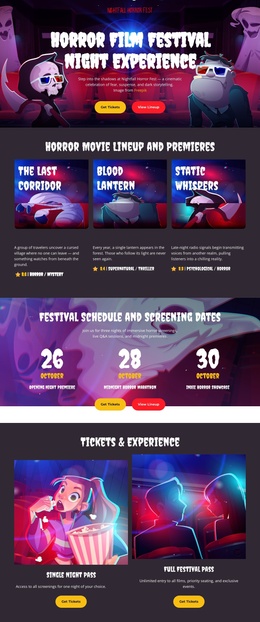
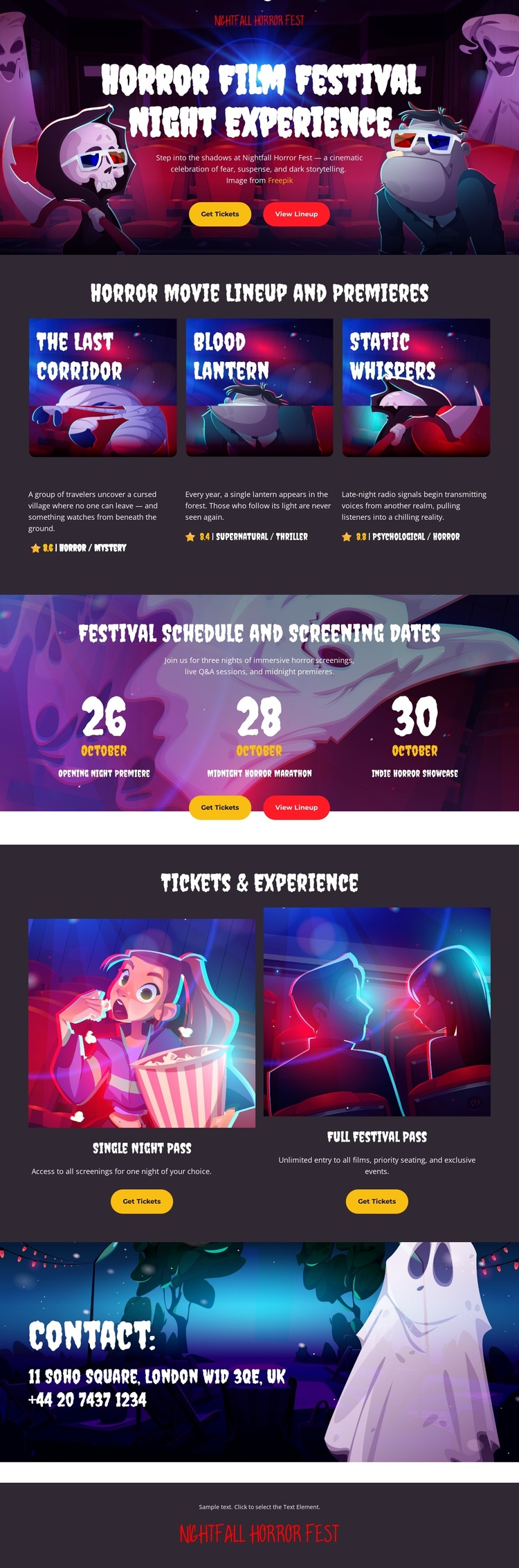
The three film cards divide the featured program into separate information units: The Last Corridor, Blood Lantern, and Static Whispers. That repeated structure is useful for a CMS-managed event site because each title can be treated as a distinct content area while remaining visually consistent with the surrounding festival page. The navigation-oriented opening also gives the design a clear starting region, with View Lineup and Get Tickets directing attention toward program discovery and attendance.
The schedule block provides a second structured area through three prominent date items. It separates screening timing from film promotion instead of placing dates inside dense descriptive copy. The two ticket cards create another reusable content group, distinguishing Opening Night Pass and Full Festival Pass and pairing each with its own purchase action. Together, these sections form a practical event information hierarchy: discover the films, review the dates, compare passes, and then reach the contact region.
The contact section and shared dark footer complete the site regions needed around that content. In a Joomla implementation, the visual system can remain coordinated while event information is organized through the CMS. The design therefore works less as a generic page with a CMS label and more as a set of structured festival regions: program content, schedule content, attendance options, contact information, and persistent branding.
Customize with Nicepage
Open this ready-made template in the Joomla Page Builder and customize it visually in the Nicepage editor. Replace demo content, edit page sections, and adapt the design to your project without rebuilding the template from scratch.
Work With This Template in Joomla
Customize and Install the Joomla Template
Start with this ready-made template instead of building the Joomla design from scratch. Customize its layout, content, typography, images, sections, and other design elements visually in the Nicepage application, then export and install the Joomla Template, Nicepage Extension, and supported content on your Joomla website.
Edit the Template Directly in Joomla
After installation, you can edit the Joomla Template directly in Joomla with the Nicepage Joomla Extension. Customize the Header, Footer, Colors, Fonts, typography, and Page Templates from the Joomla workflow while keeping the site design connected with your CMS content.
Edit Joomla Articles Visually
Use the Nicepage Joomla Extension to open and edit Joomla Articles visually from the Joomla Administrator. Change text, images, sections, layouts, and other page content in the Nicepage editor while continuing to manage the Articles through Joomla.
Joomla Content and Template Integration
Use the customized template together with Joomla Articles, module Positions, menus, forms, Blog Pages, and other supported CMS elements. With the Nicepage Extension used as the Site Style Source, shared design settings can be applied across Joomla Articles while Joomla continues to provide the CMS environment for managing site content.
This workflow combines a ready-made Joomla Template with visual customization, direct template editing in Joomla, and continued content management through the Nicepage Joomla Extension.