Creative studio faqs Joomla Template


Edit Template Offline
2. Create new page and search for id 6445371
Edit Template Online
Create Awesome Websites


Free Nicepage Builder
Keywords
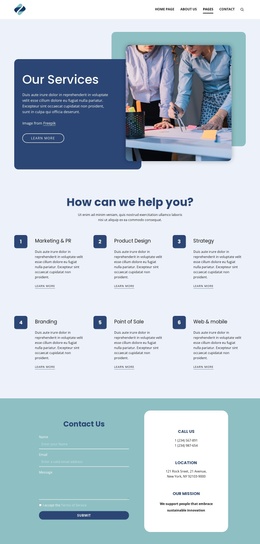
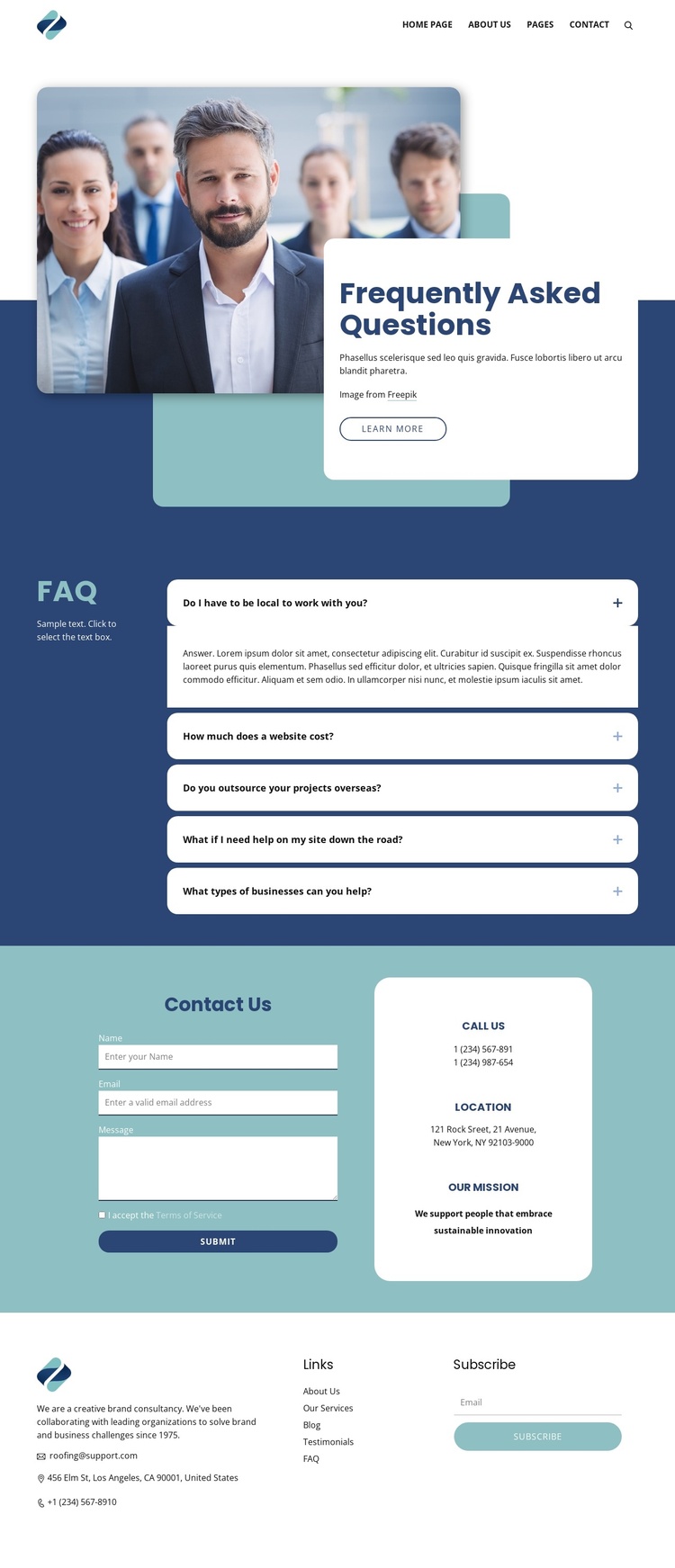
FAQ content, contact details, and menus form clear Joomla regions
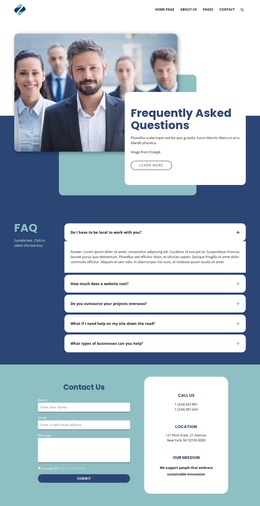
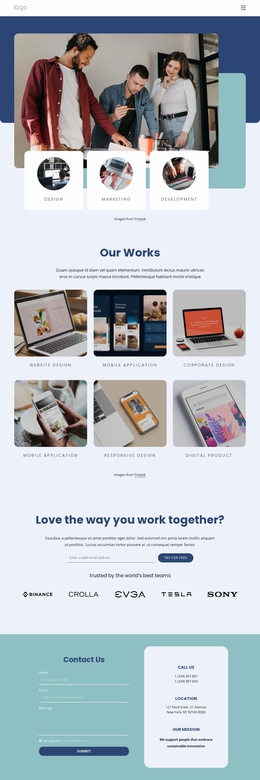
The five-question accordion divides the page into a structured information area that can be interpreted as recurring FAQ content within a CMS-managed site. It follows a navigation header with a logo, menu links, and search control, so visitors can reach the FAQ page from a wider site structure and continue looking for related information. The hero adds a separate editorial layer: a team photograph, the Frequently Asked Questions heading, supporting text, and Learn more action establish context before the questions begin.
The contact section creates another distinct content region by placing the inquiry form next to a rounded panel with phone, email, location, and mission details. This separation helps keep service information and direct communication recognizable as different parts of the page. A three-column footer then groups company description, contact details, link lists, and an email subscription form into a shared closing area. For a Joomla project, these relationships are useful when recurring informational sections, navigation, and contact-oriented regions need to remain coordinated as site content is maintained through the CMS. The blue, teal, white, and charcoal palette, rounded controls, bold sans-serif type, and generous spacing provide the common visual frame without turning sample addresses, phone numbers, or mission copy into verified business facts.
Customize with Nicepage
Open this ready-made template in the Joomla Page Builder and customize it visually in the Nicepage editor. Replace demo content, edit page sections, and adapt the design to your project without rebuilding the template from scratch.
Work With This Template in Joomla
Customize and Install the Joomla Template
Start with this ready-made template instead of building the Joomla design from scratch. Customize its layout, content, typography, images, sections, and other design elements visually in the Nicepage application, then export and install the Joomla Template, Nicepage Extension, and supported content on your Joomla website.
Edit the Template Directly in Joomla
After installation, you can edit the Joomla Template directly in Joomla with the Nicepage Joomla Extension. Customize the Header, Footer, Colors, Fonts, typography, and Page Templates from the Joomla workflow while keeping the site design connected with your CMS content.
Edit Joomla Articles Visually
Use the Nicepage Joomla Extension to open and edit Joomla Articles visually from the Joomla Administrator. Change text, images, sections, layouts, and other page content in the Nicepage editor while continuing to manage the Articles through Joomla.
Joomla Content and Template Integration
Use the customized template together with Joomla Articles, module Positions, menus, forms, Blog Pages, and other supported CMS elements. With the Nicepage Extension used as the Site Style Source, shared design settings can be applied across Joomla Articles while Joomla continues to provide the CMS environment for managing site content.
This workflow combines a ready-made Joomla Template with visual customization, direct template editing in Joomla, and continued content management through the Nicepage Joomla Extension.