Bold Concepts Joomla Template


Edit Template Offline
2. Create new page and search for id 6348347
Edit Template Online
Create Awesome Websites


Free Nicepage Builder
Keywords
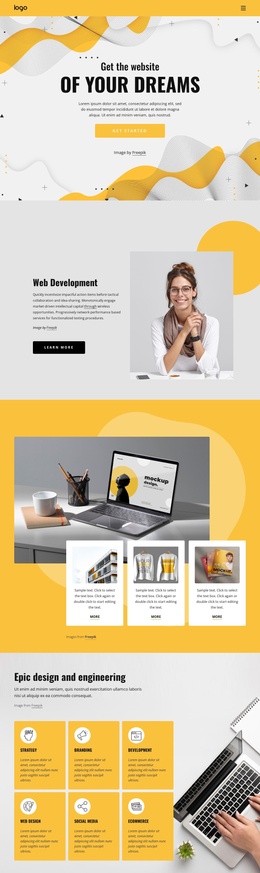
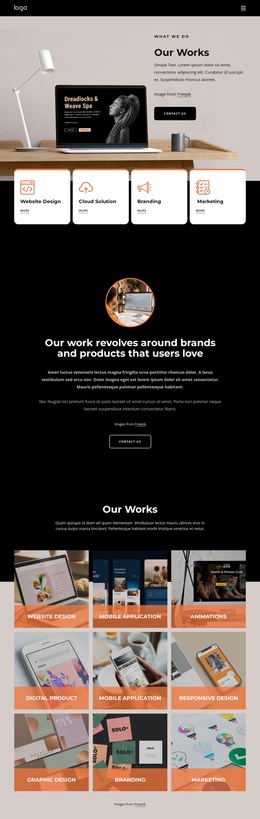
Services, Galleries, and Shared Regions Suit Structured CMS Content
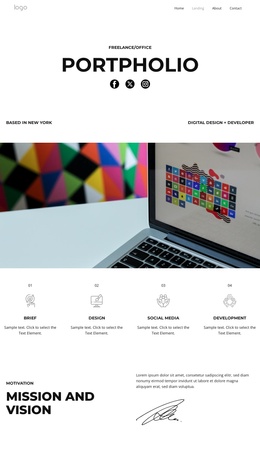
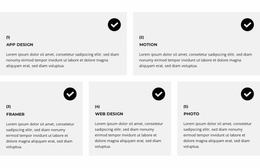
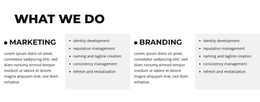
The service-oriented sections divide the design into content areas that can be maintained separately in a CMS-managed creative site. Marketing and branding appear as broad capability groups, with supporting lists for identity development, reputation management, naming and tagline creation, consistency management, and refresh work. The later accordion gives five additional service categories their own expandable rows, creating a second level of organized information without disturbing the main page flow.
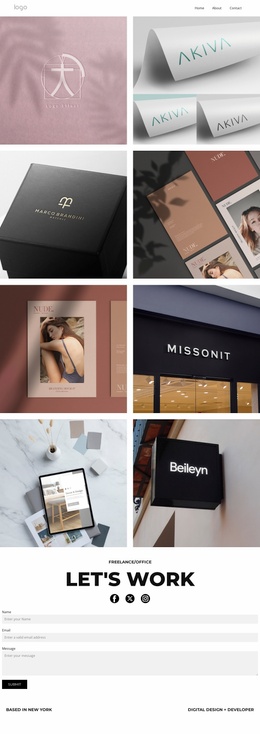
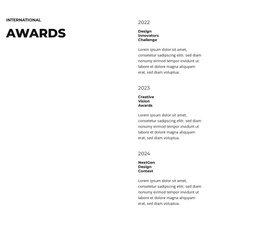
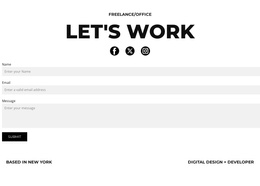
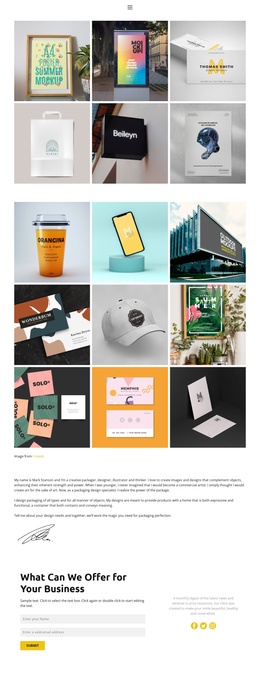
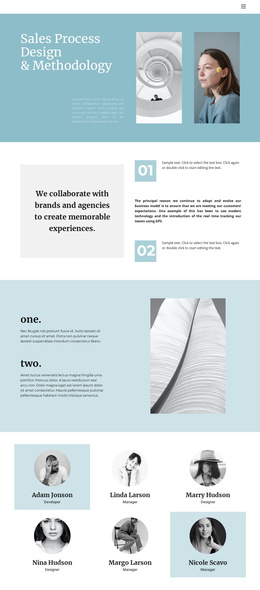
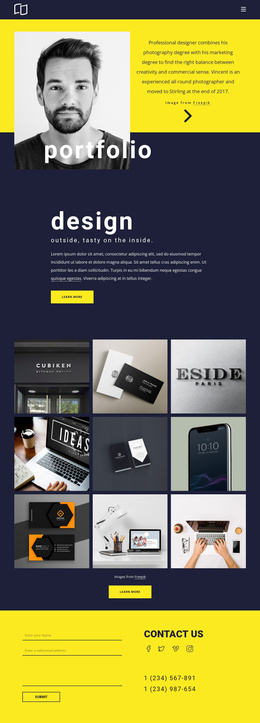
The portfolio evidence is structured just as clearly. A four-image gallery introduces selected work, while the later six-image gallery provides a larger project area. Between them, the testimonial panel, eight logo marks, three-person team presentation, and three dated award entries create reusable regions for trust and professional context. Navigation, social links, and the closing Contact Us form connect these content areas into one site presentation, with the form collecting name, email, and message information. For a Joomla-oriented project, the value lies in preserving these distinct service, portfolio, people, and contact regions while editorial content is managed through the CMS. The interpretation does not require treating demo names, addresses, quotes, or award labels as independently verified business facts.
Customize with Nicepage
Open this ready-made template in the Joomla Page Builder and customize it visually in the Nicepage editor. Replace demo content, edit page sections, and adapt the design to your project without rebuilding the template from scratch.
Work With This Template in Joomla
Customize and Install the Joomla Template
Start with this ready-made template instead of building the Joomla design from scratch. Customize its layout, content, typography, images, sections, and other design elements visually in the Nicepage application, then export and install the Joomla Template, Nicepage Extension, and supported content on your Joomla website.
Edit the Template Directly in Joomla
After installation, you can edit the Joomla Template directly in Joomla with the Nicepage Joomla Extension. Customize the Header, Footer, Colors, Fonts, typography, and Page Templates from the Joomla workflow while keeping the site design connected with your CMS content.
Edit Joomla Articles Visually
Use the Nicepage Joomla Extension to open and edit Joomla Articles visually from the Joomla Administrator. Change text, images, sections, layouts, and other page content in the Nicepage editor while continuing to manage the Articles through Joomla.
Joomla Content and Template Integration
Use the customized template together with Joomla Articles, module Positions, menus, forms, Blog Pages, and other supported CMS elements. With the Nicepage Extension used as the Site Style Source, shared design settings can be applied across Joomla Articles while Joomla continues to provide the CMS environment for managing site content.
This workflow combines a ready-made Joomla Template with visual customization, direct template editing in Joomla, and continued content management through the Nicepage Joomla Extension.