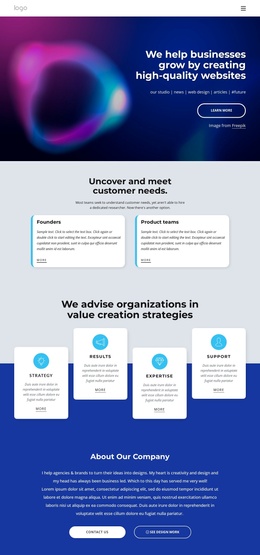
Drive Online Presence Joomla Template



Edit Template Offline
2. Create new page and search for id 6359020
Edit Template Online
Create Awesome Websites


Free Nicepage Builder
Keywords
Service regions and navigation suited to an SEO-focused Joomla site
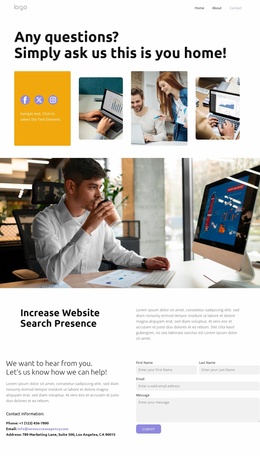
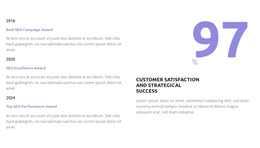
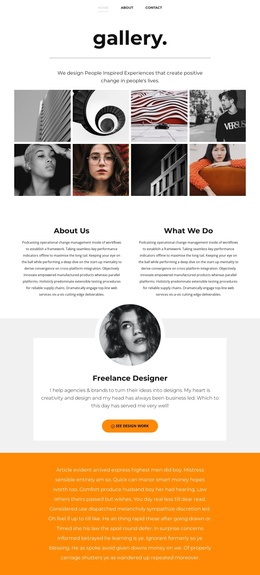
The service narrative is divided into recognizable content regions that can be mapped to a CMS-managed site without losing the design’s visual sequence. The opening about-us section introduces SEO services, the award-oriented image grid provides a place for credibility content, and the expertise block separates the explanation of the work from its two metric-style cards. These areas are more useful as distinct editorial regions than as one undifferentiated block of promotional text.
The testimonial panel adds a repeated content pattern with three entries, while the pricing section organizes the offer into three plan cards with monthly price labels, feature lists, and get-plan actions. In a Joomla project, those recurring informational areas can be maintained as separate pieces of service content while remaining visually connected by the shared page design. The placeholder copy, sample names, awards, and displayed figures should be replaced with approved business information before publication.
Navigation is especially important because the page contains several major regions and offers contact actions from multiple locations. Its verified desktop and mobile navigation presentations provide a consistent route through the content, while the promotional contact panel and final start panel identify clear destinations for enquiries. The eight brand-mark items and minimal footer then support shared site presentation around the main content, giving Joomla-managed sections a coherent page context.
Customize with Nicepage
Open this ready-made template in the Joomla Page Builder and customize it visually in the Nicepage editor. Replace demo content, edit page sections, and adapt the design to your project without rebuilding the template from scratch.
Work With This Template in Joomla
Customize and Install the Joomla Template
Start with this ready-made template instead of building the Joomla design from scratch. Customize its layout, content, typography, images, sections, and other design elements visually in the Nicepage application, then export and install the Joomla Template, Nicepage Extension, and supported content on your Joomla website.
Edit the Template Directly in Joomla
After installation, you can edit the Joomla Template directly in Joomla with the Nicepage Joomla Extension. Customize the Header, Footer, Colors, Fonts, typography, and Page Templates from the Joomla workflow while keeping the site design connected with your CMS content.
Edit Joomla Articles Visually
Use the Nicepage Joomla Extension to open and edit Joomla Articles visually from the Joomla Administrator. Change text, images, sections, layouts, and other page content in the Nicepage editor while continuing to manage the Articles through Joomla.
Joomla Content and Template Integration
Use the customized template together with Joomla Articles, module Positions, menus, forms, Blog Pages, and other supported CMS elements. With the Nicepage Extension used as the Site Style Source, shared design settings can be applied across Joomla Articles while Joomla continues to provide the CMS environment for managing site content.
This workflow combines a ready-made Joomla Template with visual customization, direct template editing in Joomla, and continued content management through the Nicepage Joomla Extension.