Flexible childcare for busy lives Joomla Template


Edit Template Offline
2. Create new page and search for id 6331065
Edit Template Online
Create Awesome Websites


Free Nicepage Builder
Keywords
Service Cards and Contact Regions Map Naturally to Managed Joomla Content
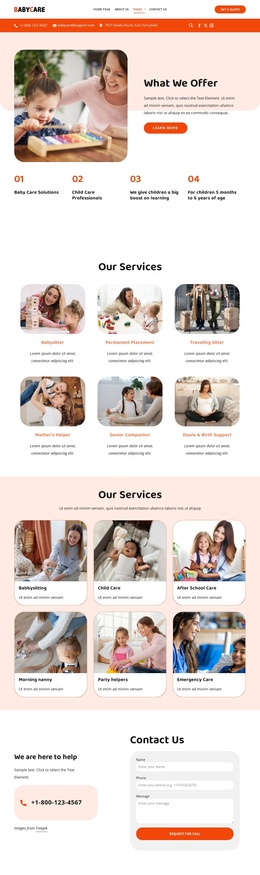
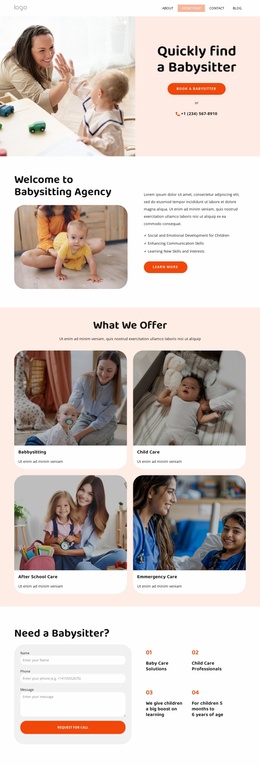
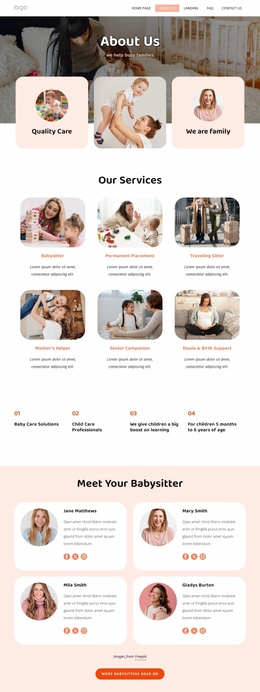
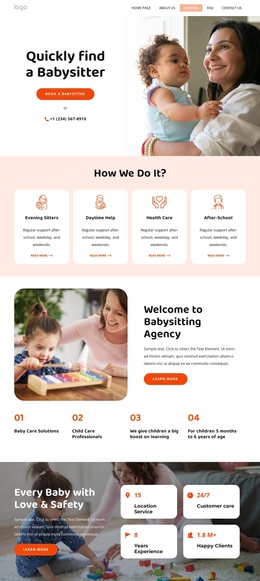
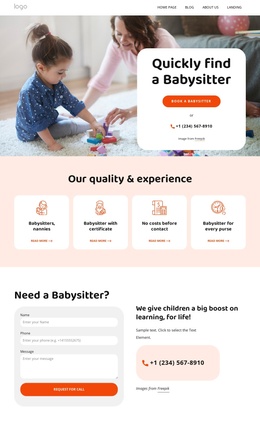
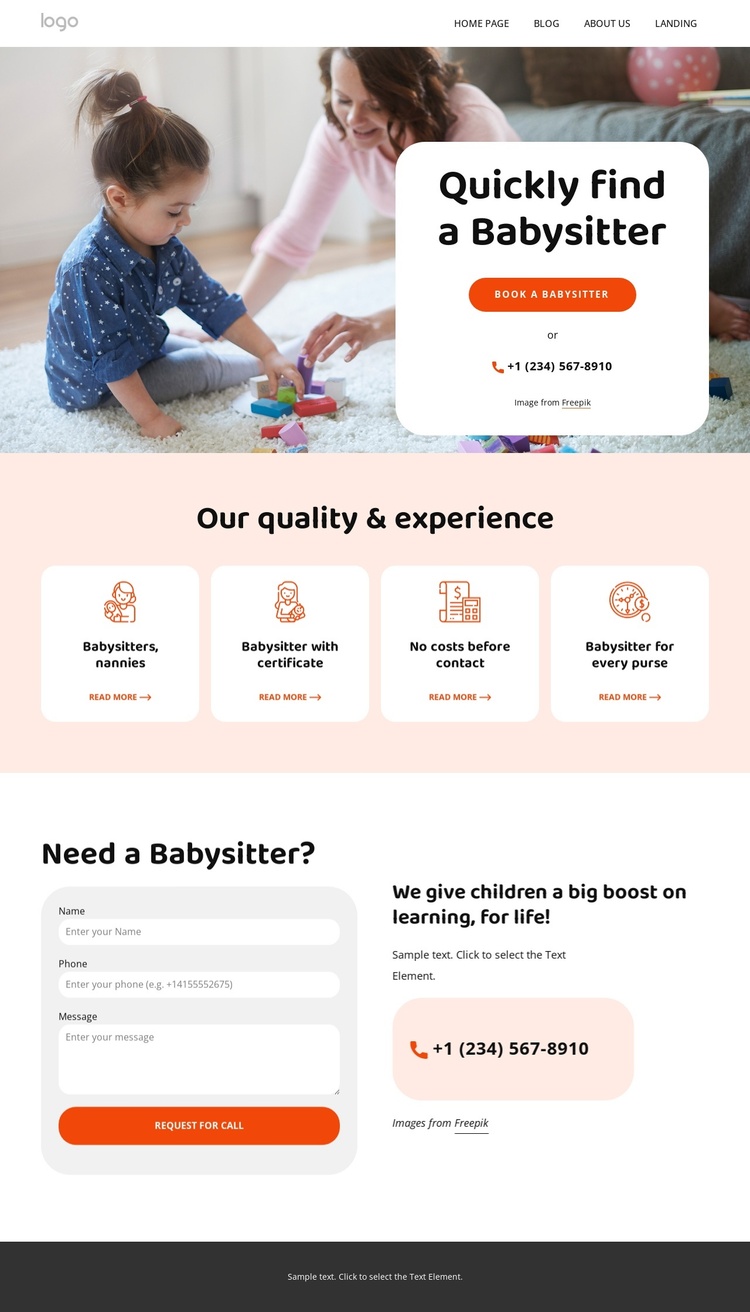
The four-card “Our quality & experience” section divides the childcare offer into recognizable information areas: babysitters, nannies, certified babysitters, and supporting benefits. That separation is useful when a Joomla project needs structured service content rather than one uninterrupted text block. Each card has a clear subject and link-oriented role, while the shared white rounded treatment keeps the categories visually connected. The design can therefore preserve a common presentation as individual service information is refined.
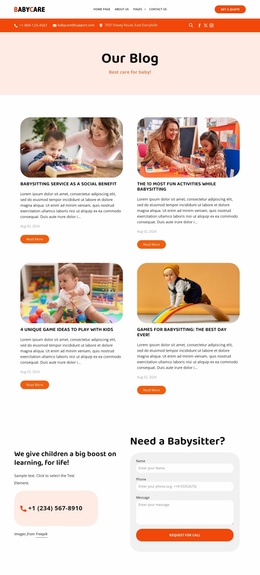
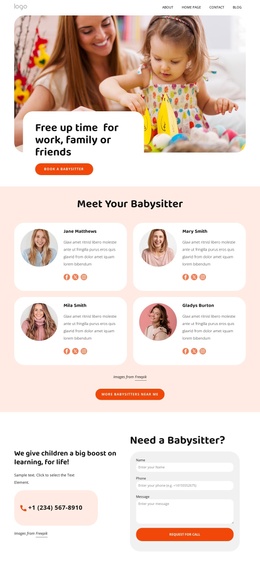
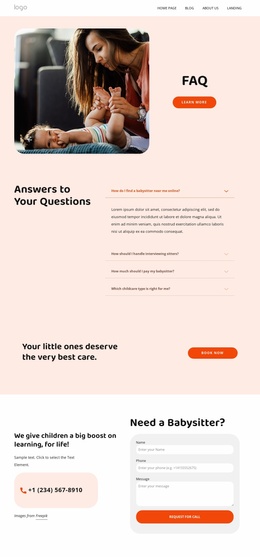
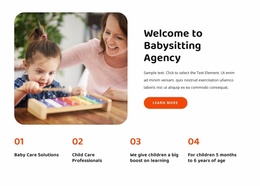
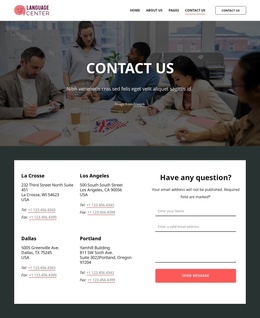
Navigation and contact content provide a second layer of organization. The hero includes a booking action and telephone option, the callback region requests a name, phone number, and message, and the footer repeats practical channels through address, map, phone, email, and grouped quick links. These areas give the site a clear relationship between informational content and family response. The newsletter signup remains a distinct footer interaction instead of being confused with the callback request. Facebook, Twitter, and Instagram links add another defined content channel in the closing region.
The page’s strong division between service information, response content, and shared footer material suits a CMS-managed Joomla site because each region can retain a stable visual role while its wording or destination changes. The coral footer and rounded cards also provide visual continuity across related content areas. Rather than requiring a new layout for every service message, the design offers a coordinated structure for maintaining childcare information, navigation, contact details, and subscription content together.
Customize with Nicepage
Open this ready-made template in the Joomla Page Builder and customize it visually in the Nicepage editor. Replace demo content, edit page sections, and adapt the design to your project without rebuilding the template from scratch.
Work With This Template in Joomla
Customize and Install the Joomla Template
Start with this ready-made template instead of building the Joomla design from scratch. Customize its layout, content, typography, images, sections, and other design elements visually in the Nicepage application, then export and install the Joomla Template, Nicepage Extension, and supported content on your Joomla website.
Edit the Template Directly in Joomla
After installation, you can edit the Joomla Template directly in Joomla with the Nicepage Joomla Extension. Customize the Header, Footer, Colors, Fonts, typography, and Page Templates from the Joomla workflow while keeping the site design connected with your CMS content.
Edit Joomla Articles Visually
Use the Nicepage Joomla Extension to open and edit Joomla Articles visually from the Joomla Administrator. Change text, images, sections, layouts, and other page content in the Nicepage editor while continuing to manage the Articles through Joomla.
Joomla Content and Template Integration
Use the customized template together with Joomla Articles, module Positions, menus, forms, Blog Pages, and other supported CMS elements. With the Nicepage Extension used as the Site Style Source, shared design settings can be applied across Joomla Articles while Joomla continues to provide the CMS environment for managing site content.
This workflow combines a ready-made Joomla Template with visual customization, direct template editing in Joomla, and continued content management through the Nicepage Joomla Extension.