Company offices Joomla Template


LDN, NYC, and SYD Create a Structured Joomla Content Region
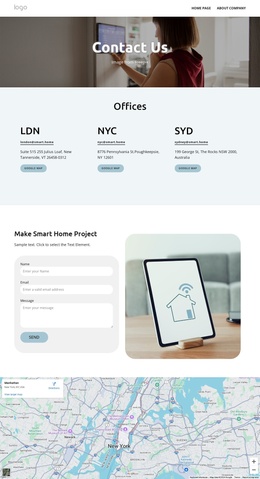
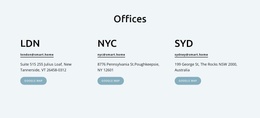
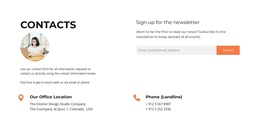
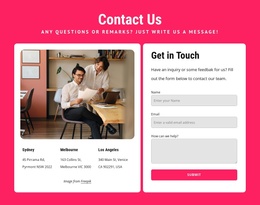
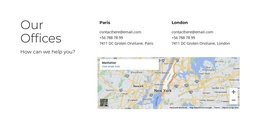
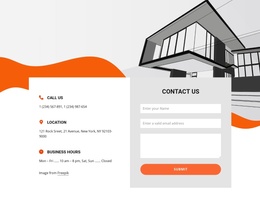
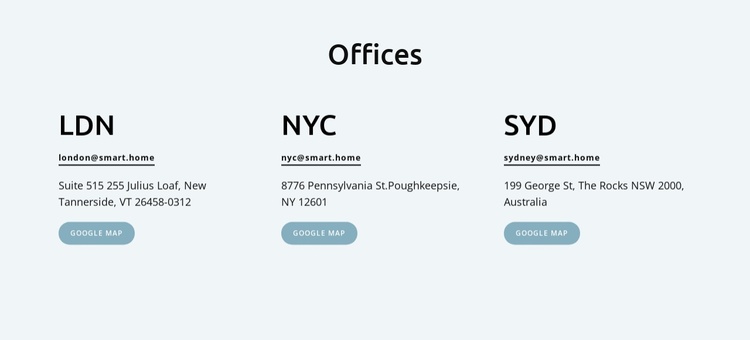
The three office entries divide the section into clear, parallel information units. LDN, NYC, and SYD are not presented as unrelated text: each city label leads into the same sequence of contact details, including an email link, street address, and Google Map action. This repeated content model gives the block a predictable structure for a Joomla-managed page, where a visitor can compare locations and choose the relevant contact or map option without scanning a dense paragraph.
The centered “Offices” heading acts as the section’s shared introduction, while the three-column arrangement keeps the locations visible at the same level of importance. Pale blue-gray behind the content separates the region from neighboring page material, and the dark type, compact email lines, horizontal separators, and muted blue buttons distinguish information from action. The result is a stable contact area that can participate in a larger CMS-managed page while retaining its own visual and editorial role.
The displayed addresses and email values serve as the entry structure and can be replaced with the appropriate office data. In a Joomla-oriented project, this block can remain the visual presentation for structured location information while the broader site handles its other articles, pages, and content regions separately. The section itself stays limited to office details, email access, and map actions.
Customize with Nicepage
Open this ready-made template in the Joomla Page Builder and customize it visually in the Nicepage editor. Replace demo content, edit page sections, and adapt the design to your project without rebuilding the template from scratch.
Edit Template Offline
2. Create a new page or select existing
3. Click Add new block, search for id 6328911 and click enter
Edit Template Online
Create Awesome Websites


Free Nicepage Builder
Keywords
Work With This Template in Joomla
Customize and Install the Joomla Template
Start with this ready-made template instead of building the Joomla design from scratch. Customize its layout, content, typography, images, sections, and other design elements visually in the Nicepage application, then export and install the Joomla Template, Nicepage Extension, and supported content on your Joomla website.
Edit the Template Directly in Joomla
After installation, you can edit the Joomla Template directly in Joomla with the Nicepage Joomla Extension. Customize the Header, Footer, Colors, Fonts, typography, and Page Templates from the Joomla workflow while keeping the site design connected with your CMS content.
Edit Joomla Articles Visually
Use the Nicepage Joomla Extension to open and edit Joomla Articles visually from the Joomla Administrator. Change text, images, sections, layouts, and other page content in the Nicepage editor while continuing to manage the Articles through Joomla.
Joomla Content and Template Integration
Use the customized template together with Joomla Articles, module Positions, menus, forms, Blog Pages, and other supported CMS elements. With the Nicepage Extension used as the Site Style Source, shared design settings can be applied across Joomla Articles while Joomla continues to provide the CMS environment for managing site content.
This workflow combines a ready-made Joomla Template with visual customization, direct template editing in Joomla, and continued content management through the Nicepage Joomla Extension.