Passionate about creativity Joomla Template


Edit Template Offline
2. Create new page and search for id 6267335
Edit Template Online
Create Awesome Websites


Free Nicepage Builder
Keywords
Programs, Testimonials, and Social Links in Structured Content Areas
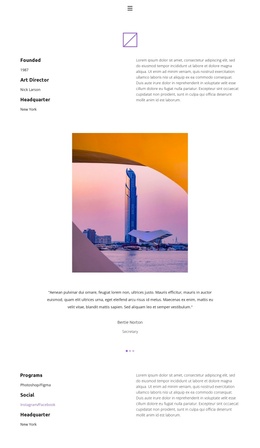
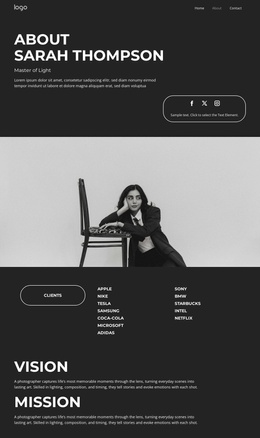
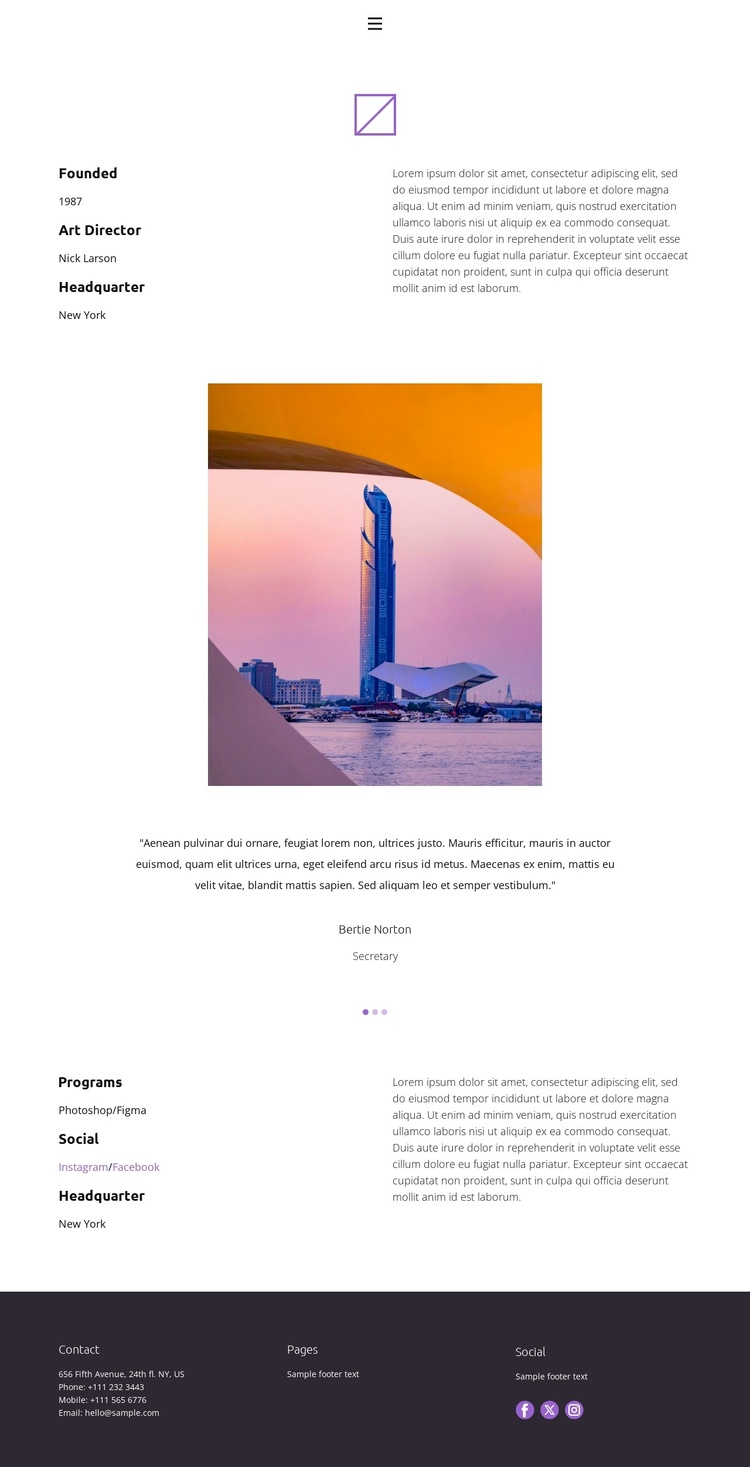
The two-column About section gives the page a clear starting content region: organization details sit beside descriptive copy, allowing background information to remain distinct from the surrounding visual material. The standalone photographic image then creates a deliberate pause before the centered testimonial carousel. Because the carousel contains three slides with a quotation, person, and role, it can represent recurring profile or feedback content without changing the page’s overall visual direction.
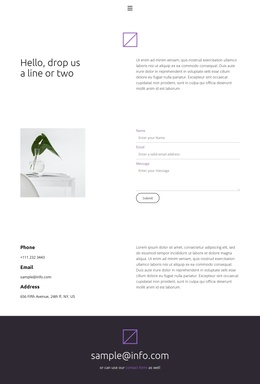
The Programs section adds another structured information area by placing Photoshop and Figma references alongside social links and headquarters information. The footer continues that organization through separate Contact, Pages, and Social columns, including Facebook, Twitter, and Instagram links. Together, these regions provide a practical content arrangement for a Joomla-managed About page: profile information, recurring testimonial entries, program details, and shared site links each have a recognizable place. Joomla Articles or other CMS-managed content can be mapped to these areas while the compact navigation and muted footer preserve the page’s editorial character. The design therefore supports structured publishing without relying on the sample names, address, dates, or placeholder quotations as real organizational facts.
Customize with Nicepage
Open this ready-made template in the Joomla Page Builder and customize it visually in the Nicepage editor. Replace demo content, edit page sections, and adapt the design to your project without rebuilding the template from scratch.
Work With This Template in Joomla
Customize and Install the Joomla Template
Start with this ready-made template instead of building the Joomla design from scratch. Customize its layout, content, typography, images, sections, and other design elements visually in the Nicepage application, then export and install the Joomla Template, Nicepage Extension, and supported content on your Joomla website.
Edit the Template Directly in Joomla
After installation, you can edit the Joomla Template directly in Joomla with the Nicepage Joomla Extension. Customize the Header, Footer, Colors, Fonts, typography, and Page Templates from the Joomla workflow while keeping the site design connected with your CMS content.
Edit Joomla Articles Visually
Use the Nicepage Joomla Extension to open and edit Joomla Articles visually from the Joomla Administrator. Change text, images, sections, layouts, and other page content in the Nicepage editor while continuing to manage the Articles through Joomla.
Joomla Content and Template Integration
Use the customized template together with Joomla Articles, module Positions, menus, forms, Blog Pages, and other supported CMS elements. With the Nicepage Extension used as the Site Style Source, shared design settings can be applied across Joomla Articles while Joomla continues to provide the CMS environment for managing site content.
This workflow combines a ready-made Joomla Template with visual customization, direct template editing in Joomla, and continued content management through the Nicepage Joomla Extension.