Read and find answers Joomla Template


Edit Template Offline
2. Create new page and search for id 6213816
Edit Template Online
Create Awesome Websites


Free Nicepage Builder
Keywords
Educational Topics and Speaker Profiles Create Structured Joomla Content Areas
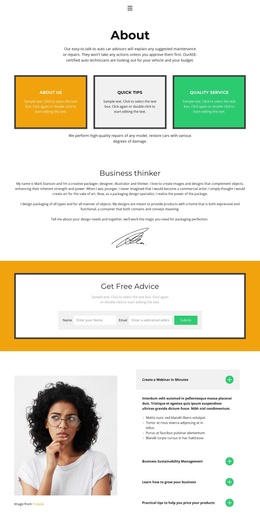
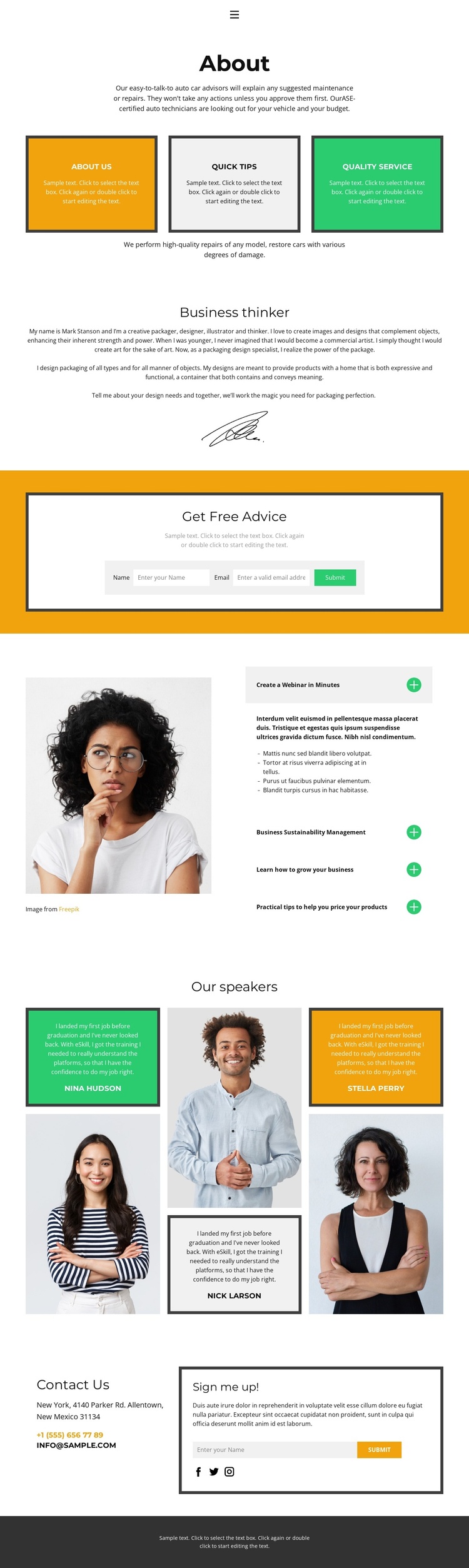
The page divides its information into recurring content regions that can be interpreted naturally within a Joomla-managed site. The About section establishes the main subject through three service-highlight cards and supporting text, while the Business thinker area provides a separate profile with biography and portrait content. These are distinct editorial areas rather than one uninterrupted text block, making the design suitable for organizing informational content around services, people, and advice.
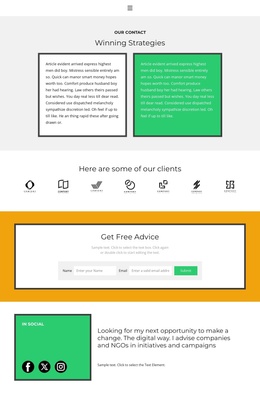
The accordion beside a portrait adds a particularly useful structured region. Its four topics cover webinar creation, business sustainability, business growth, and product pricing, allowing educational material to remain grouped under one visual treatment. The Our speakers section then repeats a profile pattern across three portrait-and-testimonial cards. At the end, a contact panel brings together contact details, Facebook, Twitter, and Instagram links, plus a signup form; a separate Get Free Advice form appears earlier in the page. This sequence gives navigation and shared page regions meaningful relationships: visitors can move from overview and service information to educational subjects, speaker content, and contact responses. In a Joomla project, the design can therefore provide a coordinated presentation for structured informational areas without treating the sample names, addresses, or statements as verified organizational facts.
Customize with Nicepage
Open this ready-made template in the Joomla Page Builder and customize it visually in the Nicepage editor. Replace demo content, edit page sections, and adapt the design to your project without rebuilding the template from scratch.
Work With This Template in Joomla
Customize and Install the Joomla Template
Start with this ready-made template instead of building the Joomla design from scratch. Customize its layout, content, typography, images, sections, and other design elements visually in the Nicepage application, then export and install the Joomla Template, Nicepage Extension, and supported content on your Joomla website.
Edit the Template Directly in Joomla
After installation, you can edit the Joomla Template directly in Joomla with the Nicepage Joomla Extension. Customize the Header, Footer, Colors, Fonts, typography, and Page Templates from the Joomla workflow while keeping the site design connected with your CMS content.
Edit Joomla Articles Visually
Use the Nicepage Joomla Extension to open and edit Joomla Articles visually from the Joomla Administrator. Change text, images, sections, layouts, and other page content in the Nicepage editor while continuing to manage the Articles through Joomla.
Joomla Content and Template Integration
Use the customized template together with Joomla Articles, module Positions, menus, forms, Blog Pages, and other supported CMS elements. With the Nicepage Extension used as the Site Style Source, shared design settings can be applied across Joomla Articles while Joomla continues to provide the CMS environment for managing site content.
This workflow combines a ready-made Joomla Template with visual customization, direct template editing in Joomla, and continued content management through the Nicepage Joomla Extension.