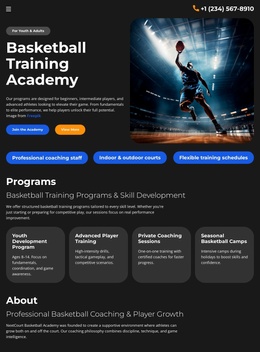
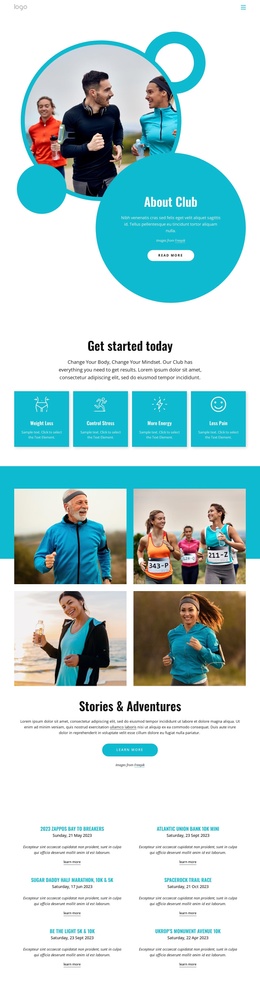
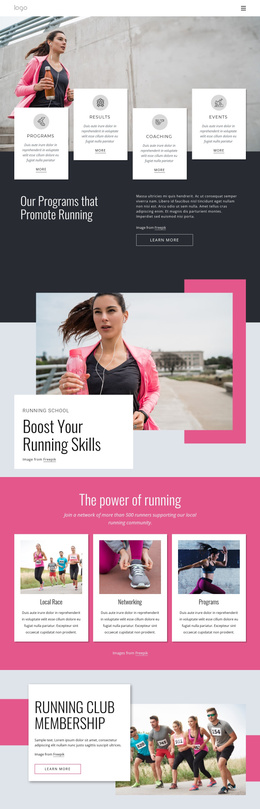
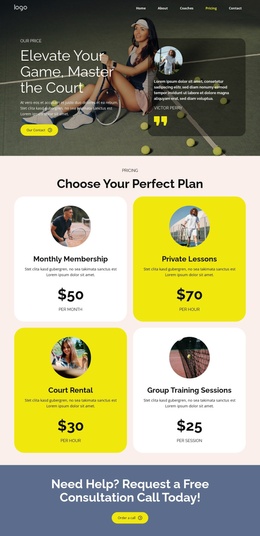
Fitness, nutrition, and mindfulness Joomla Template


The Instructor Statement Forms a Structured Joomla Content Region
The block's content follows a clear informational sequence: an instructor certification and coaching statement introduces the subject, the phone line supplies a direct contact reference, and the email and social line adds further channels beneath it. This order gives the text region a practical progression without requiring tabs, accordions, or other interaction. The centered single-column layout keeps every item aligned to the same reading axis, making the section suitable for a stable CMS-managed content area.
The black background and centered light typography provide a consistent visual frame for the text, while the portrait appears as a separate region below. Its position preserves the priority of the contact information and gives the image a supporting role rather than blending it into the contact lines. The generous space between the text and portrait also makes the internal grouping easy to recognize when the section is viewed as part of a larger page.
In a Joomla-managed project, this arrangement can serve as a reusable fitness information region containing structured instructor content and contact references. Joomla can provide the broader editorial environment around it, while the block preserves its own visual order and section purpose. The result is a focused page area for coaching information, phone access, email or social references, and a related portrait without expanding the block into a complete site or CMS template.
Customize with Nicepage
Open this ready-made template in the Joomla Page Builder and customize it visually in the Nicepage editor. Replace demo content, edit page sections, and adapt the design to your project without rebuilding the template from scratch.
Edit Template Offline
2. Create a new page or select existing
3. Click Add new block, search for id 61776 and click enter
Edit Template Online
Create Awesome Websites


Free Nicepage Builder
Keywords
Work With This Template in Joomla
Customize and Install the Joomla Template
Start with this ready-made template instead of building the Joomla design from scratch. Customize its layout, content, typography, images, sections, and other design elements visually in the Nicepage application, then export and install the Joomla Template, Nicepage Extension, and supported content on your Joomla website.
Edit the Template Directly in Joomla
After installation, you can edit the Joomla Template directly in Joomla with the Nicepage Joomla Extension. Customize the Header, Footer, Colors, Fonts, typography, and Page Templates from the Joomla workflow while keeping the site design connected with your CMS content.
Edit Joomla Articles Visually
Use the Nicepage Joomla Extension to open and edit Joomla Articles visually from the Joomla Administrator. Change text, images, sections, layouts, and other page content in the Nicepage editor while continuing to manage the Articles through Joomla.
Joomla Content and Template Integration
Use the customized template together with Joomla Articles, module Positions, menus, forms, Blog Pages, and other supported CMS elements. With the Nicepage Extension used as the Site Style Source, shared design settings can be applied across Joomla Articles while Joomla continues to provide the CMS environment for managing site content.
This workflow combines a ready-made Joomla Template with visual customization, direct template editing in Joomla, and continued content management through the Nicepage Joomla Extension.