Supporting great brands Joomla Template



Two Action Choices Shape a Structured Brand-Building Region
The heading and supporting paragraph create a compact informational unit around brand-building and thoughtful design. Beneath that message, “Get started” and “Call us” provide two separate action choices, so the section can present both a general starting point and a more direct contact route without requiring a new content group. Their side-by-side placement keeps the response options visible as part of the same centered structure.
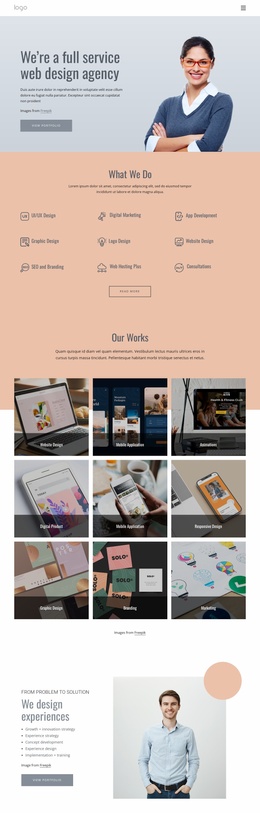
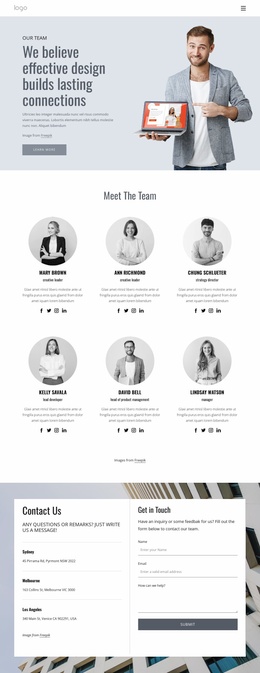
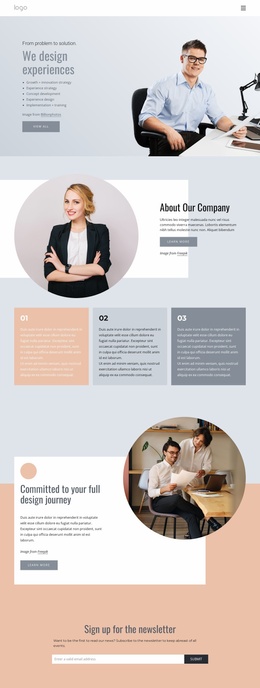
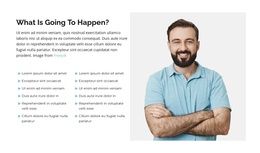
The five-person photograph forms a wide lower band rather than competing with the text above it. This arrangement gives the section a clear sequence: message first, actions second, and a human image as the visual support beneath them. The light gray background separates the region from surrounding content, while the bold heading and lighter line-based copy make the internal hierarchy easy to scan. Filled and outlined rounded buttons add a measured contrast to the otherwise restrained palette.
Within a Joomla-managed page, this block can serve as a stable structured content region for brand or design support. Its heading, explanatory copy, action labels, and image can remain together as one recognizable section while the broader site organizes related information around it. The block can therefore occupy a meaningful content area without being treated as the entire Joomla Template or site.
Customize with Nicepage
Open this ready-made template in the Joomla Page Builder and customize it visually in the Nicepage editor. Replace demo content, edit page sections, and adapt the design to your project without rebuilding the template from scratch.
Edit Template Offline
2. Create a new page or select existing
3. Click Add new block, search for id 61771 and click enter
Edit Template Online
Create Awesome Websites


Free Nicepage Builder
Keywords
Work With This Template in Joomla
Customize and Install the Joomla Template
Start with this ready-made template instead of building the Joomla design from scratch. Customize its layout, content, typography, images, sections, and other design elements visually in the Nicepage application, then export and install the Joomla Template, Nicepage Extension, and supported content on your Joomla website.
Edit the Template Directly in Joomla
After installation, you can edit the Joomla Template directly in Joomla with the Nicepage Joomla Extension. Customize the Header, Footer, Colors, Fonts, typography, and Page Templates from the Joomla workflow while keeping the site design connected with your CMS content.
Edit Joomla Articles Visually
Use the Nicepage Joomla Extension to open and edit Joomla Articles visually from the Joomla Administrator. Change text, images, sections, layouts, and other page content in the Nicepage editor while continuing to manage the Articles through Joomla.
Joomla Content and Template Integration
Use the customized template together with Joomla Articles, module Positions, menus, forms, Blog Pages, and other supported CMS elements. With the Nicepage Extension used as the Site Style Source, shared design settings can be applied across Joomla Articles while Joomla continues to provide the CMS environment for managing site content.
This workflow combines a ready-made Joomla Template with visual customization, direct template editing in Joomla, and continued content management through the Nicepage Joomla Extension.