Creative innovations Joomla Template



Edit Template Offline
2. Create new page and search for id 6061709
Edit Template Online
Create Awesome Websites


Free Nicepage Builder
Keywords
Service Categories and Contact Regions for Joomla Content
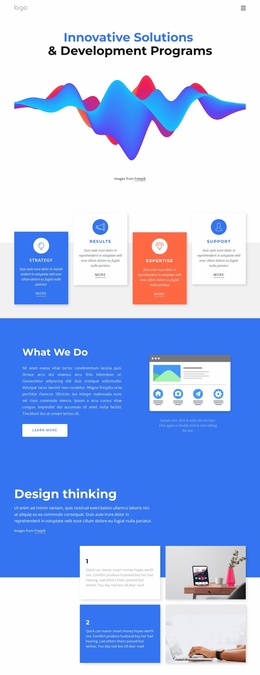
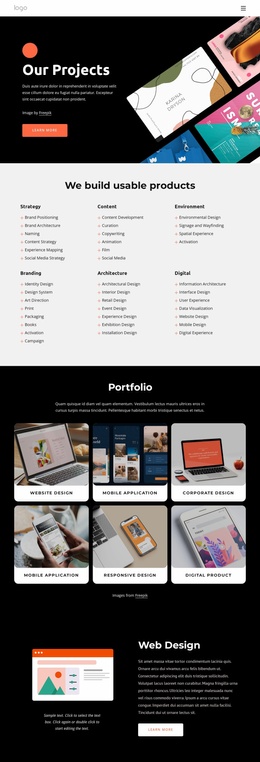
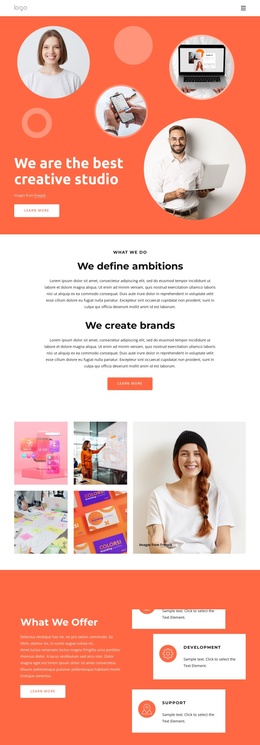
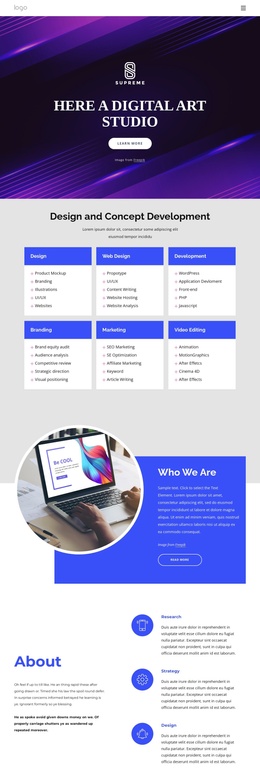
The What We Do and What We Offer sections divide the studio message into clear information regions. Short statements about defining ambitions and creating brands introduce the approach, while the three capability cards identify Design, Development, and Support as distinct offer areas. The later service grid extends that structure with Content, Branding, and Digital categories and more specific entries such as Identity Design, Interface Design, Campaign, and Digital Experience. This progression gives a Joomla project recognizable content groups rather than one undifferentiated About page.
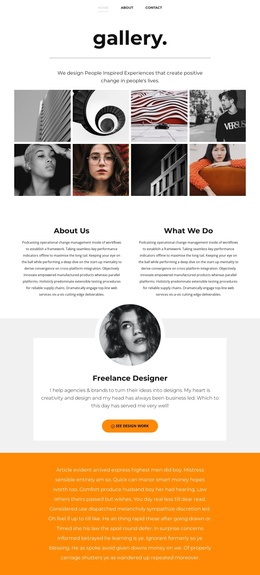
The mission block and six testimonial entries provide separate places for supporting editorial material. The mission image and quote-style card can work as a focused studio statement, while the repeated testimonial arrangement offers a consistent pattern for client-oriented content without treating placeholder names or sample quotations as verified business claims. Navigation, shared page regions, and these recurring content groups can therefore be organized as CMS-managed areas while preserving the design’s visual direction.
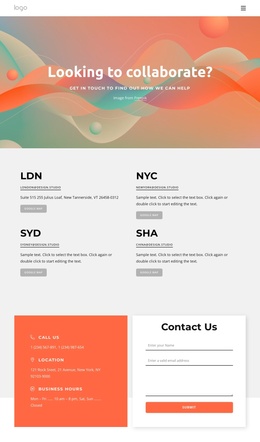
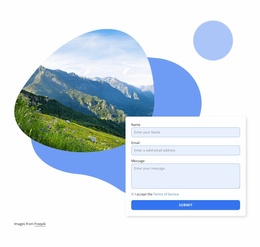
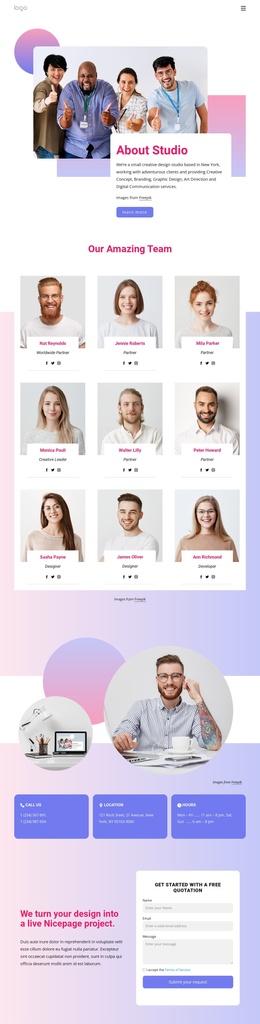
At the end, three contact channels—phone, location, and business hours—sit beside a verified contact form with name, email, and message inputs. That combination gives the page a clearly defined inquiry region. In a Joomla implementation, structured service information, testimonials, mission content, and contact details can be maintained as related site content while the coral, white, gray, and black presentation continues to connect the regions.
Customize with Nicepage
Open this ready-made template in the Joomla Page Builder and customize it visually in the Nicepage editor. Replace demo content, edit page sections, and adapt the design to your project without rebuilding the template from scratch.
Work With This Template in Joomla
Customize and Install the Joomla Template
Start with this ready-made template instead of building the Joomla design from scratch. Customize its layout, content, typography, images, sections, and other design elements visually in the Nicepage application, then export and install the Joomla Template, Nicepage Extension, and supported content on your Joomla website.
Edit the Template Directly in Joomla
After installation, you can edit the Joomla Template directly in Joomla with the Nicepage Joomla Extension. Customize the Header, Footer, Colors, Fonts, typography, and Page Templates from the Joomla workflow while keeping the site design connected with your CMS content.
Edit Joomla Articles Visually
Use the Nicepage Joomla Extension to open and edit Joomla Articles visually from the Joomla Administrator. Change text, images, sections, layouts, and other page content in the Nicepage editor while continuing to manage the Articles through Joomla.
Joomla Content and Template Integration
Use the customized template together with Joomla Articles, module Positions, menus, forms, Blog Pages, and other supported CMS elements. With the Nicepage Extension used as the Site Style Source, shared design settings can be applied across Joomla Articles while Joomla continues to provide the CMS environment for managing site content.
This workflow combines a ready-made Joomla Template with visual customization, direct template editing in Joomla, and continued content management through the Nicepage Joomla Extension.