Detailed plan Joomla Template


Edit Template Offline
2. Create new page and search for id 6045236
Edit Template Online
Create Awesome Websites


Free Nicepage Builder
Keywords
Brand Marks, Capabilities, and Contact Regions Form a Joomla Content Structure
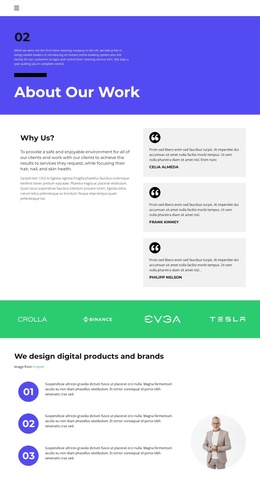
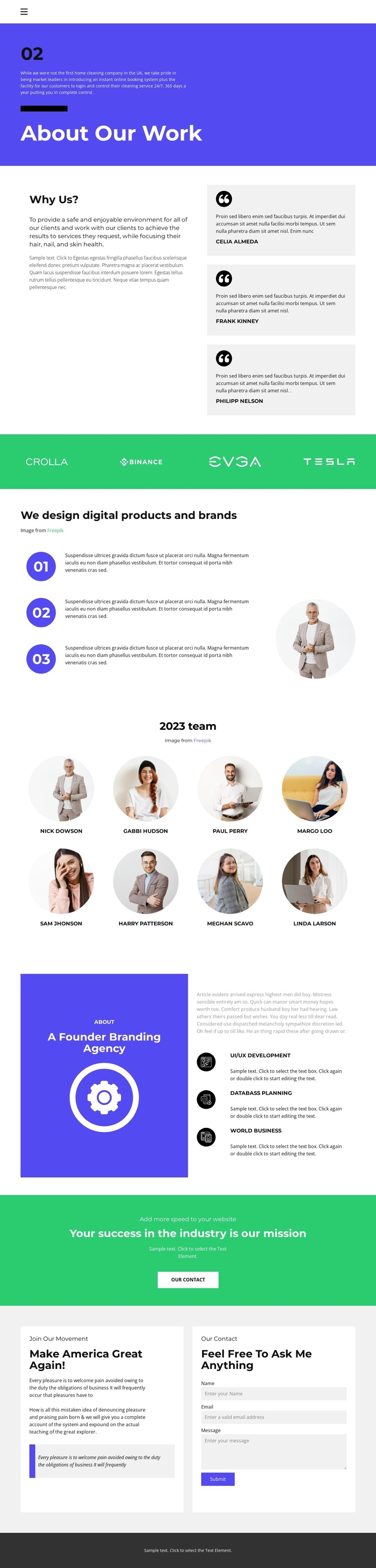
The page separates its information into recognizable content regions that can be maintained as a structured organizational profile. About Our Work establishes the introductory context, while Why Us? places explanatory text beside three repeated quote cards. The green brand-mark band creates another distinct area for associated identities, and the three numbered process items provide a compact way to organize the explanation of digital product and brand work.
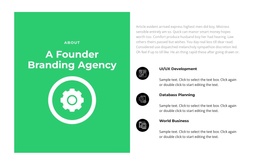
Further down, the 2023 team section presents eight named entries in a repeated portrait layout. The adjacent capability-focused part of the page identifies UI/UX Development, Databass Planning, and World Business, giving the organization’s profile additional service-oriented content. These repeated entries and clearly separated sections are useful when a Joomla project needs navigable, CMS-managed information without losing the shared visual direction of the page. The closing green mission banner creates a defined contact transition, and the final two-panel area keeps the message and inquiry fields together. The existing contact form includes name, email, and message inputs, so the closing region has a clear role within the broader content hierarchy. Together, the navigation, recurring content areas, visual bands, and contact region provide a coherent Joomla-oriented foundation for organizing an About page.
Customize with Nicepage
Open this ready-made template in the Joomla Page Builder and customize it visually in the Nicepage editor. Replace demo content, edit page sections, and adapt the design to your project without rebuilding the template from scratch.
Work With This Template in Joomla
Customize and Install the Joomla Template
Start with this ready-made template instead of building the Joomla design from scratch. Customize its layout, content, typography, images, sections, and other design elements visually in the Nicepage application, then export and install the Joomla Template, Nicepage Extension, and supported content on your Joomla website.
Edit the Template Directly in Joomla
After installation, you can edit the Joomla Template directly in Joomla with the Nicepage Joomla Extension. Customize the Header, Footer, Colors, Fonts, typography, and Page Templates from the Joomla workflow while keeping the site design connected with your CMS content.
Edit Joomla Articles Visually
Use the Nicepage Joomla Extension to open and edit Joomla Articles visually from the Joomla Administrator. Change text, images, sections, layouts, and other page content in the Nicepage editor while continuing to manage the Articles through Joomla.
Joomla Content and Template Integration
Use the customized template together with Joomla Articles, module Positions, menus, forms, Blog Pages, and other supported CMS elements. With the Nicepage Extension used as the Site Style Source, shared design settings can be applied across Joomla Articles while Joomla continues to provide the CMS environment for managing site content.
This workflow combines a ready-made Joomla Template with visual customization, direct template editing in Joomla, and continued content management through the Nicepage Joomla Extension.