Problem Solving Team Joomla Template


Edit Template Offline
2. Create new page and search for id 5622399
Edit Template Online
Create Awesome Websites


Free Nicepage Builder
Keywords
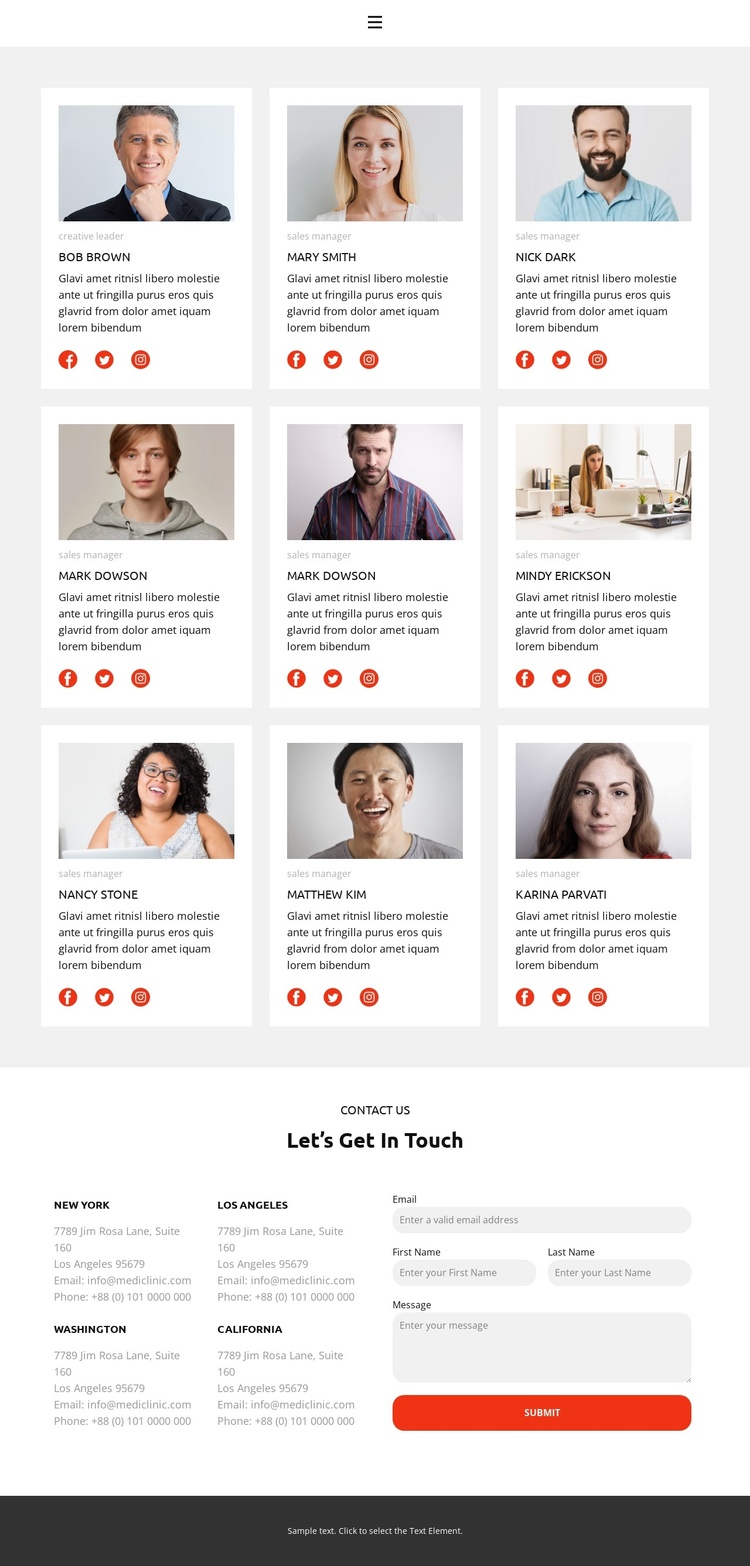
Team profiles and contact regions divide the Joomla content
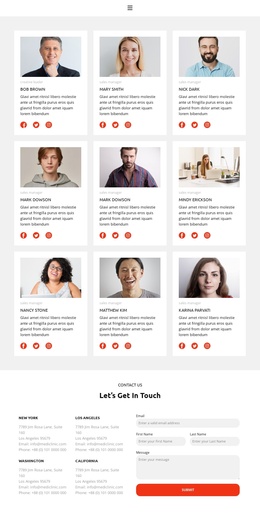
The three-column directory creates a set of clearly separated content areas for team information. Nine repeated profile cards use the same internal pattern of portrait, role, sample name, description, and social links, making the page suitable for structured presentation of recurring organizational content. In a Joomla-managed project, this visual division can help keep profile information recognizable as related content while the navigation continues to connect the Team area with Home, Gallery, and Contact.
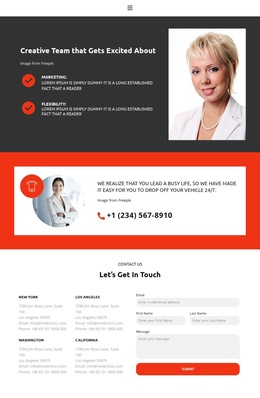
The lower contact region introduces a different content group rather than extending the profile grid indefinitely. Four location labels are placed on the left, and the right side contains a form with email, first name, last name, and message inputs plus a Submit action. This separation gives contact information and inquiries their own region within the page, which is useful when organizing service or organization details through a CMS-managed site. The sample locations and contact values are structural placeholders, not verified business details.
The dark footer provides a shared-looking closing strip, while the compact mobile-navigation component indicates that the menu is part of the page’s access structure. The design therefore connects recurring profiles, navigation, location information, and inquiries without requiring unsupported assumptions about Joomla Articles, categories, or other CMS content types.
Customize with Nicepage
Open this ready-made template in the Joomla Page Builder and customize it visually in the Nicepage editor. Replace demo content, edit page sections, and adapt the design to your project without rebuilding the template from scratch.
Work With This Template in Joomla
Customize and Install the Joomla Template
Start with this ready-made template instead of building the Joomla design from scratch. Customize its layout, content, typography, images, sections, and other design elements visually in the Nicepage application, then export and install the Joomla Template, Nicepage Extension, and supported content on your Joomla website.
Edit the Template Directly in Joomla
After installation, you can edit the Joomla Template directly in Joomla with the Nicepage Joomla Extension. Customize the Header, Footer, Colors, Fonts, typography, and Page Templates from the Joomla workflow while keeping the site design connected with your CMS content.
Edit Joomla Articles Visually
Use the Nicepage Joomla Extension to open and edit Joomla Articles visually from the Joomla Administrator. Change text, images, sections, layouts, and other page content in the Nicepage editor while continuing to manage the Articles through Joomla.
Joomla Content and Template Integration
Use the customized template together with Joomla Articles, module Positions, menus, forms, Blog Pages, and other supported CMS elements. With the Nicepage Extension used as the Site Style Source, shared design settings can be applied across Joomla Articles while Joomla continues to provide the CMS environment for managing site content.
This workflow combines a ready-made Joomla Template with visual customization, direct template editing in Joomla, and continued content management through the Nicepage Joomla Extension.