Our work revolves around brands Joomla Template



Centered Brand Practice Content as a Joomla Page Section
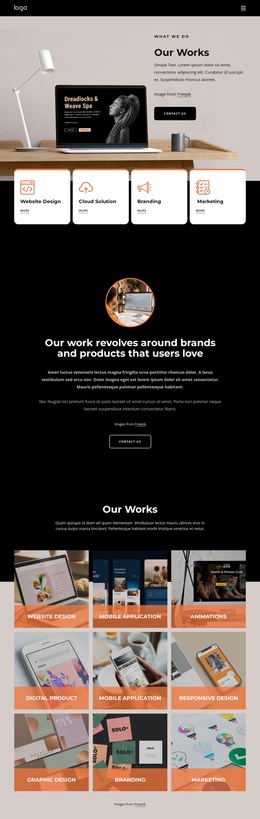
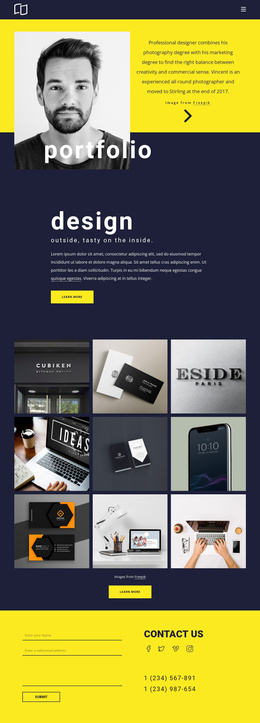
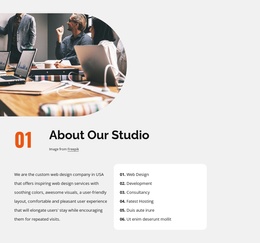
The heading and two supporting paragraphs divide this section into a clear informational unit: an introduction to brand and product design work. The circular image above the heading supplies a visual entry point, while the text below gives the section room to explain its approach. A small Freepik credit line stays associated with the image without interrupting the main reading order, and the “Contact Us” button provides a visible route toward further conversation.
For a Joomla-managed page, this structure can function as a stable about-oriented content region rather than as a standalone site template. The centered column makes the content easy to recognize within a larger page, whether neighboring sections later present work examples, services, or more detailed project information. The block’s role is therefore primarily editorial and introductory: it explains who the design practice serves and leaves the broader page to supply additional context.
The visual treatment reinforces that organization. A black background establishes the field for the section, white typography gives the heading priority, and muted gray paragraphs create a quieter secondary level. The orange outline around the circular image acts as a small accent that connects the visual opening to the rest of the dark composition. In a Joomla project, the block can preserve this relationship as a reusable visual content area while the surrounding CMS-managed page handles other information and navigation.
Customize with Nicepage
Open this ready-made template in the Joomla Page Builder and customize it visually in the Nicepage editor. Replace demo content, edit page sections, and adapt the design to your project without rebuilding the template from scratch.
Edit Template Offline
2. Create a new page or select existing
3. Click Add new block, search for id 5205160 and click enter
Edit Template Online
Create Awesome Websites


Free Nicepage Builder
Keywords
Work With This Template in Joomla
Customize and Install the Joomla Template
Start with this ready-made template instead of building the Joomla design from scratch. Customize its layout, content, typography, images, sections, and other design elements visually in the Nicepage application, then export and install the Joomla Template, Nicepage Extension, and supported content on your Joomla website.
Edit the Template Directly in Joomla
After installation, you can edit the Joomla Template directly in Joomla with the Nicepage Joomla Extension. Customize the Header, Footer, Colors, Fonts, typography, and Page Templates from the Joomla workflow while keeping the site design connected with your CMS content.
Edit Joomla Articles Visually
Use the Nicepage Joomla Extension to open and edit Joomla Articles visually from the Joomla Administrator. Change text, images, sections, layouts, and other page content in the Nicepage editor while continuing to manage the Articles through Joomla.
Joomla Content and Template Integration
Use the customized template together with Joomla Articles, module Positions, menus, forms, Blog Pages, and other supported CMS elements. With the Nicepage Extension used as the Site Style Source, shared design settings can be applied across Joomla Articles while Joomla continues to provide the CMS environment for managing site content.
This workflow combines a ready-made Joomla Template with visual customization, direct template editing in Joomla, and continued content management through the Nicepage Joomla Extension.