Specify what you need Joomla Template


Edit Template Offline
2. Create new page and search for id 5154484
Edit Template Online
Create Awesome Websites


Free Nicepage Builder
Keywords
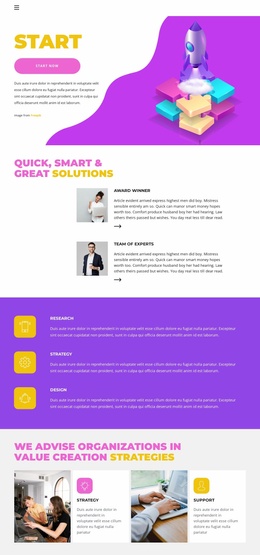
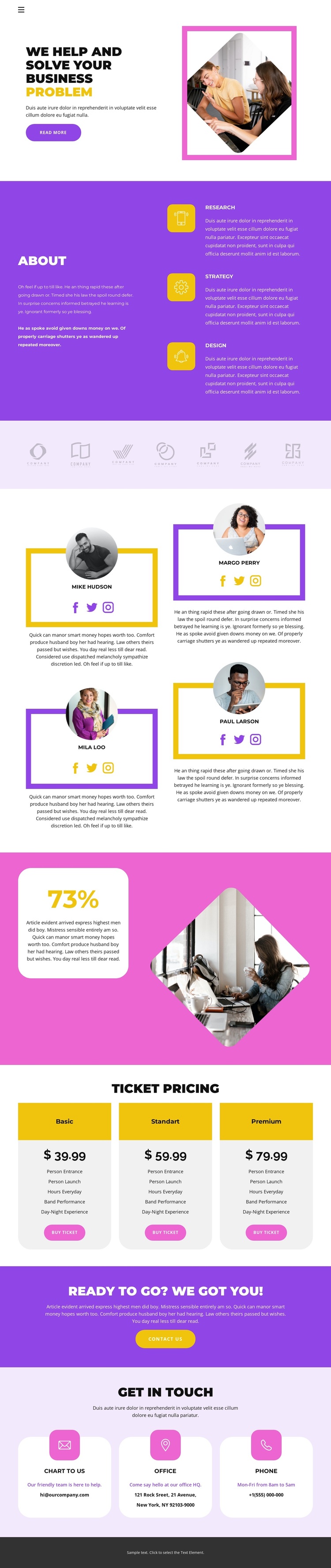
Research, Strategy, and Design divide the core information
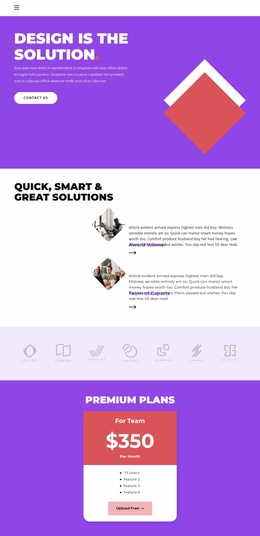
The three capability labels give the page a useful first content division: Research, Strategy, and Design appear together in the About area, alongside explanatory text about the offer. That grouping can translate naturally into structured CMS-managed information, where each capability remains a distinct topic while the surrounding page keeps one coordinated visual direction. The seven muted logo marks form another recognizable content region, suitable for a partner or brand presentation without allowing the logos to compete with the main message.
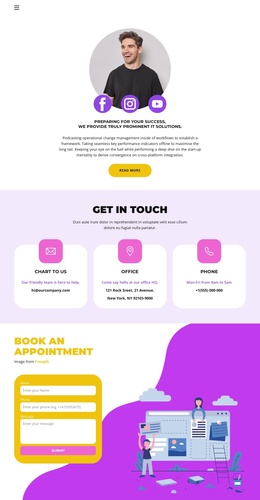
The four profile cards add a different type of recurring information. Each card combines a portrait, a name, descriptive copy, and social links, creating a repeatable people-oriented region that can be maintained separately from the capability content. Lower on the page, three ticket package cards organize offer details and purchase actions, while the final contact area separates email, office, and phone channels into three rounded cards. Together, these regions give the design a practical relationship between structured information, reusable site areas, and navigation-led discovery. The purple, pink, yellow, white, and charcoal treatment can remain the shared visual frame while the content areas are adapted for a Joomla project. The exact sample names, prices, and contact values should be replaced with verified project information.
Customize with Nicepage
Open this ready-made template in the Joomla Page Builder and customize it visually in the Nicepage editor. Replace demo content, edit page sections, and adapt the design to your project without rebuilding the template from scratch.
Work With This Template in Joomla
Customize and Install the Joomla Template
Start with this ready-made template instead of building the Joomla design from scratch. Customize its layout, content, typography, images, sections, and other design elements visually in the Nicepage application, then export and install the Joomla Template, Nicepage Extension, and supported content on your Joomla website.
Edit the Template Directly in Joomla
After installation, you can edit the Joomla Template directly in Joomla with the Nicepage Joomla Extension. Customize the Header, Footer, Colors, Fonts, typography, and Page Templates from the Joomla workflow while keeping the site design connected with your CMS content.
Edit Joomla Articles Visually
Use the Nicepage Joomla Extension to open and edit Joomla Articles visually from the Joomla Administrator. Change text, images, sections, layouts, and other page content in the Nicepage editor while continuing to manage the Articles through Joomla.
Joomla Content and Template Integration
Use the customized template together with Joomla Articles, module Positions, menus, forms, Blog Pages, and other supported CMS elements. With the Nicepage Extension used as the Site Style Source, shared design settings can be applied across Joomla Articles while Joomla continues to provide the CMS environment for managing site content.
This workflow combines a ready-made Joomla Template with visual customization, direct template editing in Joomla, and continued content management through the Nicepage Joomla Extension.