New creative studio Joomla Template
Edit Template Offline
2. Create new page and search for id 447109
Edit Template Online
Create Awesome Websites


Free Nicepage Builder
Keywords
About Me, Team, and Gallery Content Form Structured Joomla Regions
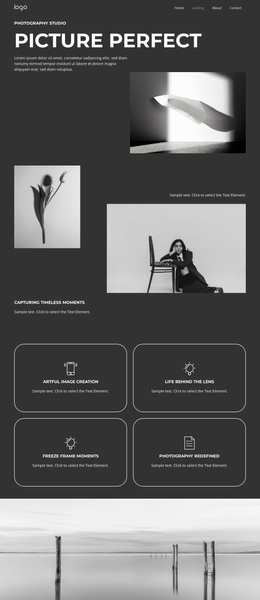
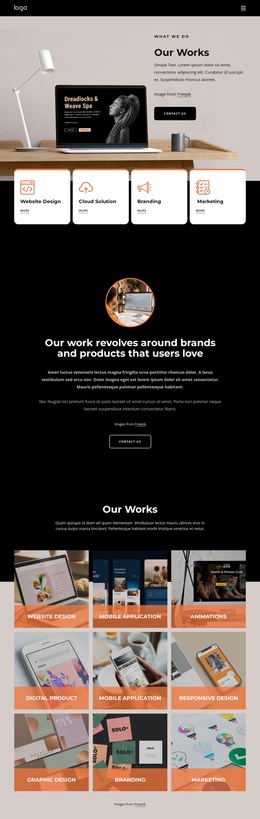
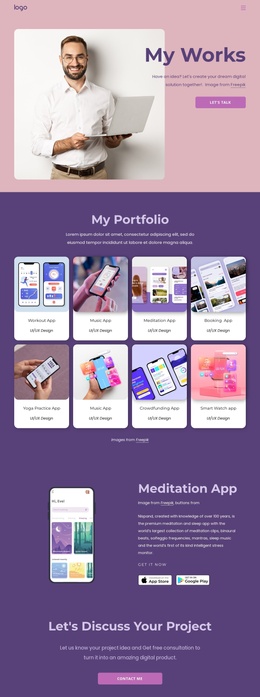
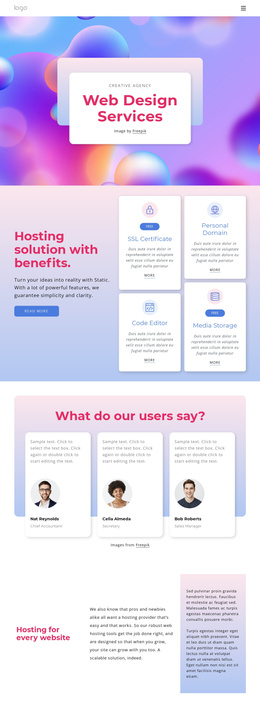
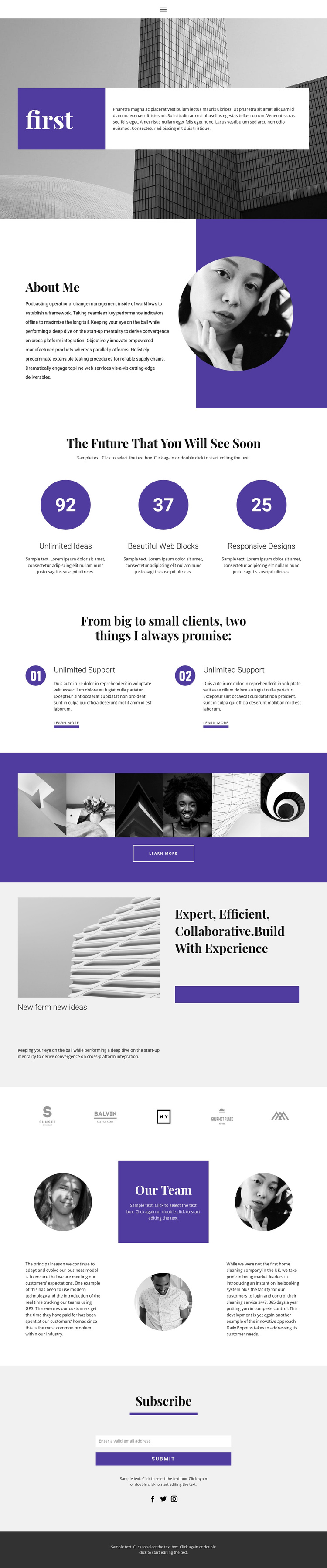
The About Me introduction and Our Team section divide personal and collective information into two distinct content areas. The circular portrait in the first profile section establishes an individual point of reference, while the later team block uses three circular portraits, supporting paragraphs, and centered introductory text to broaden the presentation. Between them, the three-item highlight row and two numbered promise cards create repeatable informational units without changing the page’s visual direction.
The six-image gallery and the row of five brand-like marks add separate visual content zones that can sit alongside more structured service or capability information. The final Subscribe section provides a clearly defined contact-oriented area, with an email control, submit action, supporting text, and social links. Together, these regions give a Joomla project recognizable places for navigation, profile information, recurring highlights, visual work, team content, and subscriptions. The shared purple, white, black, and light-gray palette keeps these regions coordinated, while the contrast between serif headings and compact sans-serif text helps distinguish each content role. This organization is useful when a CMS-managed site needs reusable informational sections without losing the character of its original creative presentation.
Customize with Nicepage
Open this ready-made template in the Joomla Page Builder and customize it visually in the Nicepage editor. Replace demo content, edit page sections, and adapt the design to your project without rebuilding the template from scratch.
Work With This Template in Joomla
Customize and Install the Joomla Template
Start with this ready-made template instead of building the Joomla design from scratch. Customize its layout, content, typography, images, sections, and other design elements visually in the Nicepage application, then export and install the Joomla Template, Nicepage Extension, and supported content on your Joomla website.
Edit the Template Directly in Joomla
After installation, you can edit the Joomla Template directly in Joomla with the Nicepage Joomla Extension. Customize the Header, Footer, Colors, Fonts, typography, and Page Templates from the Joomla workflow while keeping the site design connected with your CMS content.
Edit Joomla Articles Visually
Use the Nicepage Joomla Extension to open and edit Joomla Articles visually from the Joomla Administrator. Change text, images, sections, layouts, and other page content in the Nicepage editor while continuing to manage the Articles through Joomla.
Joomla Content and Template Integration
Use the customized template together with Joomla Articles, module Positions, menus, forms, Blog Pages, and other supported CMS elements. With the Nicepage Extension used as the Site Style Source, shared design settings can be applied across Joomla Articles while Joomla continues to provide the CMS environment for managing site content.
This workflow combines a ready-made Joomla Template with visual customization, direct template editing in Joomla, and continued content management through the Nicepage Joomla Extension.