We are creative business Joomla Template


Edit Template Offline
2. Create new page and search for id 16860
Edit Template Online
Create Awesome Websites


Free Nicepage Builder
Keywords
Service areas and reusable studio regions for Joomla content
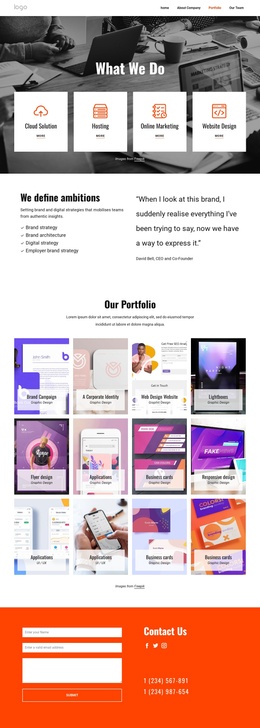
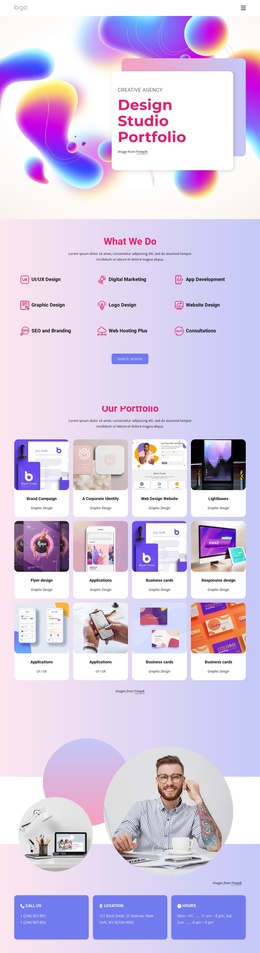
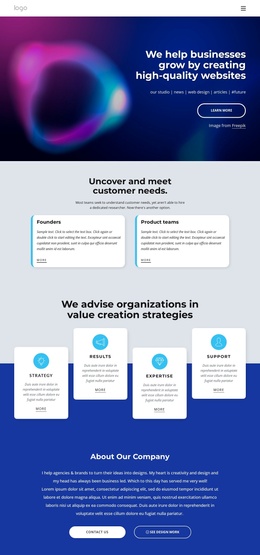
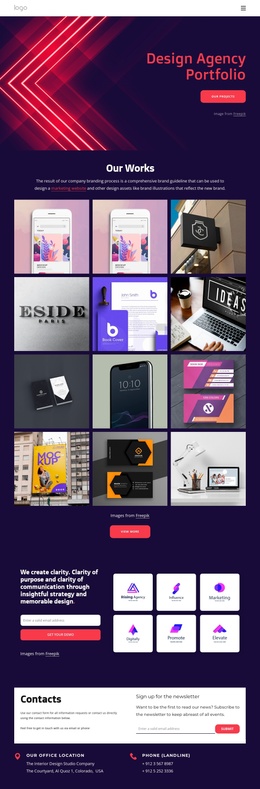
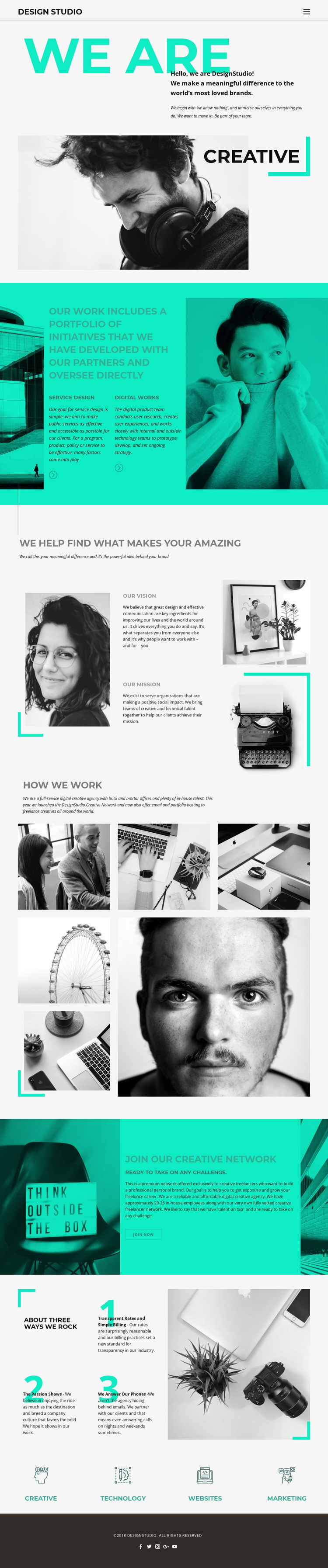
The service descriptions, vision and mission statements, and working-model section divide this design into clear informational regions that can support a Joomla-managed agency site. Service Design and Digital Works provide two distinct content subjects, while the About Us section separates the studio’s broader vision from its mission. That distinction gives editors more than one meaningful area to maintain without flattening the page into a single block of agency copy.
The “How We Work” section adds a different kind of content region. Its explanatory text is paired with a seven-image collage, allowing the visual portfolio material to support the agency narrative rather than compete with the service descriptions. The three numbered principles—Transparent Rates and Simple Billing, The Passion Shows, and We Answer Our Phones—supply another repeatable information pattern that can remain visually coordinated with the surrounding sections.
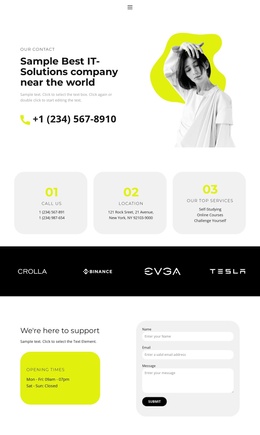
Navigation and shared site regions are also important to the interpretation. The turquoise capability strip groups Creative, Technology, Websites, and Marketing into a compact summary, while the dark footer preserves the Design Studio identity and five social destinations. The Creative Network invitation and “Join now” action then give the page a focused participation area. These relationships make the design suitable for organizing structured agency content in Joomla while retaining one consistent visual presentation.
Customize with Nicepage
Open this ready-made template in the Joomla Page Builder and customize it visually in the Nicepage editor. Replace demo content, edit page sections, and adapt the design to your project without rebuilding the template from scratch.
Work With This Template in Joomla
Customize and Install the Joomla Template
Start with this ready-made template instead of building the Joomla design from scratch. Customize its layout, content, typography, images, sections, and other design elements visually in the Nicepage application, then export and install the Joomla Template, Nicepage Extension, and supported content on your Joomla website.
Edit the Template Directly in Joomla
After installation, you can edit the Joomla Template directly in Joomla with the Nicepage Joomla Extension. Customize the Header, Footer, Colors, Fonts, typography, and Page Templates from the Joomla workflow while keeping the site design connected with your CMS content.
Edit Joomla Articles Visually
Use the Nicepage Joomla Extension to open and edit Joomla Articles visually from the Joomla Administrator. Change text, images, sections, layouts, and other page content in the Nicepage editor while continuing to manage the Articles through Joomla.
Joomla Content and Template Integration
Use the customized template together with Joomla Articles, module Positions, menus, forms, Blog Pages, and other supported CMS elements. With the Nicepage Extension used as the Site Style Source, shared design settings can be applied across Joomla Articles while Joomla continues to provide the CMS environment for managing site content.
This workflow combines a ready-made Joomla Template with visual customization, direct template editing in Joomla, and continued content management through the Nicepage Joomla Extension.